
Build Viral AI Music Videos From Scratch. Here’s the Exact Workflow That Actually Works in 2026
There’s a misunderstanding about generative AI right now.
People think all it takes is a prompt.
Type a sentence, hit generate, and suddenly you’re a creator.
That might get you content.
It will not get you something people care about.
It will not get you something people replay.
And it definitely will not get you something that stands out.
If you want that, you need more than tools. You need direction.
What You’ll Get From This
This is not just a list of tools.
This is not theory.
This is the actual workflow we use at TRAIA to create cinematic AI music videos that people watch, save, and come back to.
By the end, you’ll know:
- • How to go from idea to finished AI music video
- • Which tools actually matter
- • How to prompt like a creator, not a beginner
- • What makes AI content feel real instead of artificial
- • How to build something that feels intentional
The Shift Most People Miss
AI did not replace creativity.
It exposed it.
Now everyone has access to visuals, music, voices, and animation.
Taste. Direction. Intent.
That is the difference between content people scroll past and content they remember.
Our Workflow
This is the system we use. Step by step.
Step 1: Start With a Scene, Not a Prompt
Most people start with something like:
“AI girl singing in a futuristic room”
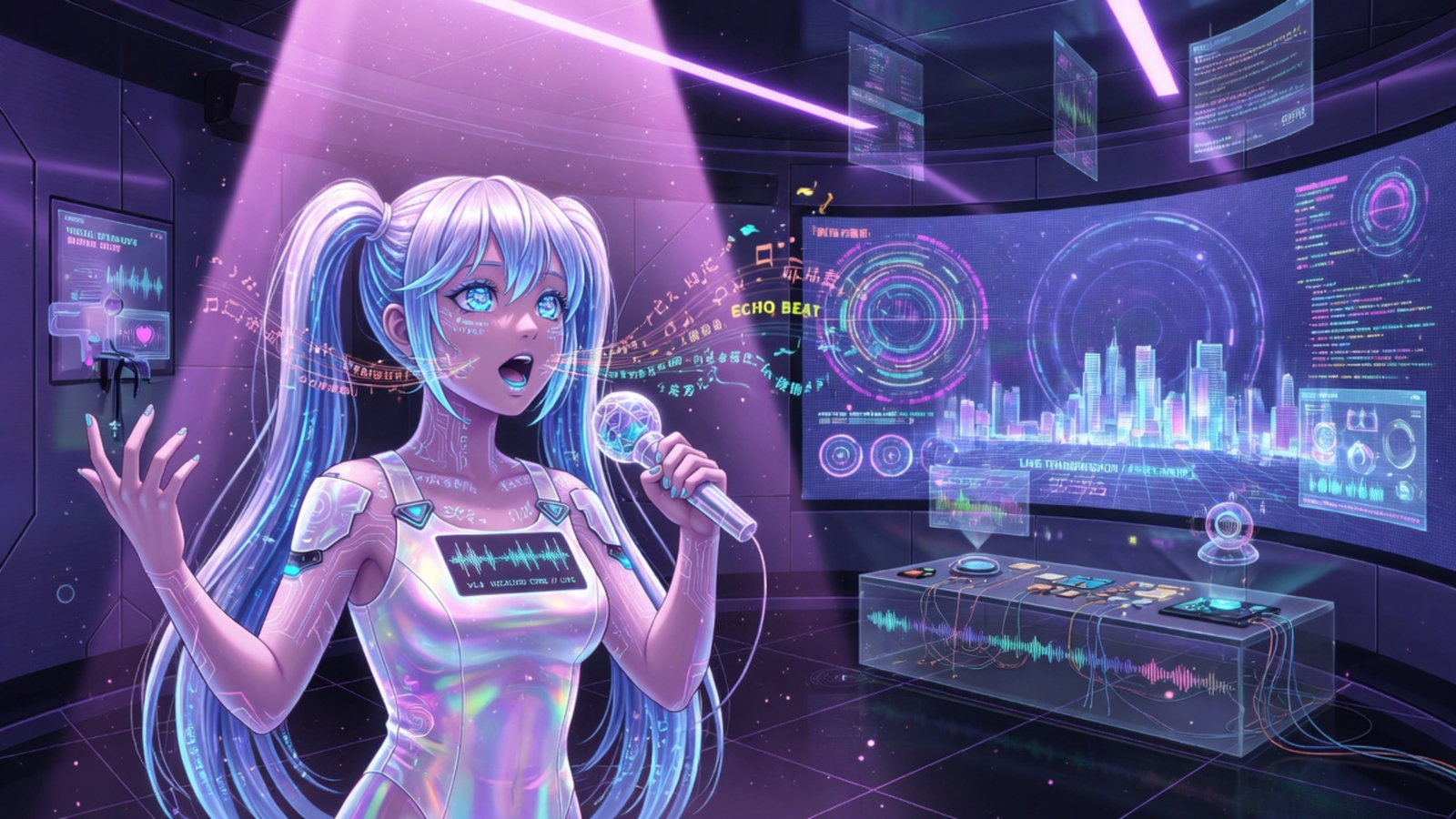
That is why everything looks the same.
We start with a moment.
A feeling.
A frame from a film that does not exist yet.
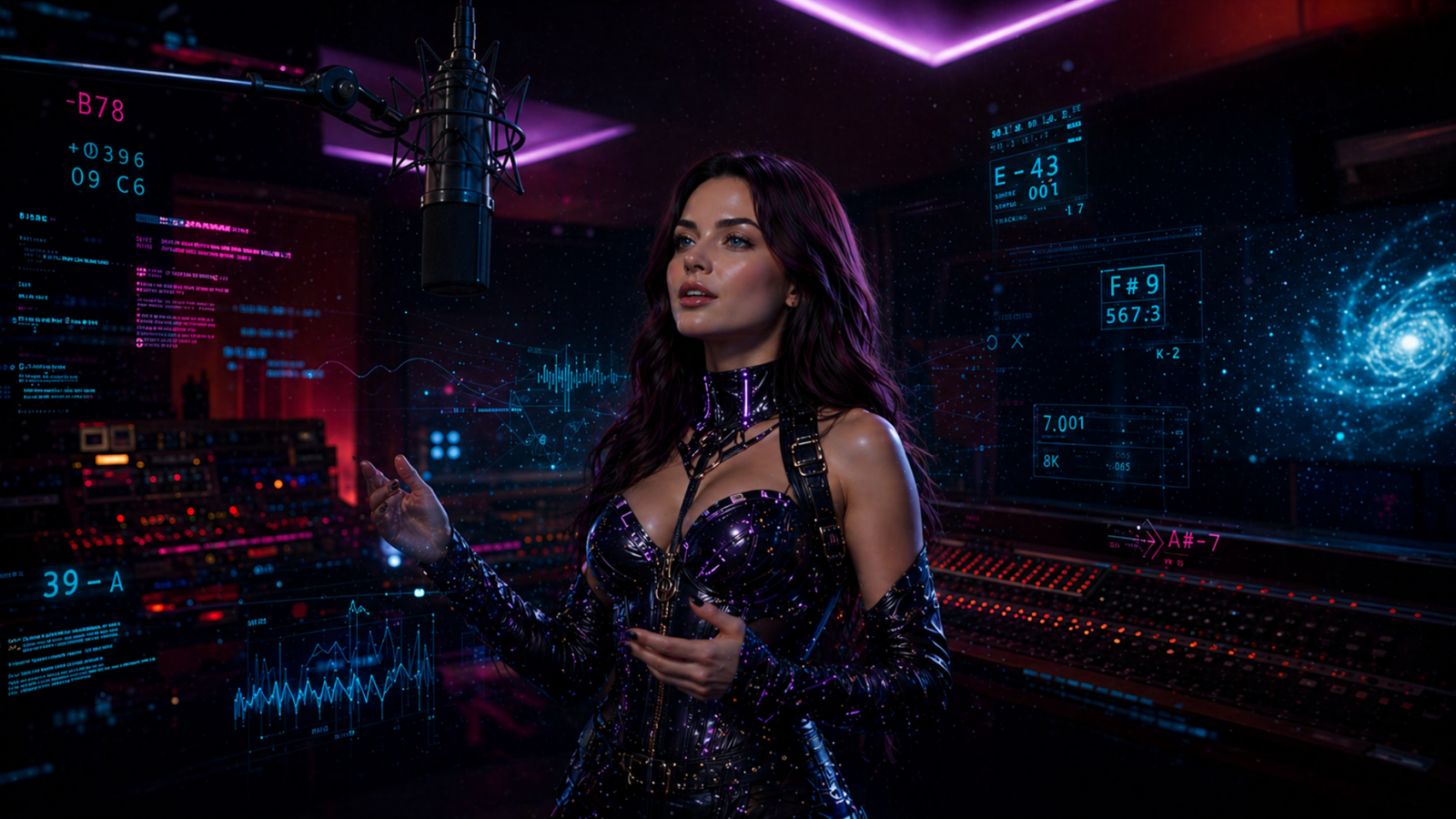
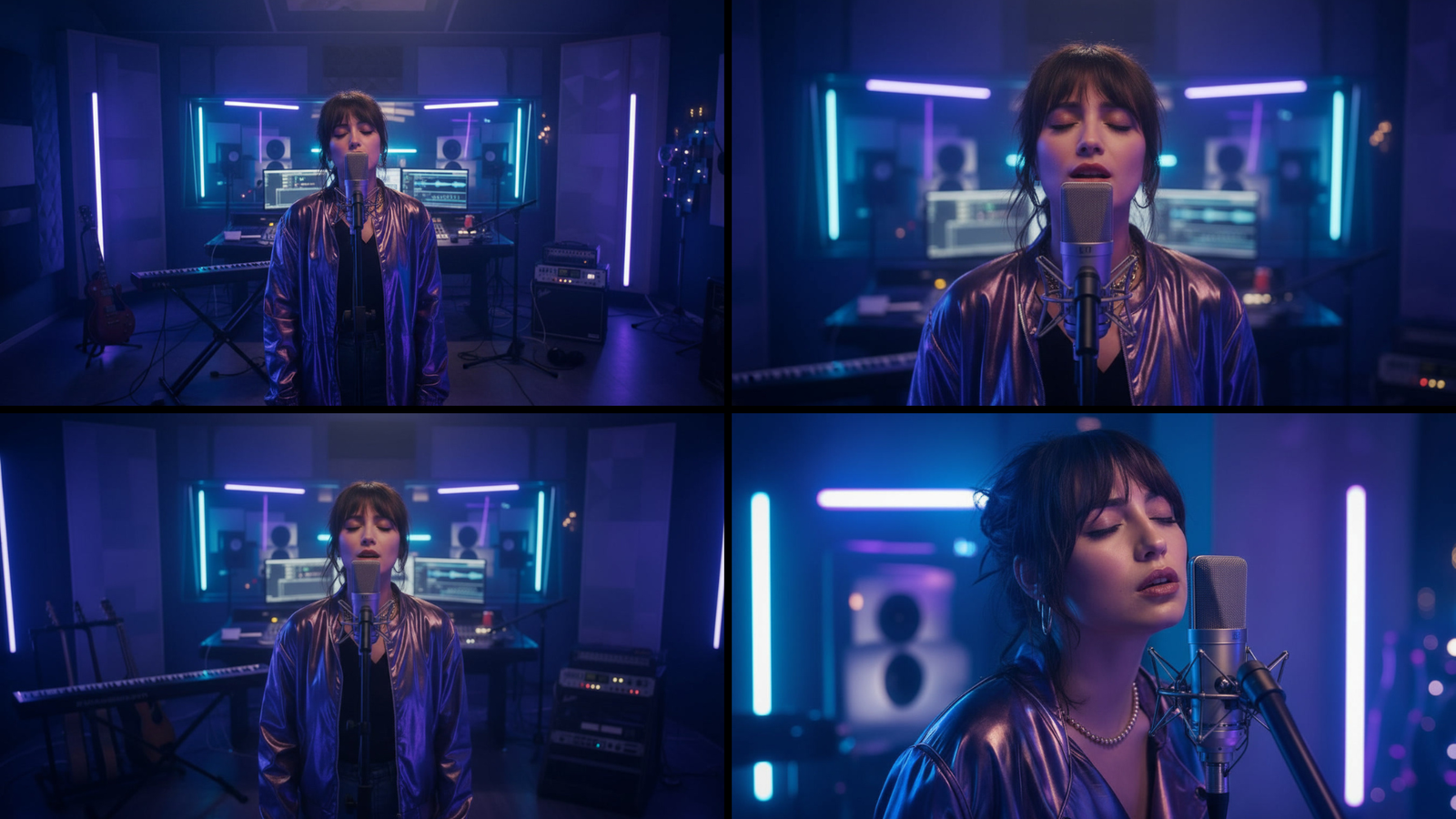
A lone vocal performer standing in a neon-lit music studio, surrounded by floating data, quietly singing to something unseen.
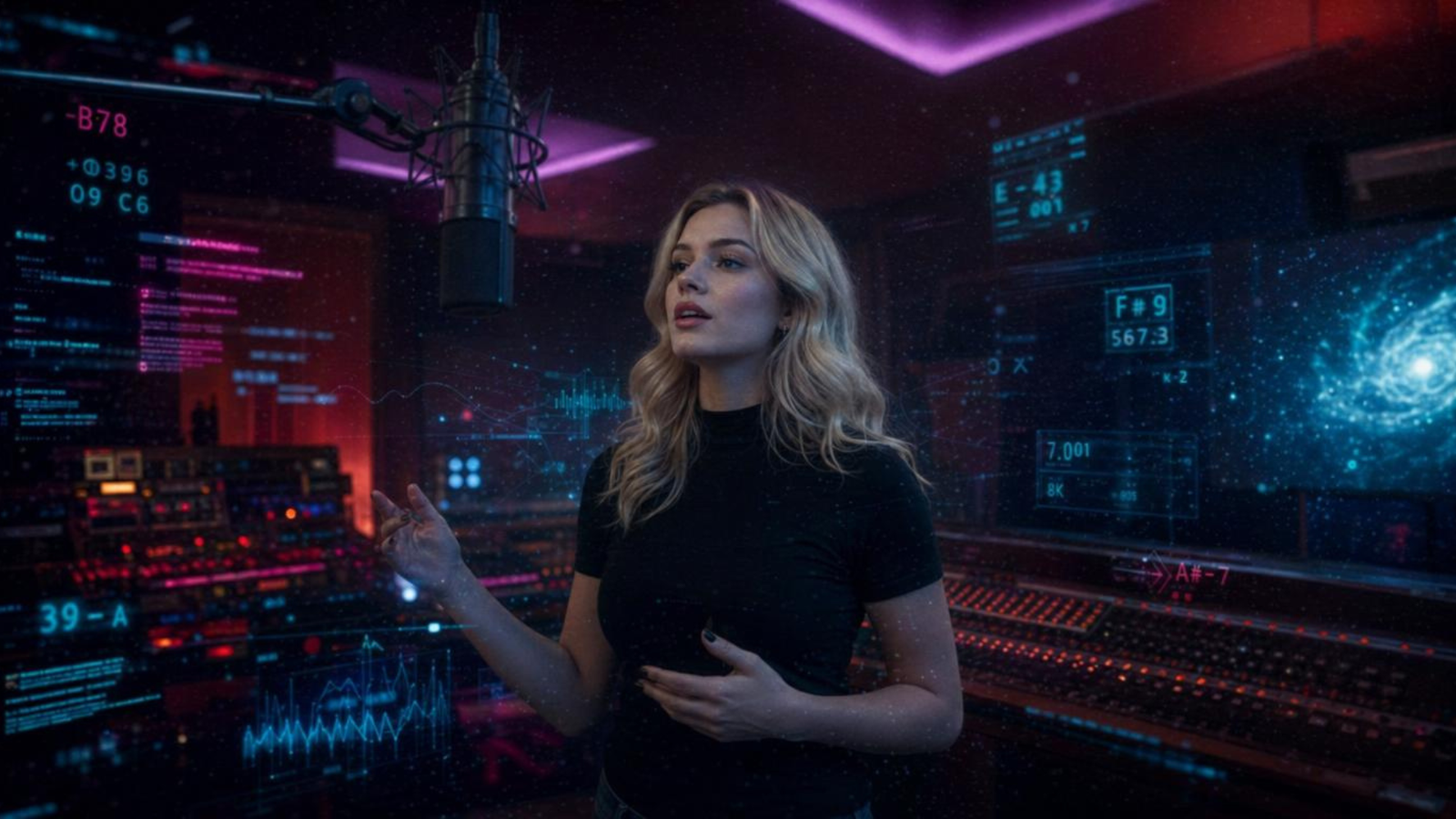
Or better yet go expert mode and use a reference image to keep consistency.
Step 2: Build the Sound First
Before visuals, we build emotion through sound.
That becomes the foundation.
Tools like Suno and ElevenLabs help define:
- • tempo
- • tone
- • energy
- • vocal presence
Visuals follow rhythm. Not the other way around.
Try this music style prompt:
Dreamy indie-pop bounce, midtempo groove, warm electric piano and soft synth pads, tight bass and snappy drums, verses intimate and close-mic, chorus widens with stacked harmonies and glittery guitar plucks, subtle cosmic ear-candy swirls; energy lifts each chorus then eases back for a tender, lullaby-like bridge
Listen to what it sounds like: Listen to Neon Dream Cut on Suno
Step 3: Prompt Like a Director
This is where most people struggle.
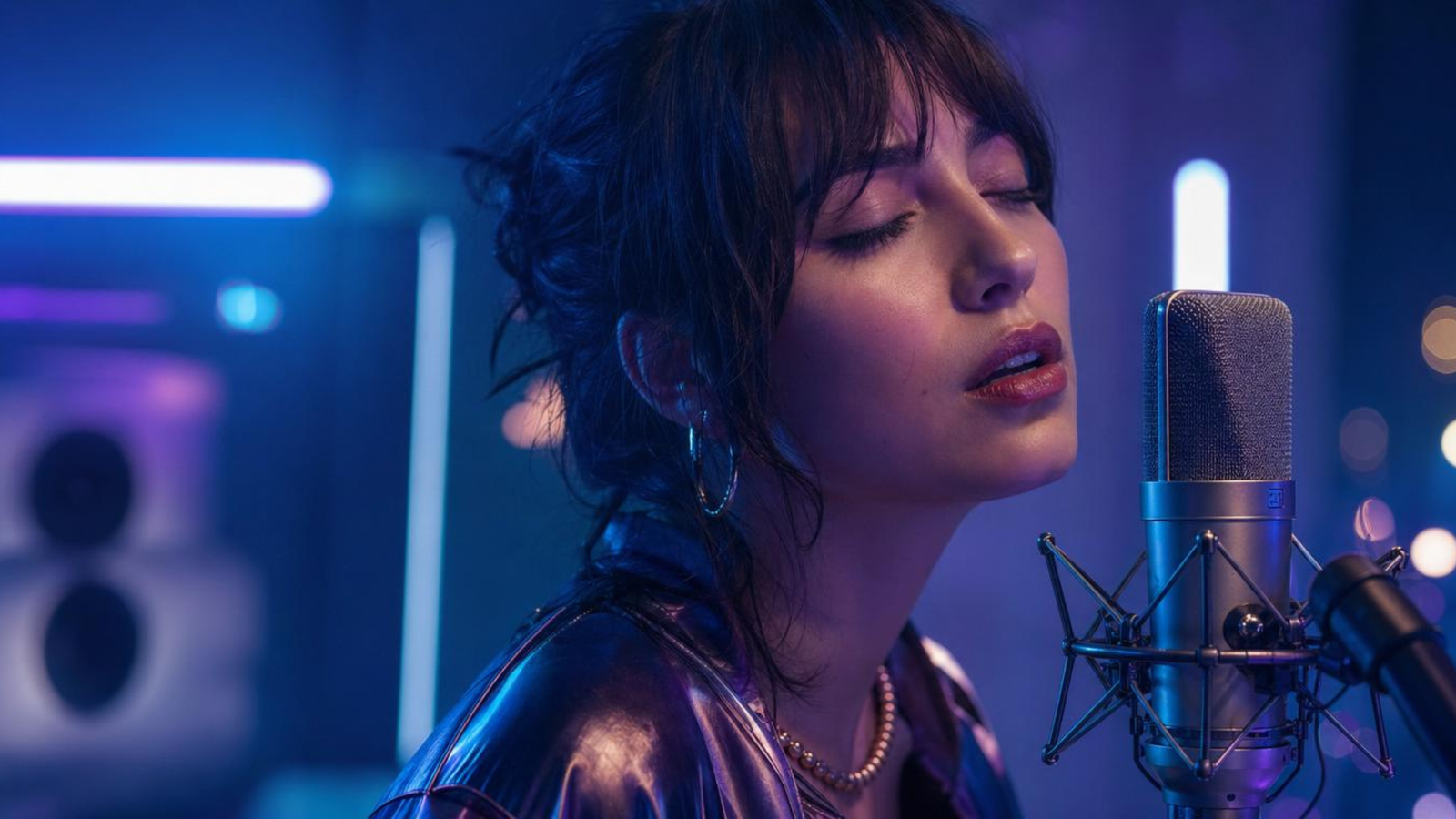
- • lighting
- • camera lens
- • depth of field
- • texture
- • emotion
You are not describing an object. You are shaping a shot.
Step 4: Create Sequences, Not Single Images
The goal is not one perfect image.
The goal is a sequence.
Think in shots:
- • wide
- • mid
- • close
Step 5: Remove What Breaks the Illusion
- • cutting awkward frames
- • regenerating specific shots
- • choosing angles carefully
The goal is immersion.
Step 6: Edit With Intention
- • timing
- • pacing
- • silence
- • transitions
Do not over-edit. Let moments breathe.
Step 7: Build Identity
- • consistent visual tone
- • recurring characters
- • a defined color language
- • a connected world
Tools We Actually Use
If you want to replicate this workflow, start here:
- • PixVerse
- • Suno
- • ElevenLabs
- • Leonardo AI
- • xAI
- • Ideogram
Watch What This Workflow Produces
These are real AI music videos created using the exact workflow outlined above. Study the pacing, visuals, and shot composition.
Your Turn
What are you struggling with right now?
- • prompts
- • motion
- • storytelling
- • consistency
Create something and tag @TheRealAiAgents.
Disclosure: Some links are affiliate links. We may earn commissions at no extra cost to you.