01
Image Prompting
Build stronger prompts for AI images using subject, setting, style, lighting, color, camera direction, and visual references.
Explore Image PromptingThe Real AI Agents
The Real AI Agents Prompting Hub helps creators, entrepreneurs, and businesses move from vague instructions to clearer, more repeatable AI-supported workflows.
Prompting is more than typing a sentence into a tool. It is the process of defining the goal, context, audience, style, structure, constraints, source material, and review criteria needed to guide a useful result.
Use this hub to improve creative direction across images, animation, music, storytelling, content planning, and workflow design while keeping human review and final approval in the process.
Page updated: October 6, 2026
Prompting is the process of giving AI tools enough creative direction to produce a useful result.
A weak prompt asks the tool to guess. A stronger prompt gives the tool a role, a subject, a style, a goal, a format, and enough context to understand what the creator actually wants.
The Real AI Agents Prompting Hub teaches prompting as part of a broader workflow. You are not only learning how to write better instructions. You are learning how to define the intended output, provide useful context, evaluate the result, and document what should change next.
The goal is simple: replace random trial and error with clearer direction, deliberate review, and prompt structures that can be improved and reused.
Learn how to guide subject, setting, style, mood, camera, detail, structure, and output format.
Use prompts that reduce vague outputs and make your generations easier to refine.
Turn successful prompts into repeatable workflows for images, video, music, and automation.
Strong prompting starts before the tool ever generates anything.
First, define the type of output you want. Next, give the AI a clear subject and context. Then add style, mood, structure, constraints, and refinement direction.
This framework can be adapted across many creative tools, but each platform interprets instructions differently. Model version, subscription tier, safety settings, reference controls, prompt limits, and tool-specific syntax can all affect the result.
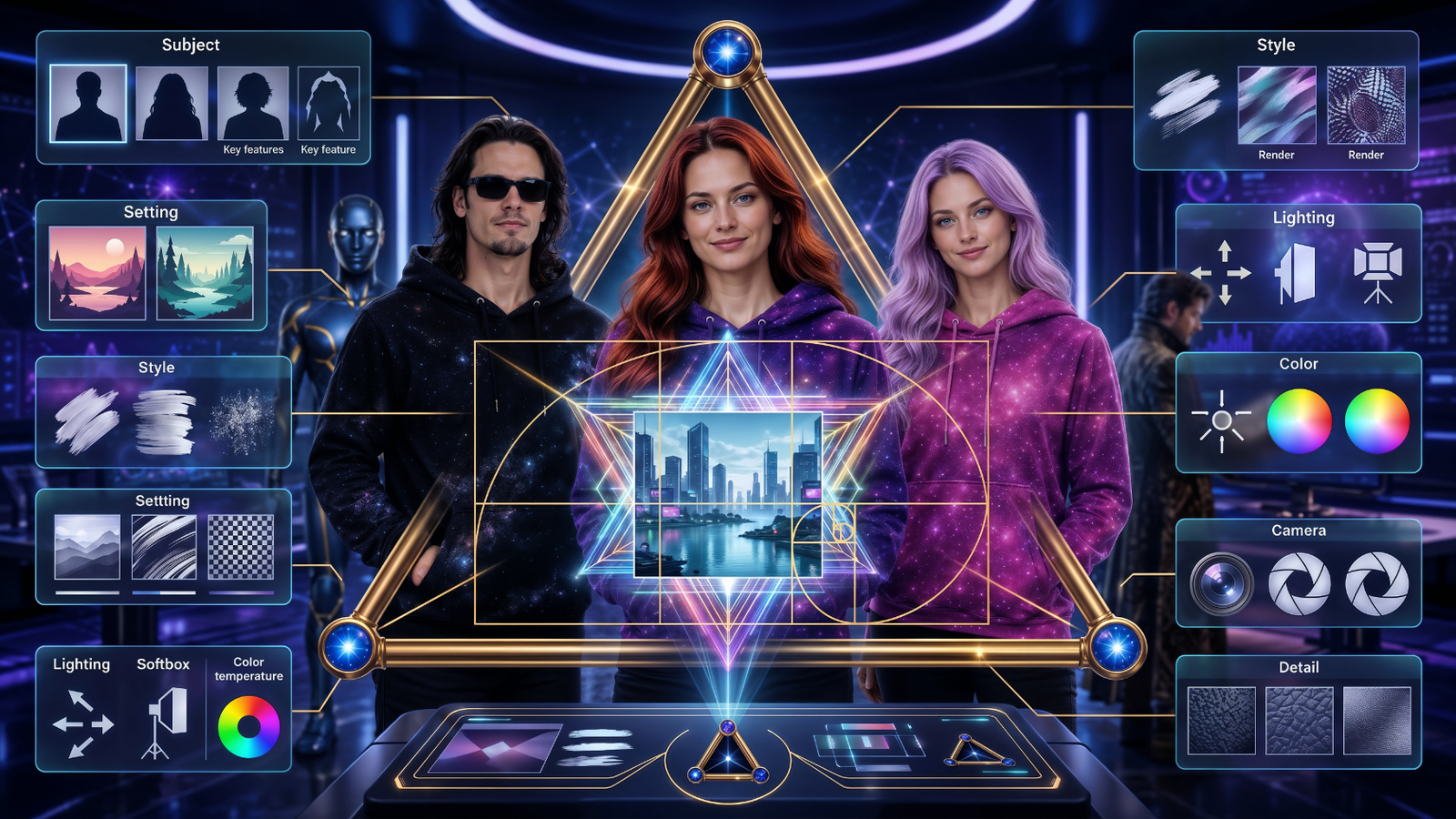
Start Here
Each path teaches a different type of AI prompting. Start with the area you use most, then connect the pieces into a stronger creative workflow.
Build stronger prompts for AI images using subject, setting, style, lighting, color, camera direction, and visual references.
Explore Image PromptingLearn how to describe motion, camera movement, scene action, timing, transitions, and cinematic video direction.
Explore Animation PromptingLearn music prompting for AI music tools using style, mood, rhythm, instrumentation, vocals, structure, and deliberate iteration.
Explore Music PromptingUse prompts to organize tasks, map repeatable processes, plan content, document decision points, define outputs, and support carefully reviewed automation.
Explore Workflow PromptingA simple prompt can create one interesting result. A prompting system can create a repeatable style, a consistent character, a content series, or a full production workflow.
That is where AI becomes more useful for creators. Instead of starting over every time, you can build prompt structures that carry your creative direction from one project to the next.
The Real AI Agents approach focuses on reusable structures: visual workflows, storytelling frameworks, music prompting, workflow prompts, and creative production steps that can be documented, reviewed, and improved.

A stronger prompt can improve direction, but it does not guarantee accuracy, originality, legal clearance, platform acceptance, or a specific creative result. AI-generated output should be reviewed before it is published, delivered to a client, used in a business process, or relied upon for an important decision.
Fact-check names, dates, quotations, statistics, instructions, and other details that could affect a real decision.
Do not place passwords, API keys, payment details, confidential client data, health information, or private business records into a third-party AI tool without appropriate safeguards.
Check the tool provider’s current terms, commercial-use rules, model policies, privacy practices, and any permissions required for references or source material.
Human judgment remains part of the workflow. Review the output for accuracy, quality, bias, permissions, brand fit, and unintended consequences before final use.
AI tools are becoming easier to access, but that does not automatically make the results better.
Many creators get stuck because they keep asking for better outputs without improving the instructions, references, structure, or workflow behind the prompt.
Better prompting helps you make clearer creative decisions. It can improve your images, make your animations feel more intentional, help your music prompts sound more specific, and turn scattered tasks into organized workflows.
This is especially important for creators, small businesses, educators, marketers, musicians, artists, and teams using AI for real projects, client work, internal operations, or public-facing content.
Use prompting to build videos, social posts, visuals, songs, and repeatable creative assets.
Use prompting to document processes, plan content, structure research, compare options, and support reviewed workflows.
Learn what information to provide, how to refine results, and why different tools respond to instructions differently.
Personalized Guidance
The Real AI Agents offers AI Tool & Workflow Advisory for individual creators and businesses that want help comparing tools, improving prompt structures, reviewing an existing process, or planning a practical workflow around a specific goal.
Advisory may include tool-stack review, prompt and workflow structure, subscription-overlap analysis, implementation planning, and educational guidance based on your budget, technical comfort, and current systems.
Ask About AI Tool & Workflow AdvisoryPrompting changes depending on the type of media you are creating.
An image prompt needs visual direction. An animation prompt needs movement and camera language. A music prompt needs style, mood, rhythm, instrumentation, vocals, structure, and development. A workflow prompt needs steps, logic, roles, and outputs.
Once you understand those differences, you can stop using one generic prompt style for everything and start guiding each tool in the way it understands best.
Explore Music Prompting
Here is a quick example of how a basic prompt becomes more useful when you add structure.
The second prompt works better because it gives the tool a subject, setting, purpose, style, mood, color direction, quality direction, and brand use case.
The Prompting Hub connects with the broader The Real AI Agents ecosystem. Use these resources to continue learning how tools, prompting, workflows, and creator systems work together.
Explore the types of AI tools creators can use for images, video, music, writing, and workflows.
Explore AI ToolsExplore the Creator Network for prompting tools, workflow ideas, and practical AI creator resources.
Visit Creator NetworkWatch free tutorials and experiments from The Real AI Agents on YouTube.
Watch on YouTubeThe Real AI Agents Prompting Hub is designed to help creators and businesses move from scattered experiments to clearer instructions, deliberate review, and more reusable workflows.
Explore the Creator Network for prompting tools, workflow ideas, and practical resources, or contact us for personalized AI Tool & Workflow Advisory.