
Image Prompting: From Basic Ideas to Directed Creative Control
This page walks you through real AI image prompting tests from The Real AI Agents. We are not just talking about prompting in theory. We created image sets, compared the results, changed the wording, added reference images, tested text on images, and edited final results so you can see how prompting decisions affect the final output.
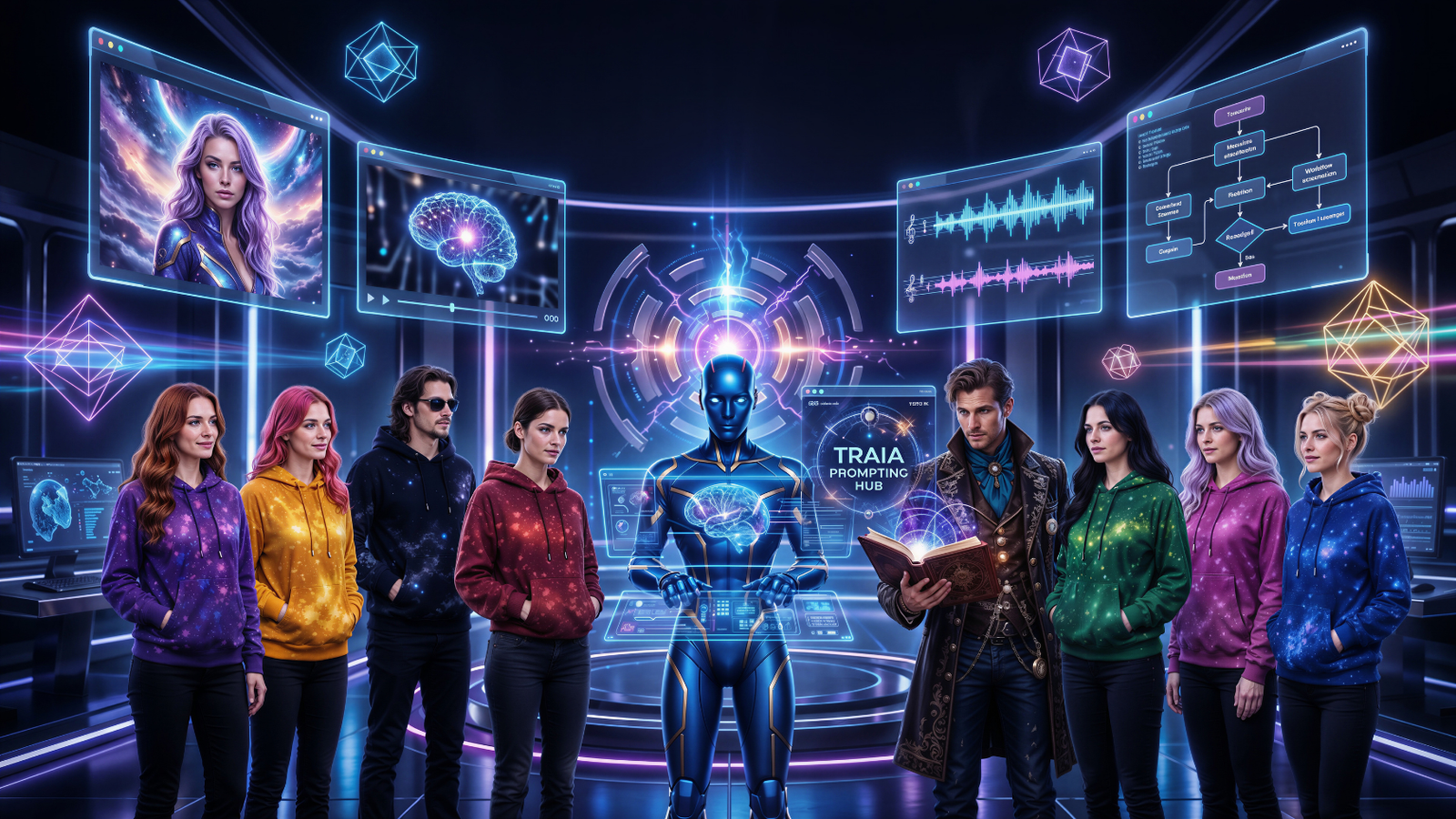
What We Tested
For this page, we used several different prompt styles and compared the results side by side. Some examples start with a simple prompt. Then we make the prompt more directed. In other examples, we use creative language, reference images, symbols, text instructions, aspect ratio changes, and post-generation editing.
Simple Prompting
A simple prompt gives the AI the basic idea. It can work, but the model makes most of the creative decisions for you.
Directed Prompting
A directed prompt gives clearer instructions for subject, setting, style, lighting, mood, layout, and details.
Creative Language
Creative language adds mood, story, symbolism, and atmosphere. It helps the image feel more intentional and alive.
Jessica’s note: Better prompting is not about making every prompt long. It is about giving the AI the right kind of direction for the result you actually want.
The Prompting Ladder
Think of this like a creative ladder. The simple prompt is the first step. The directed prompt gives the image more structure. Creative language brings in a stronger emotional and visual tone. Reference images and editing can then help polish the result even further.
Start with the idea.
What are we creating? A cosmic woman, a magic scene, a detective, a product ad, a poster, or an infographic?
Add direction.
Give the AI setting, style, lighting, mood, composition, color palette, camera feel, and important details.
Use creative language when mood matters.
When you want the image to feel magical, cinematic, mysterious, luxurious, futuristic, or emotional, language matters.
Iterate and refine.
Re-run the prompt, change the aspect ratio, use a reference image, or edit the final result to match your brand.
Cosmos Prompting Example
The cosmos set is a clean way to see the difference between a basic idea, a directed visual request, and a more poetic creative prompt. The subject stays in the same general world, but the quality of the direction changes.
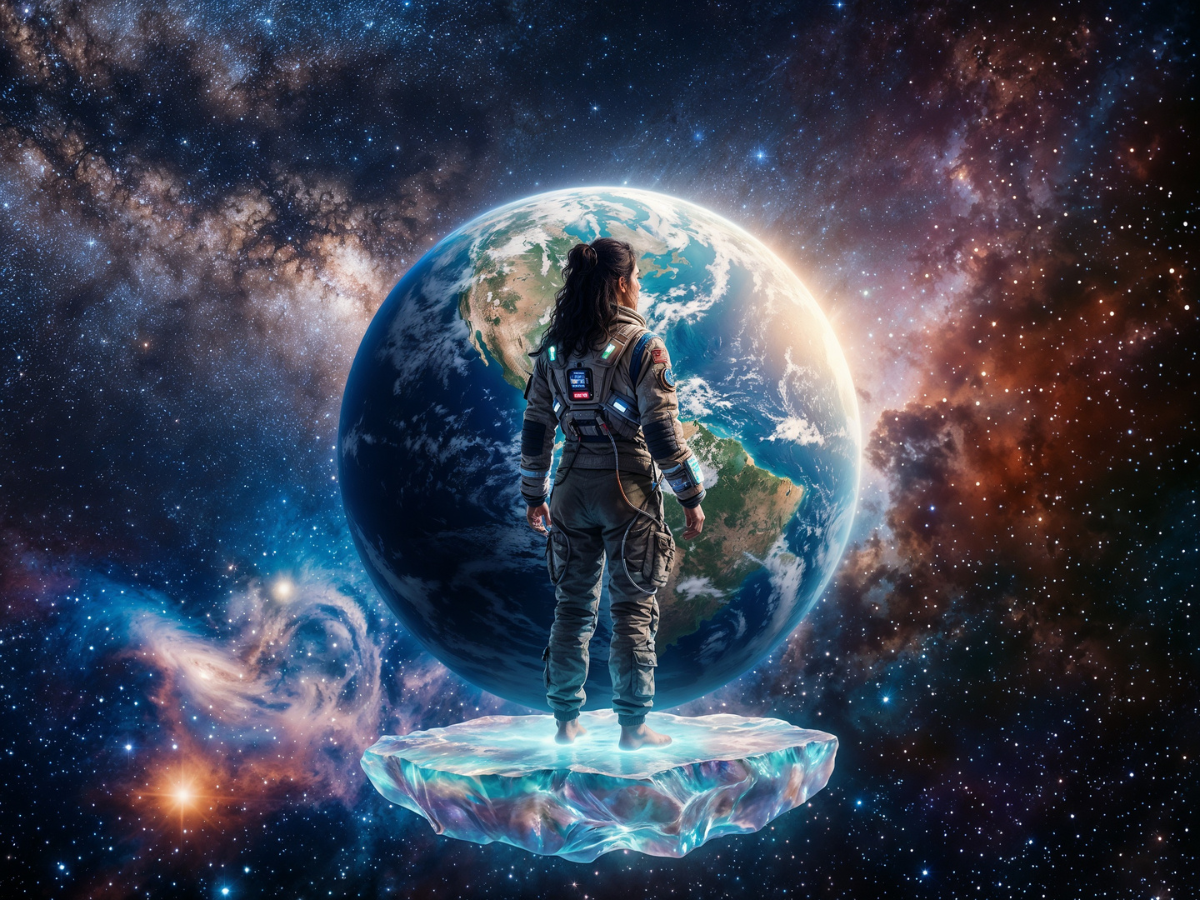
Simple Prompt
The AI understands the basic idea, but it decides most of the style and composition on its own.
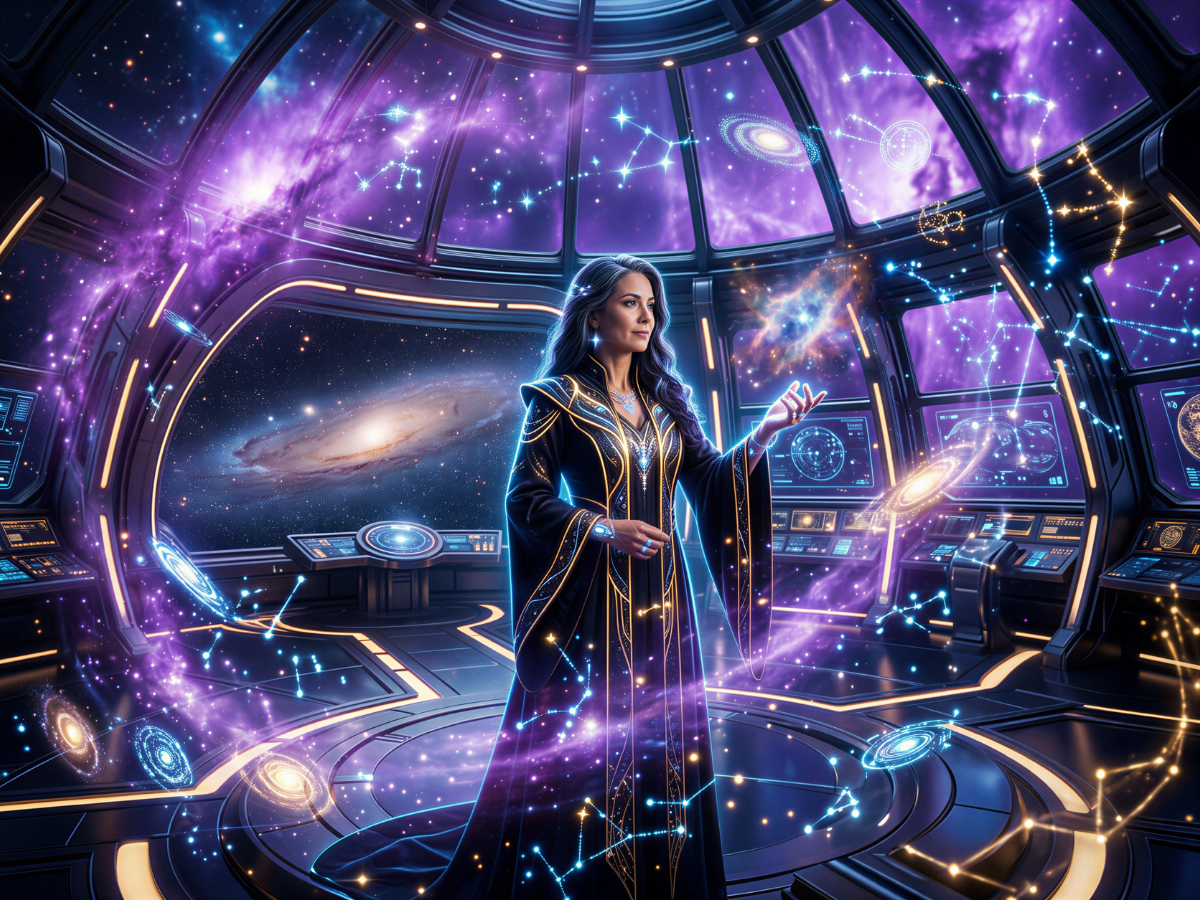
Directed Prompt
Now we guide the environment, lighting, mood, and finish so the image feels more intentional.
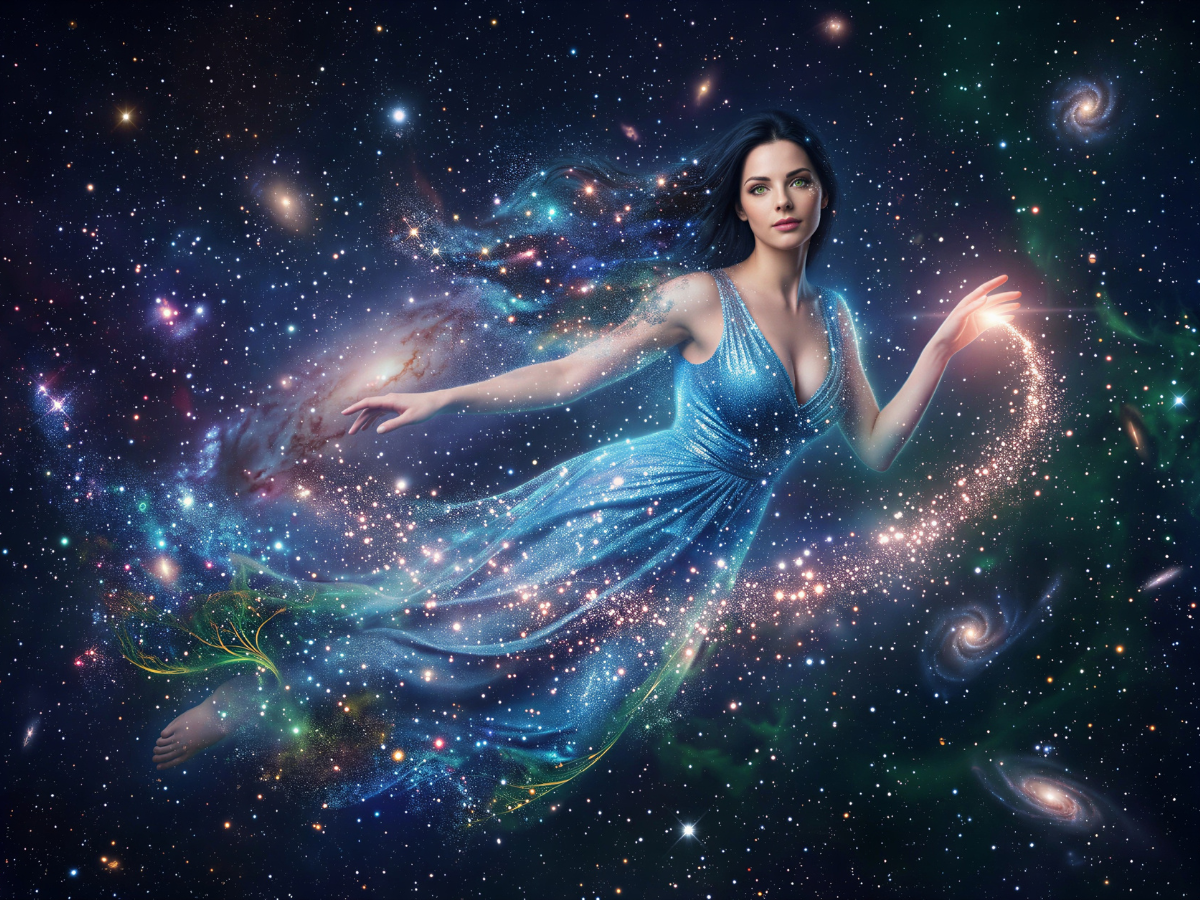
Creative Language Prompt
This version leans into mood, beauty, and atmosphere. The prompt reads more like a visual story.
What this shows: A simple prompt can create a decent image, but directed and creative prompts help the AI understand the world, the mood, and the level of polish you want.
Magic Prompting Example
We originally tested magical book prompts, but the results did not show the difference clearly enough. So we switched to a stronger concept: a beautiful enchantress and her wizard. This gave the model more character, relationship, and atmosphere to work with.
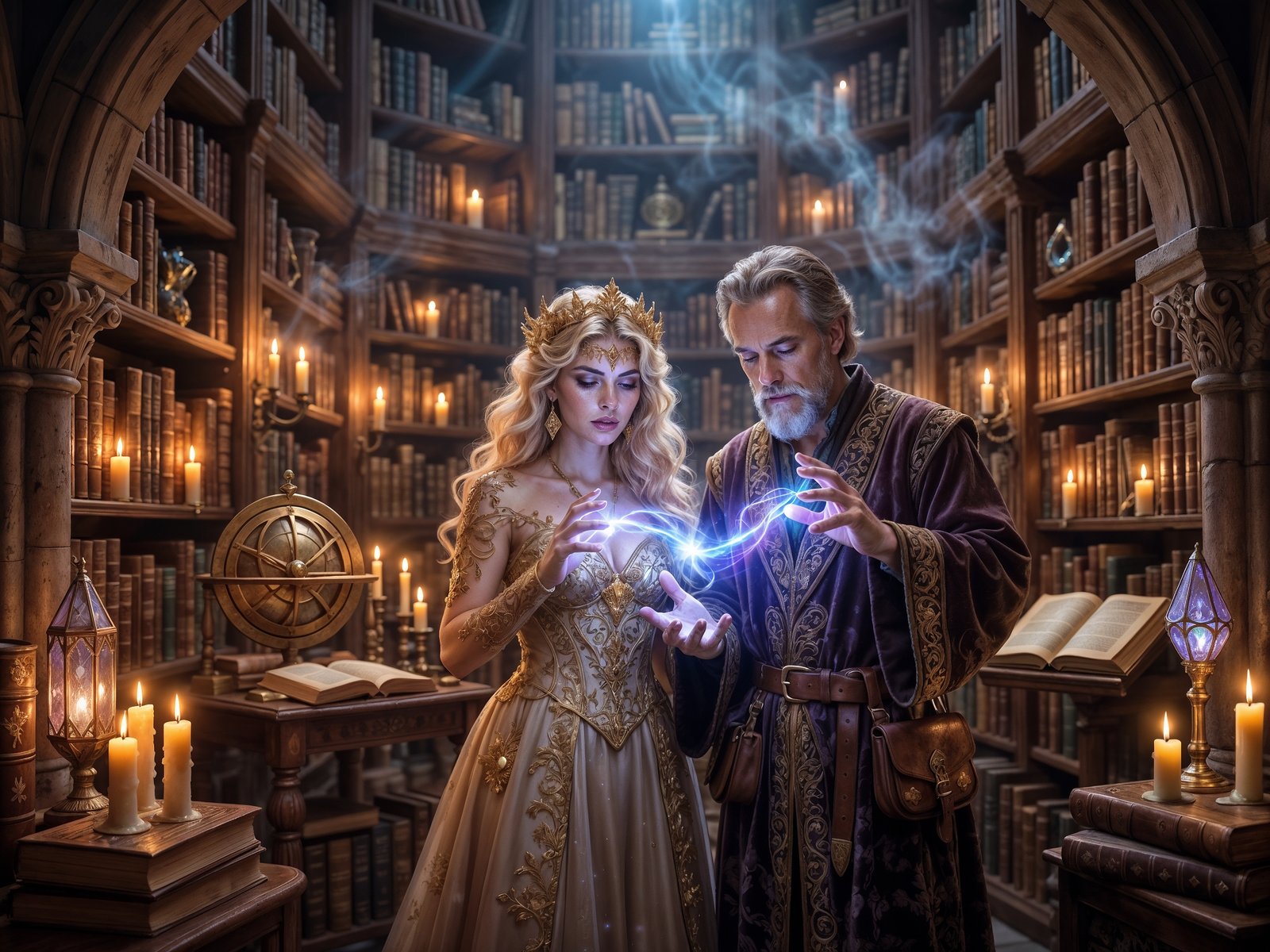
Simple Prompt
A basic magical duo appears, but the model chooses most of the room, wardrobe, and visual tone.
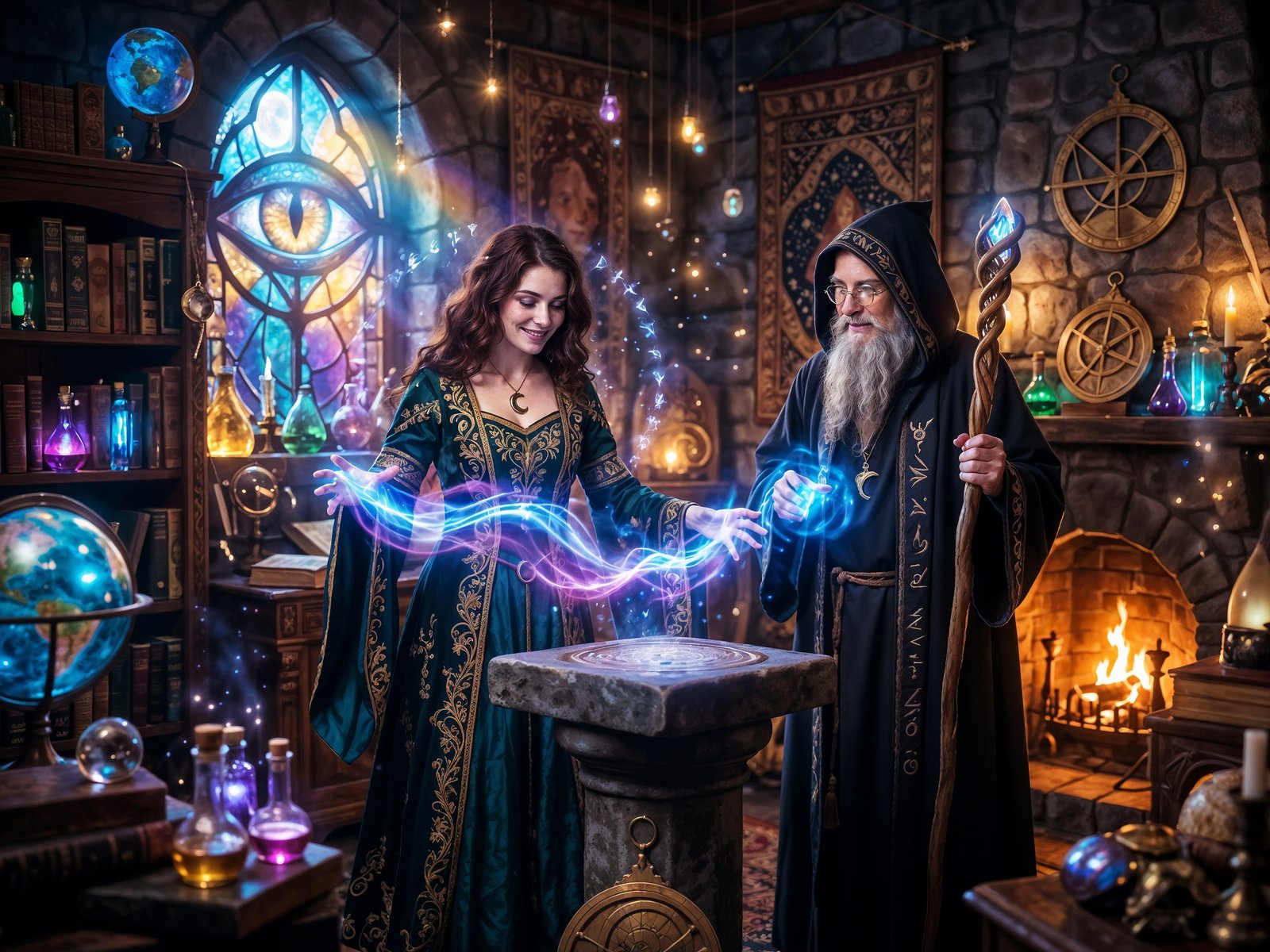
Directed Prompt
This version gives stronger direction for the arcane room, lighting, glowing potions, wardrobe, and magical energy.
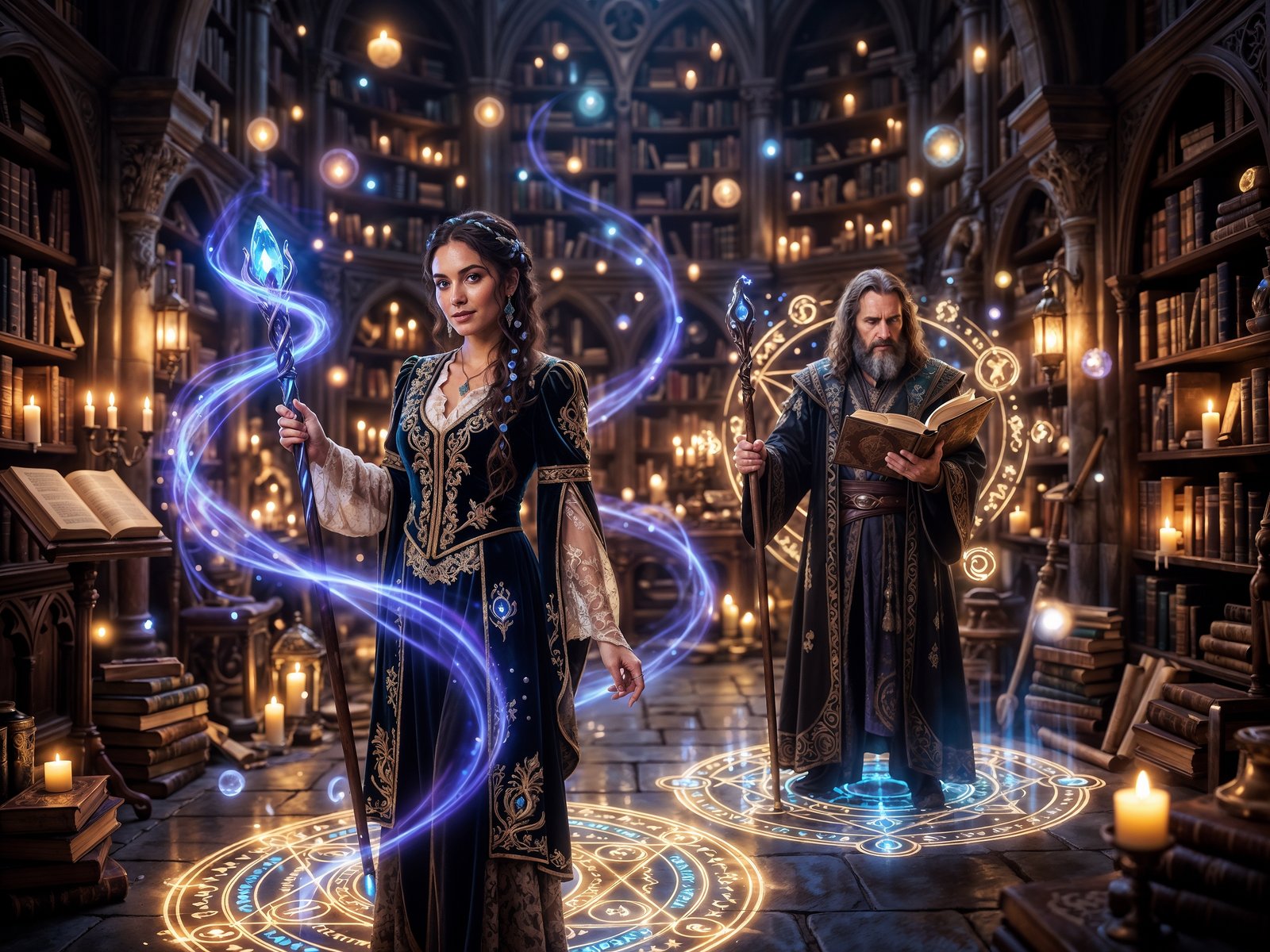
Creative Language Prompt
The final version feels more like a scene from a story because the language adds atmosphere and emotional texture.
What this shows: If a concept is not performing well, do not fight the image generator. Reframe the idea into a stronger subject that gives the model more to build from.
Female Dark-Noir Detective Example
For the detective scene, we kept the direction dark, futuristic, and noir-inspired. This shows how the same theme can become stronger when you define the mood, setting, evidence, lighting, and character styling.
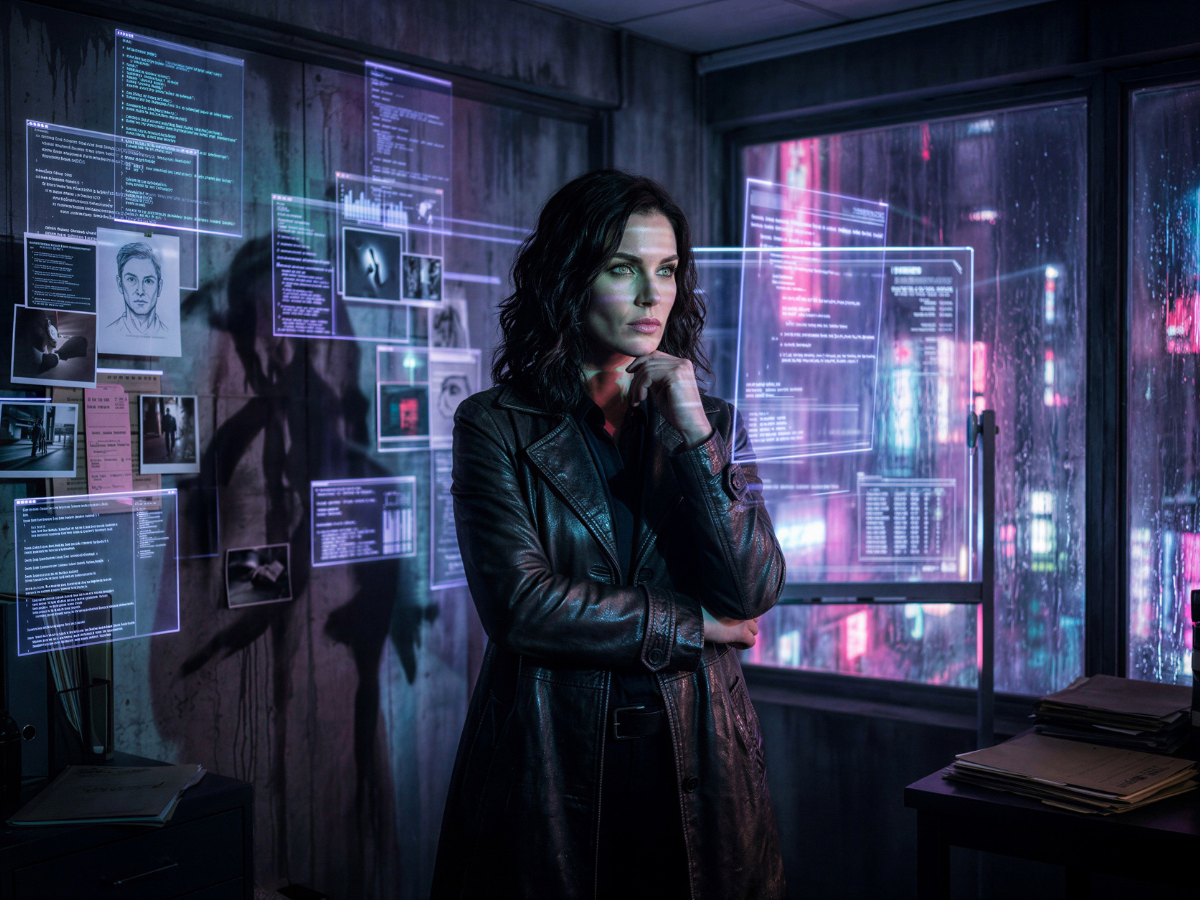
Simple Prompt
The image gives us a futuristic detective scene, but it is still broad and the model fills in many details.
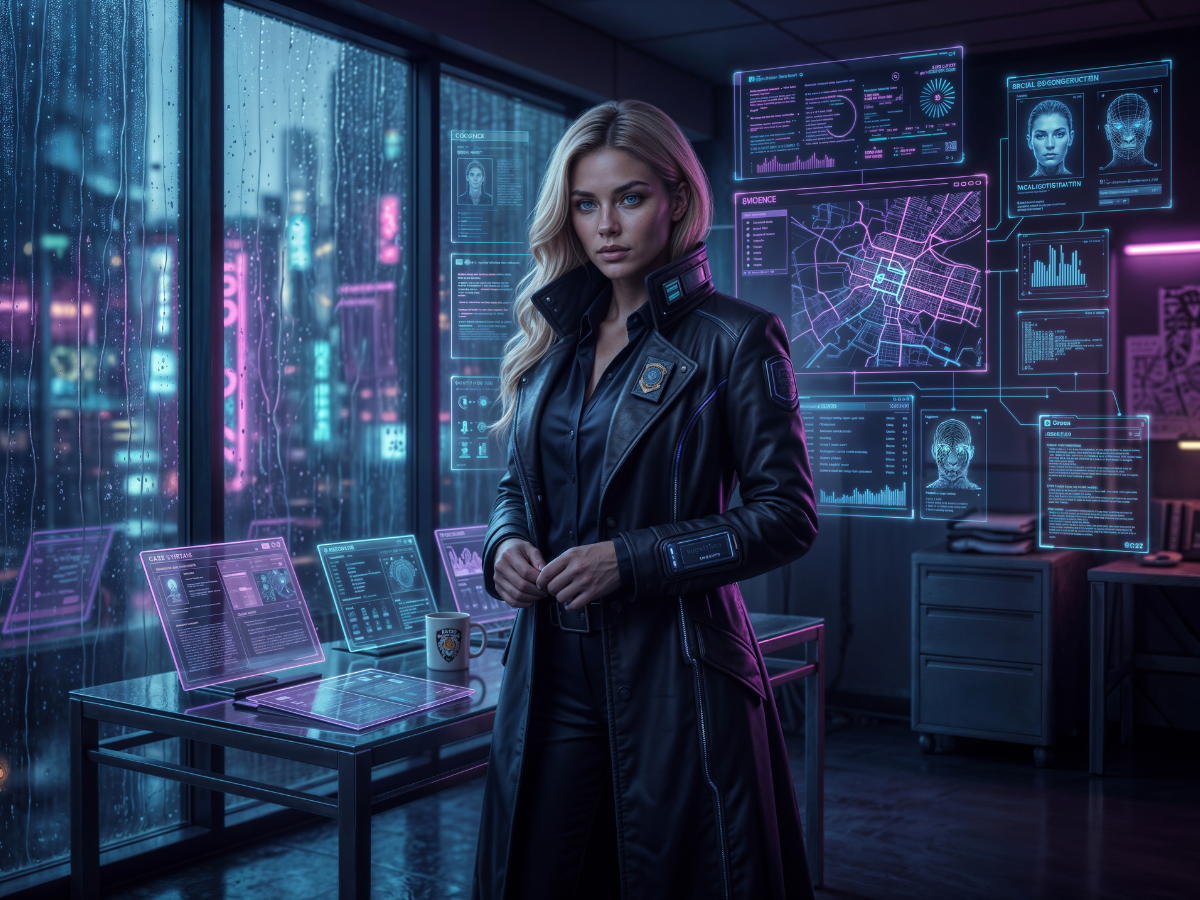
Directed Prompt
This version adds more specific evidence boards, city map displays, rain, neon light, and noir styling.
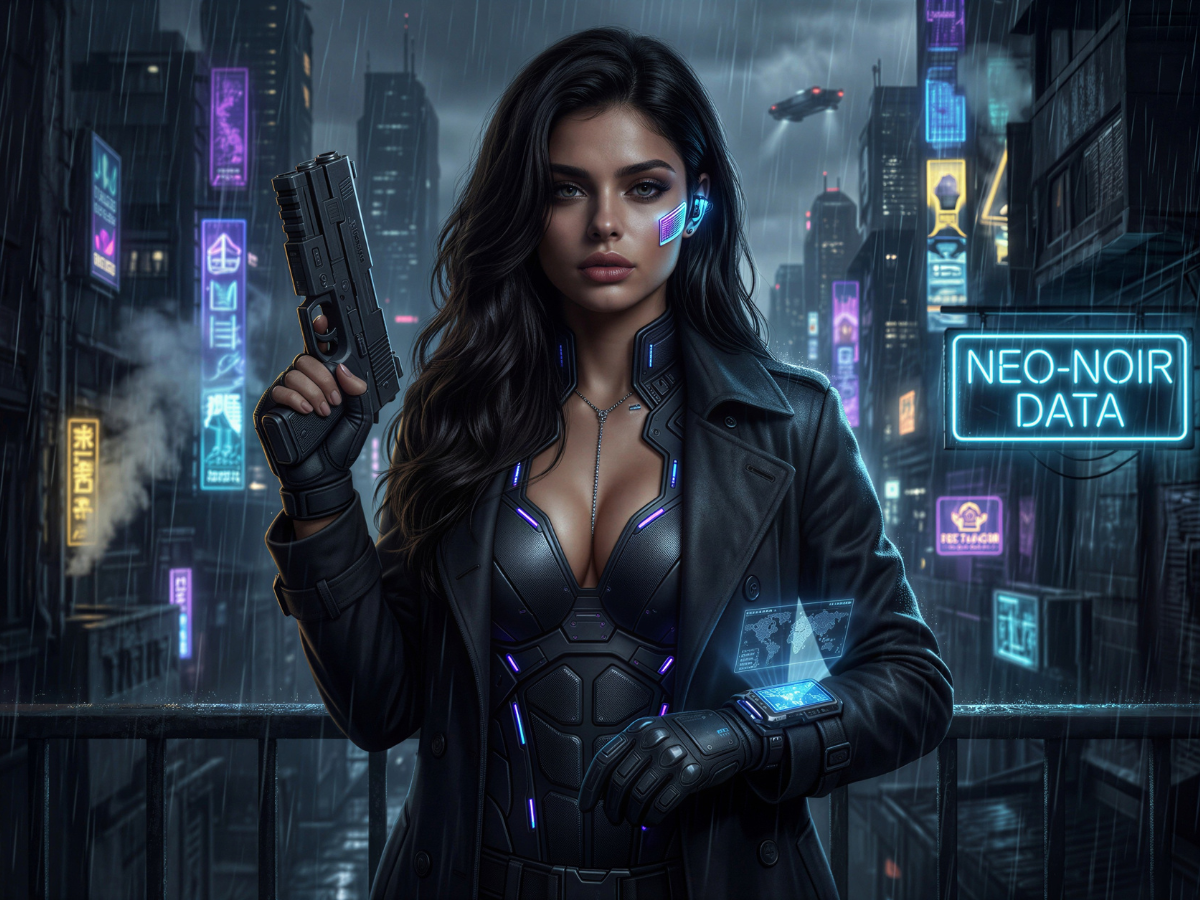
Creative Language Prompt
This version pushes harder into character identity, cinematic darkness, danger, and neo-noir atmosphere.
What this shows: Genre words matter. “Detective” gives a subject. “Dark futuristic neo-noir detective” gives the AI a visual world.
Reference-Guided Prompting: Dark Cosmic Priestess
This set adds another important layer: a reference image. We used Nyra in her enchantress costume to help guide the character appearance, wardrobe direction, green-and-gold color story, and overall consistency. This is especially useful when you are building a brand world with recurring characters.
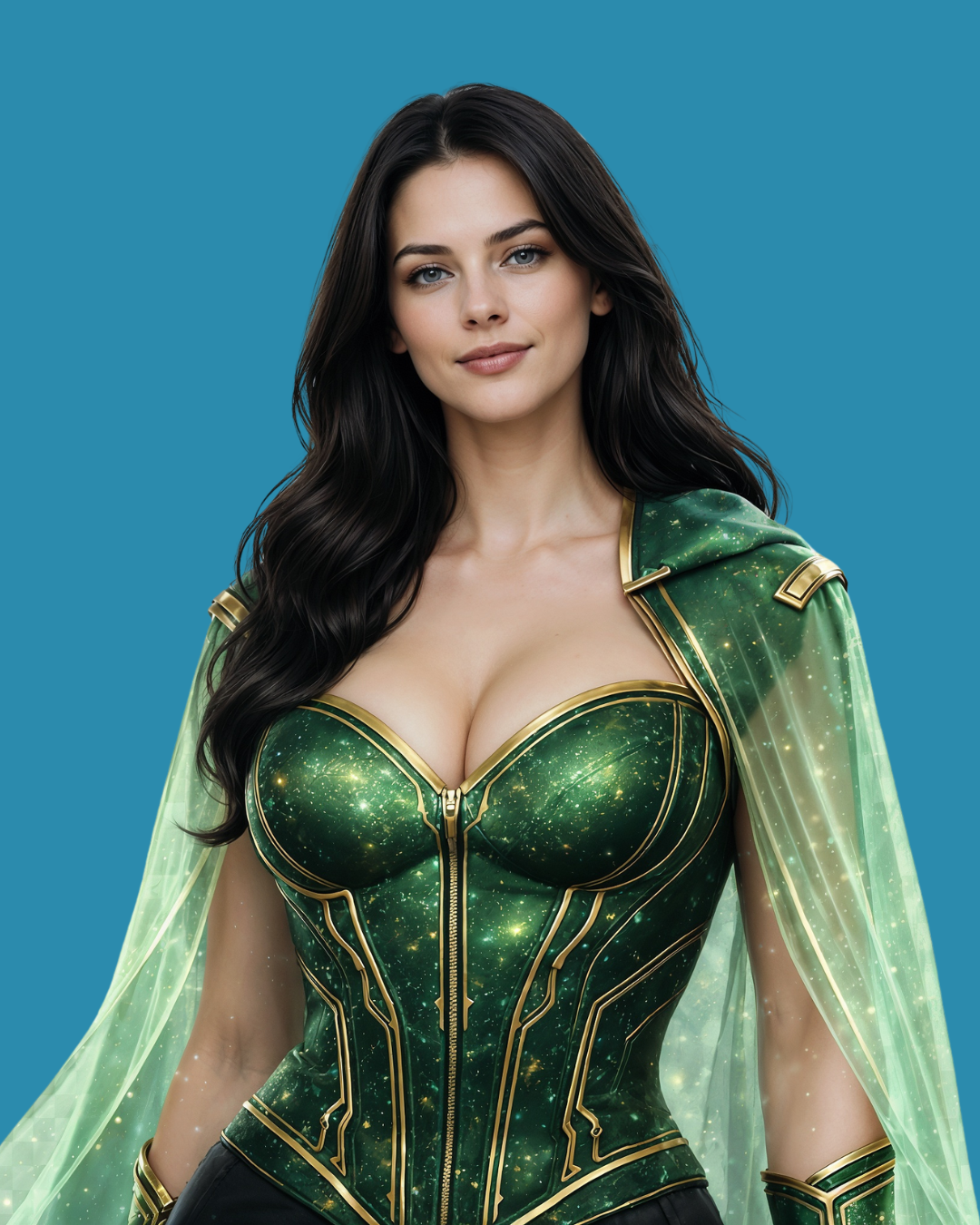
Why the reference image matters
A text prompt can describe a character, but a reference image gives the model a stronger visual anchor. That matters when you want the same character to show up across different scenes, costumes, posters, or brand assets.
Tip: Use reference images when character consistency matters. Use prompt direction when the scene, mood, and story need to change.
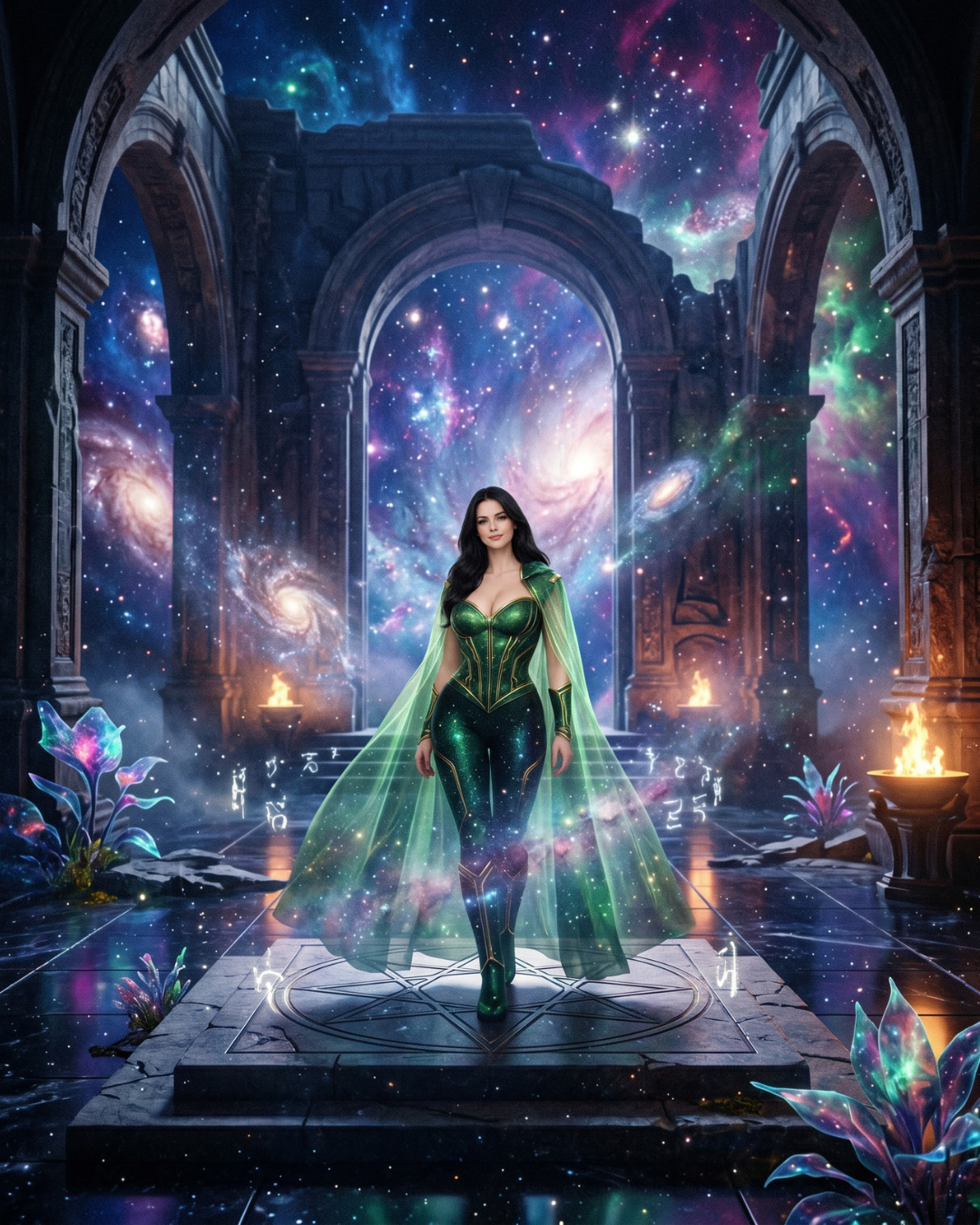
Simple + Reference
The reference helps keep Nyra’s visual direction, even though the prompt is still broad.
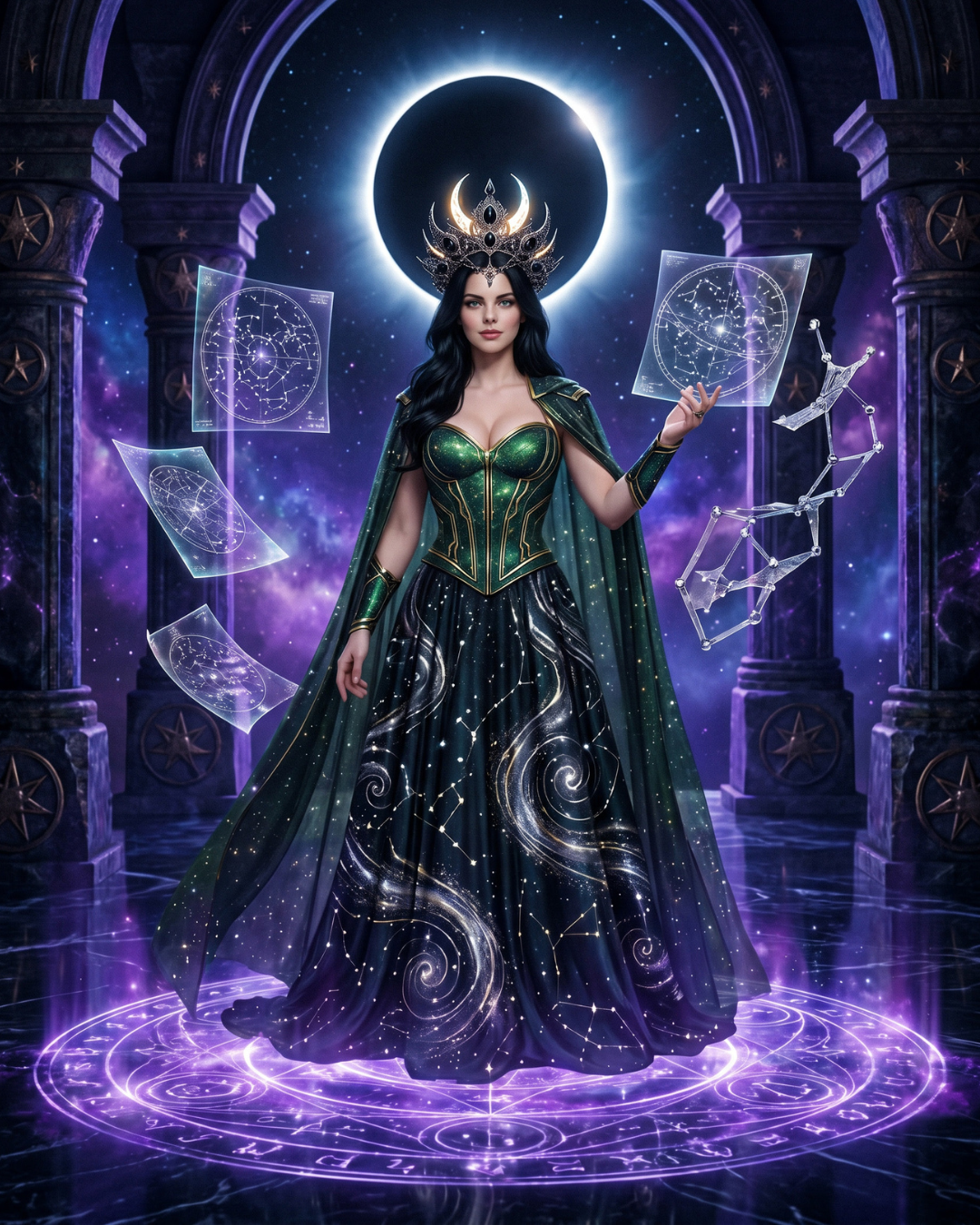
Directed + Reference
Now the scene, wardrobe, eclipse, floating star maps, and ritual details are more controlled.
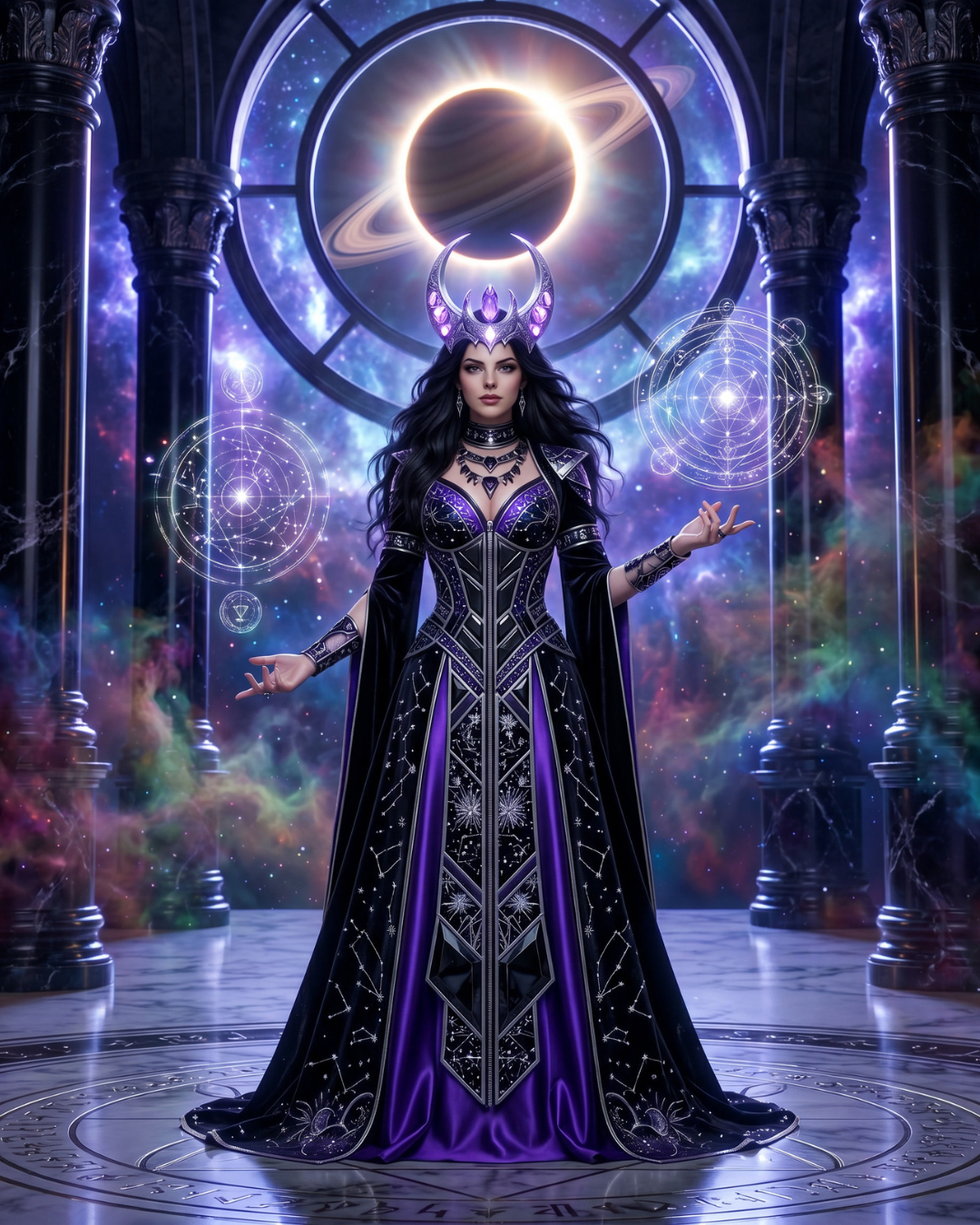
Creative + Reference
This version becomes more mythic and symbolic, using atmosphere and story language to shape the final image.
AI Elixir Product Ad Example
Product shots are a great way to test image prompting because they need clear subject focus, strong composition, readable text, and a polished commercial layout. Here we used the AI Elixir bottle as the anchor, then tested how text, symbols, and directed layout instructions changed the result.
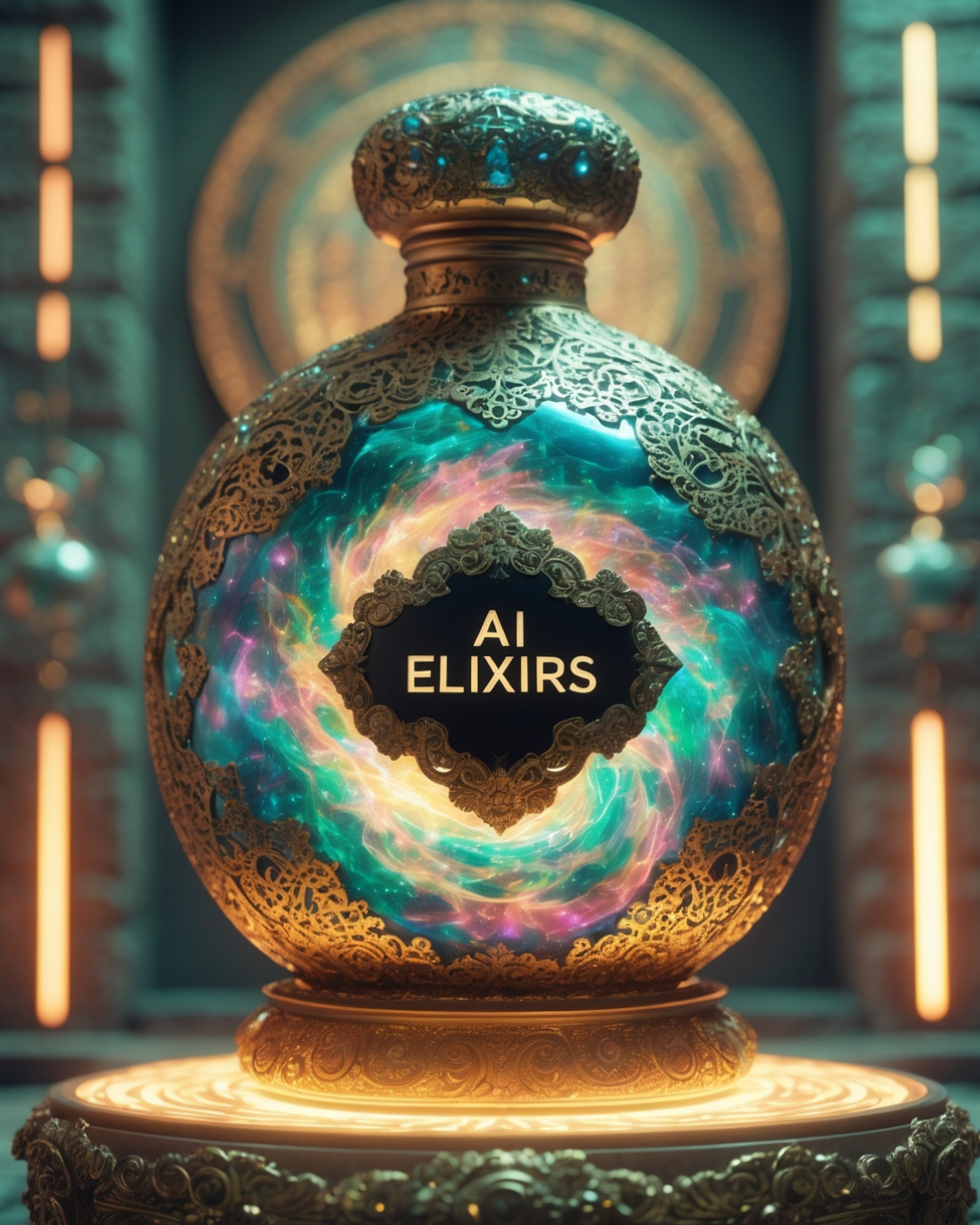
Reference Product
The core bottle design becomes the visual anchor for the full ad set.
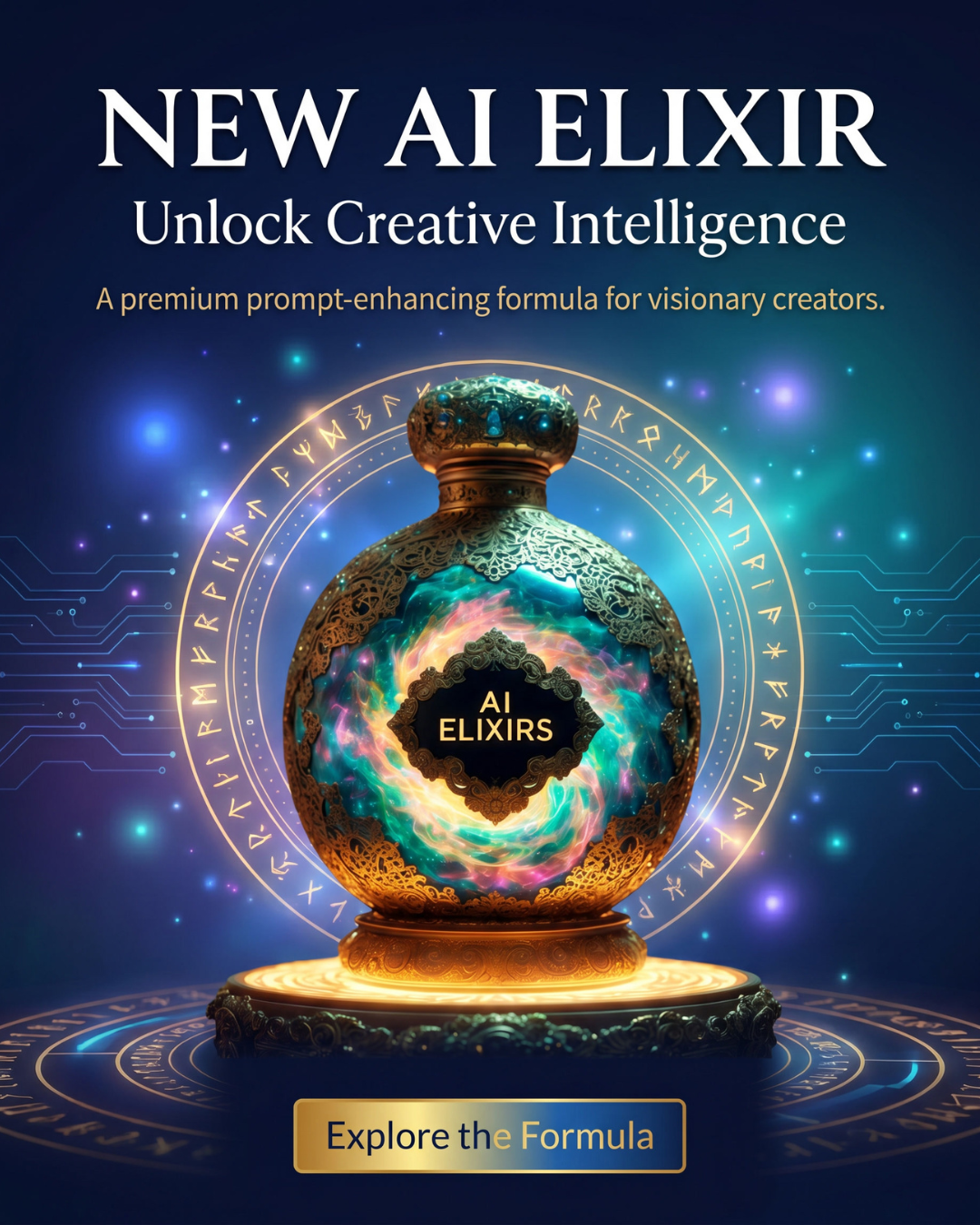
Text-Focused Prompt
This version focuses on readable ad copy, headline, subheadline, and call-to-action.
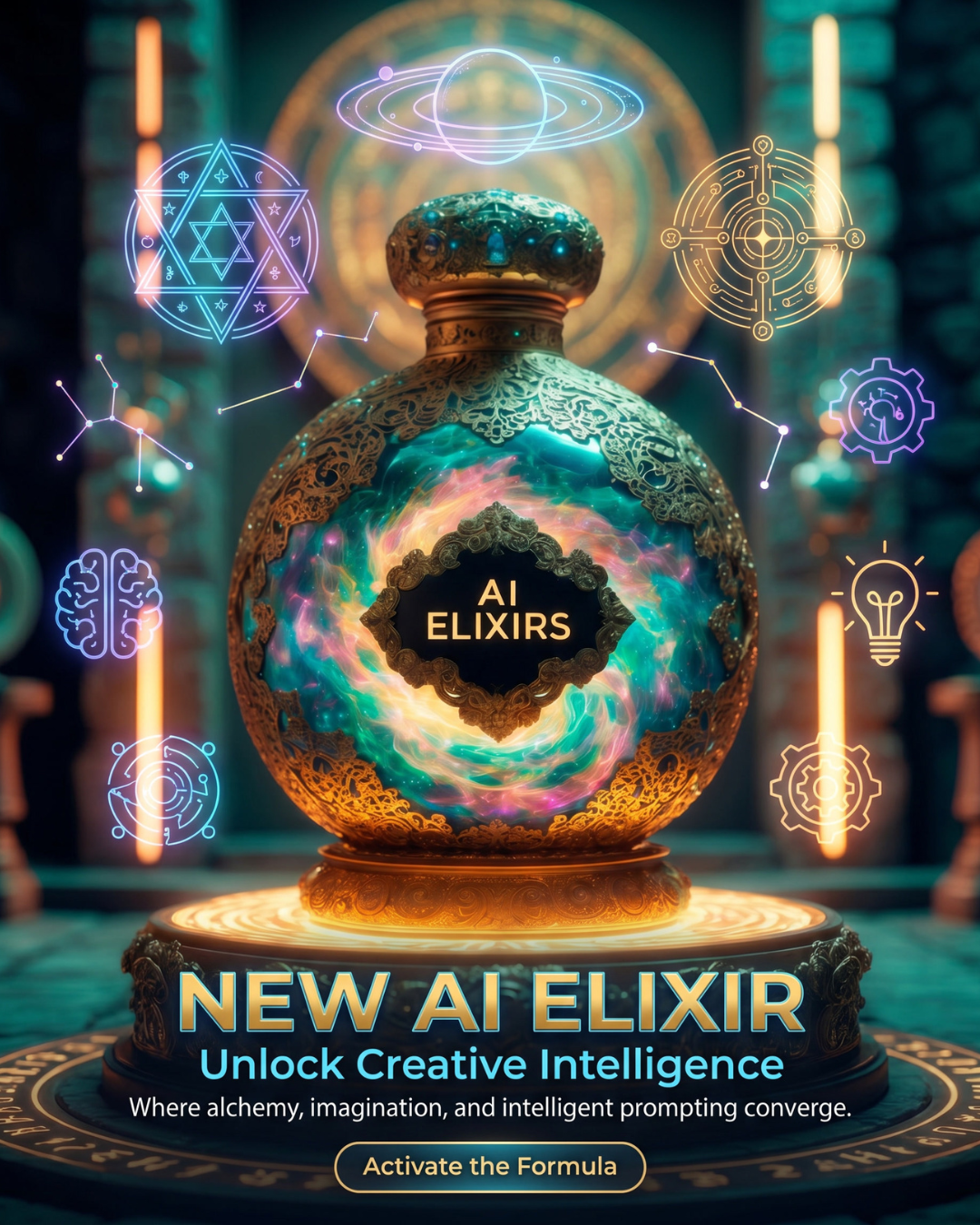
Symbol-Enhanced Prompt
Symbols and icons add more meaning around creativity, intelligence, alchemy, and innovation.
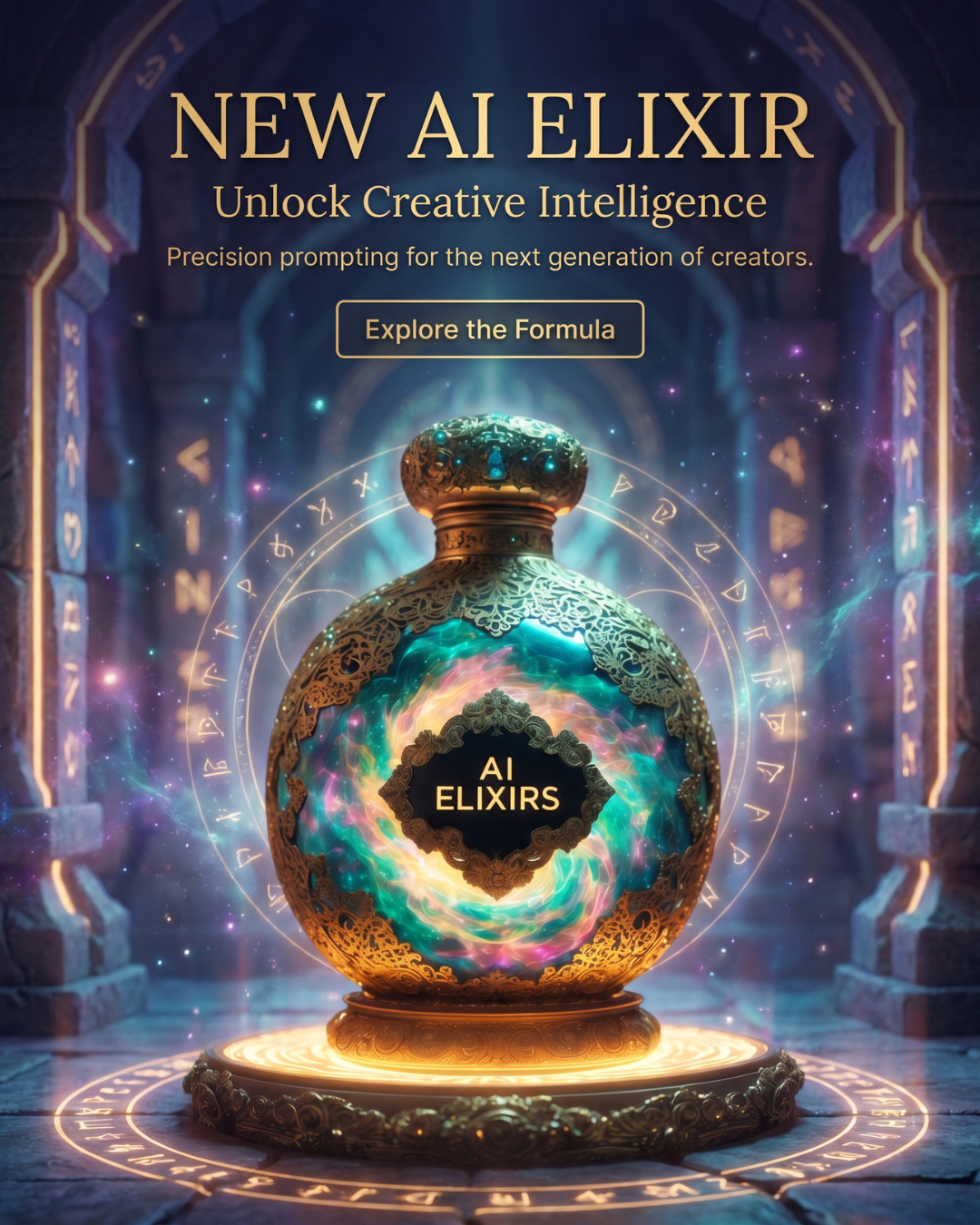
Directed Ad Prompt
The final version has stronger layout control, premium styling, and a clearer commercial hierarchy.
What this shows: When you want an ad-style image, do not only describe the object. Describe the layout, the text, the supporting symbols, the mood, and the role of each element.
Text-on-Image: Spaceship Command Center
Text inside AI images has gotten much better, but it still works best when the prompt gives the model a clear job. For this test, we created a spaceship command center infographic that explains what different control buttons do.
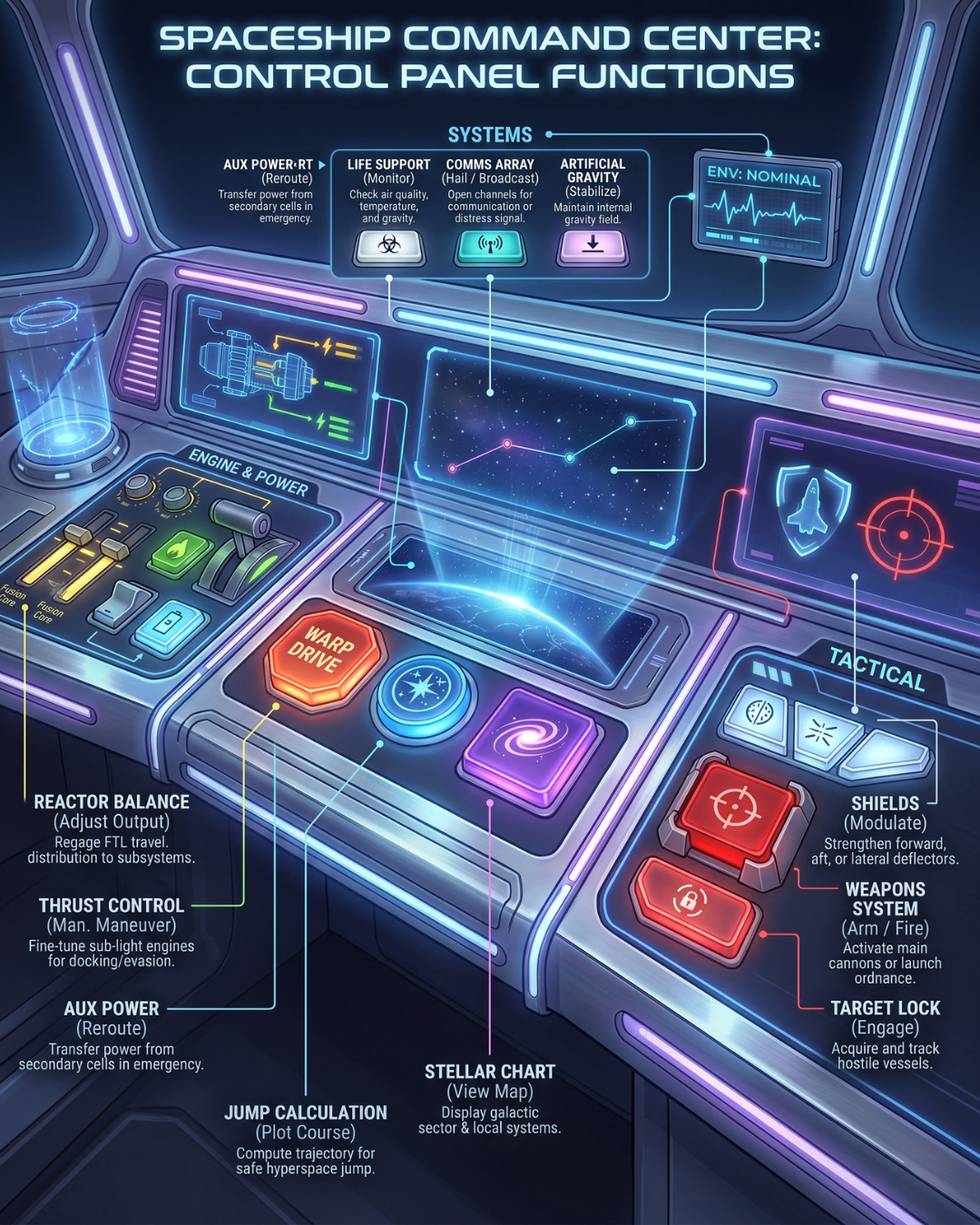
Simple Infographic Prompt
The text works, but the layout is more crowded and the model makes more of the design decisions.
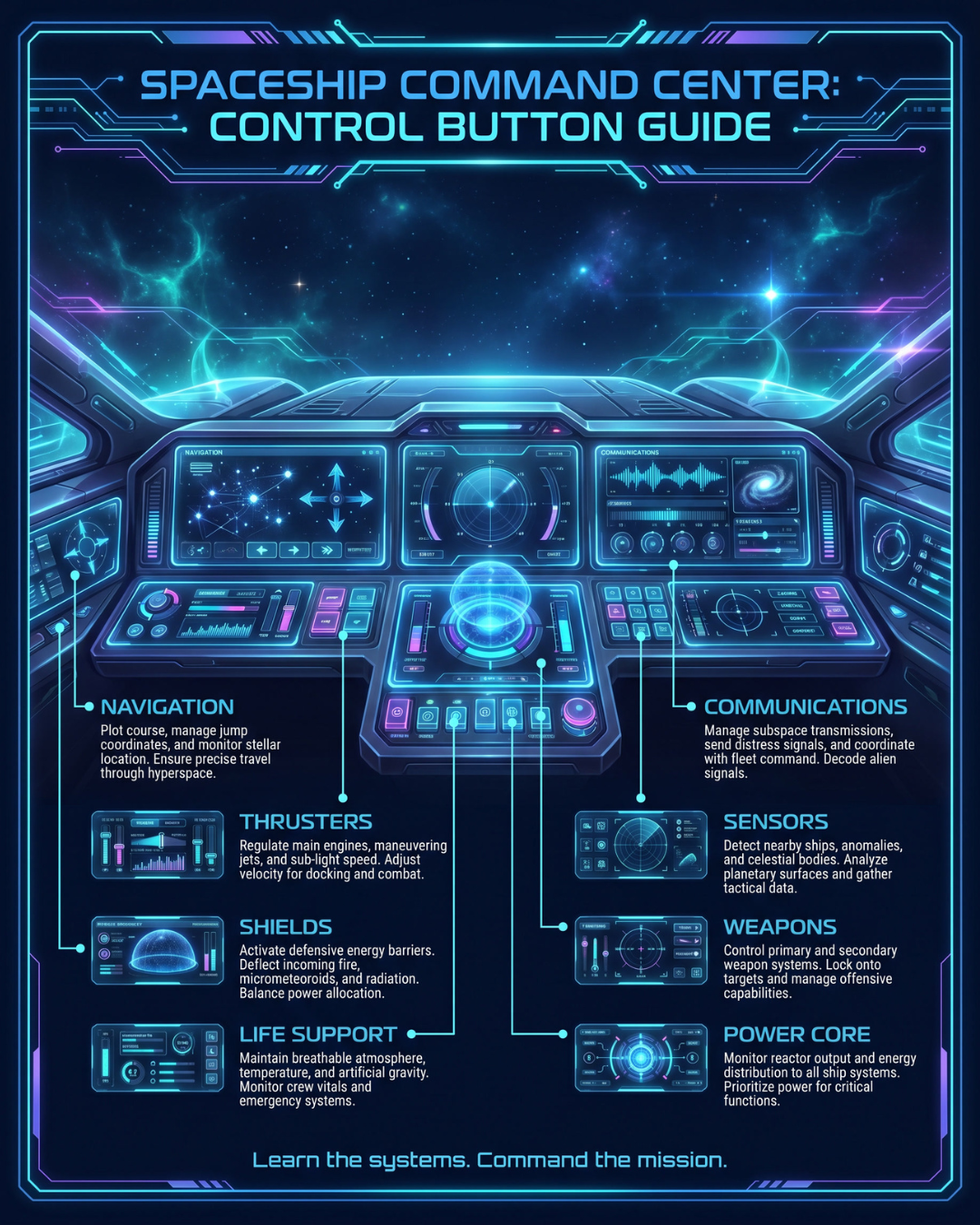
Directed Infographic Prompt
The second version is cleaner because the prompt gives more structure for sections, labels, and educational clarity.
What this shows: For text-heavy images, ask for readable hierarchy. Tell the AI what the sections are, what the labels should say, and what the viewer is supposed to learn.
Movie Poster Prompting: Starforged Horizon
Movie poster prompting is a perfect example of why structure matters. A poster needs a title, tagline, character, world, mood, visual hierarchy, and often a credit block or footer. We tested a simple version, a directed version, a Nyra reference version, an enhanced reference version, and a final Canva brand edit.
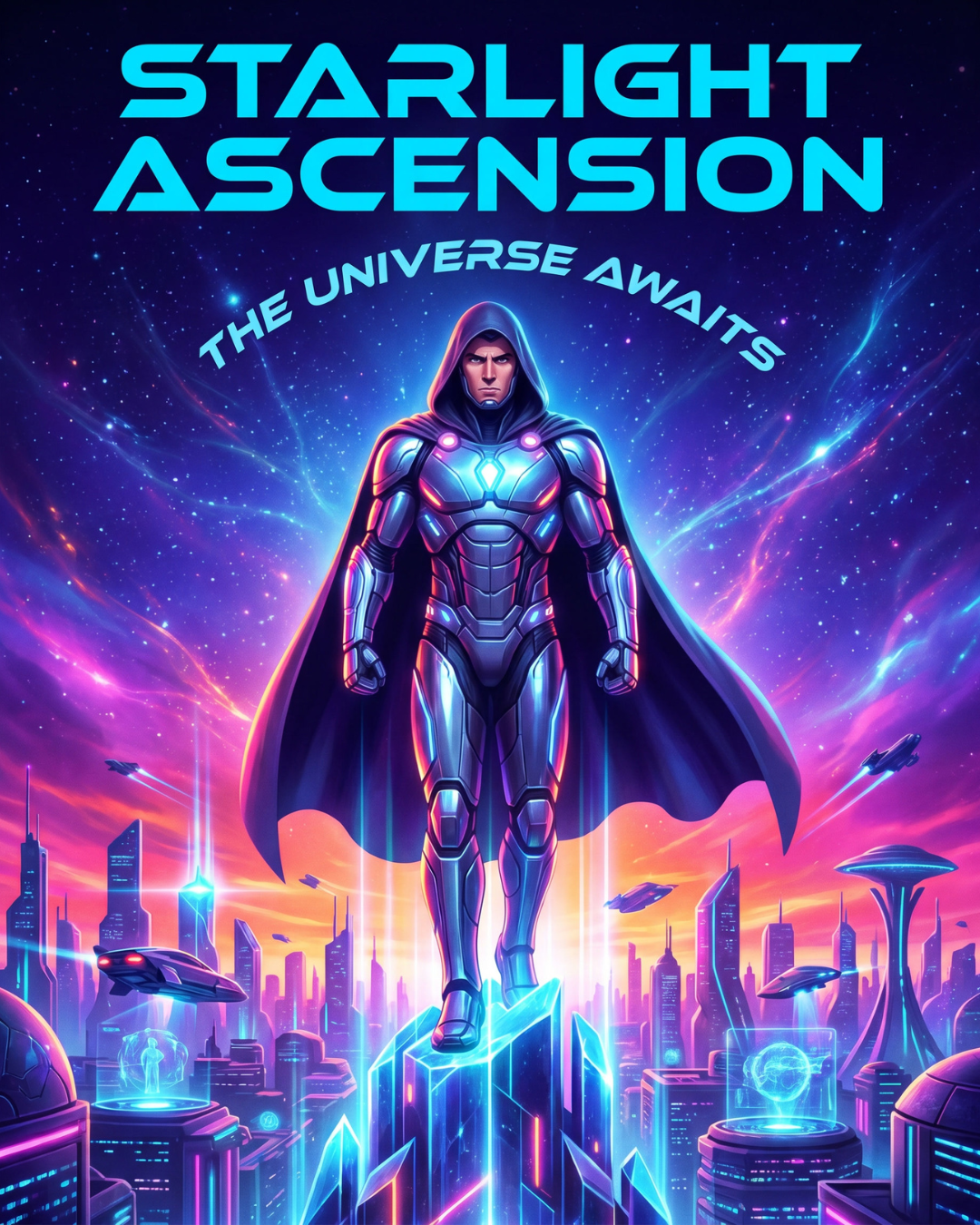
Simple Movie Poster
A broad poster idea produces something usable, but the model chooses the title, character, layout, and style.
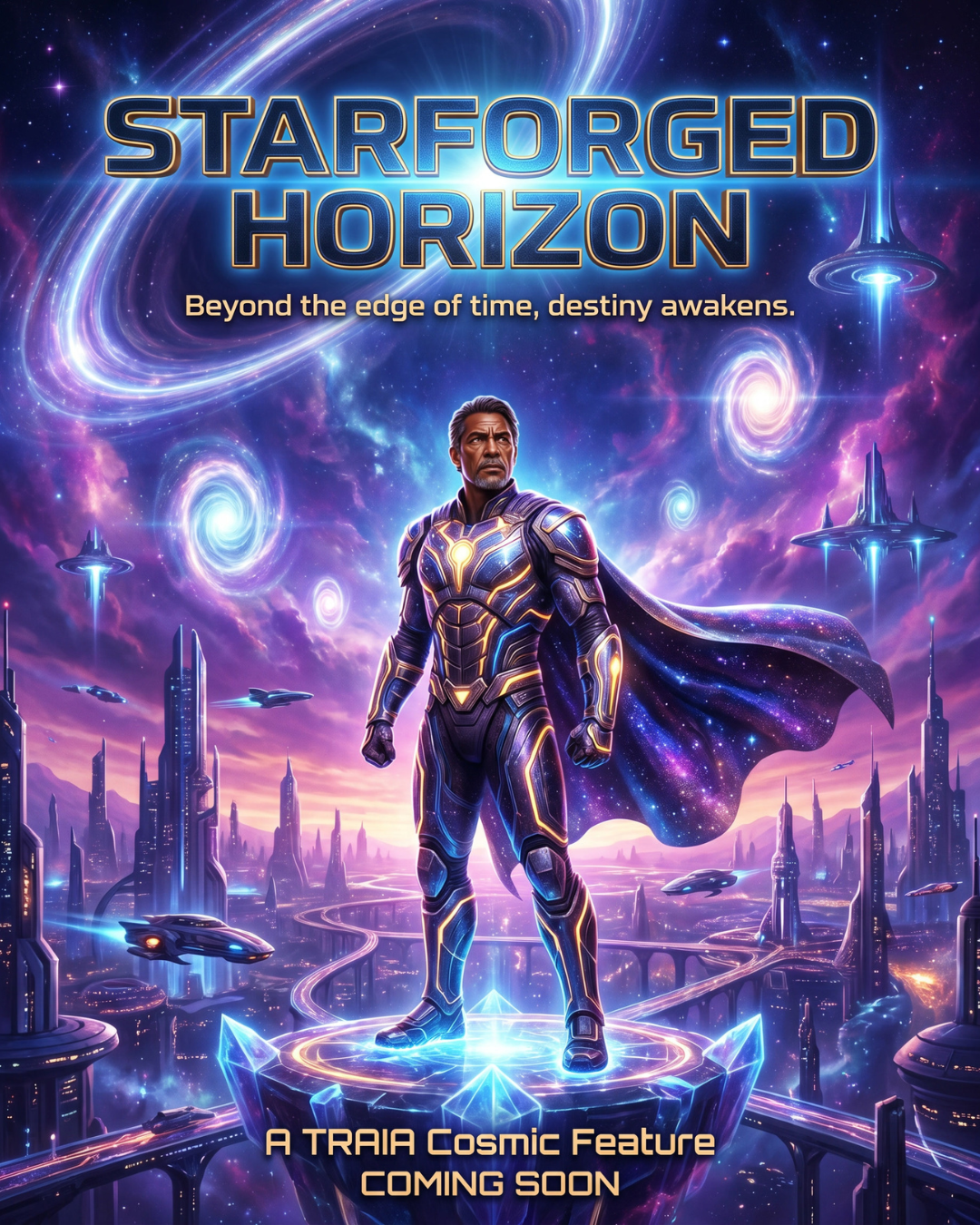
Directed Movie Poster
This version gives the AI the title, tagline, environment, character placement, and color palette.
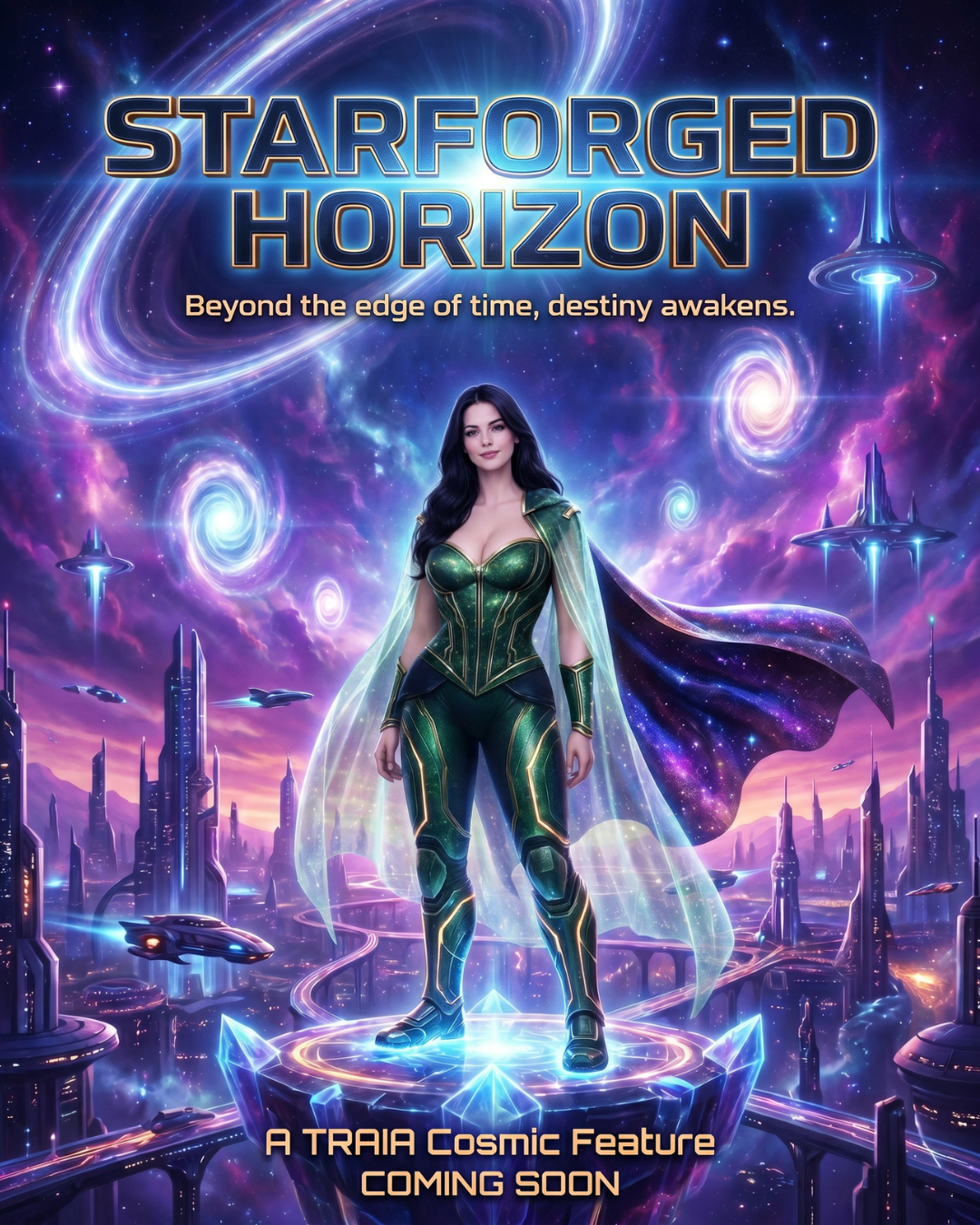
Nyra Reference Poster
Using Nyra as a reference helps place a recognizable TRAIA character into the poster concept.
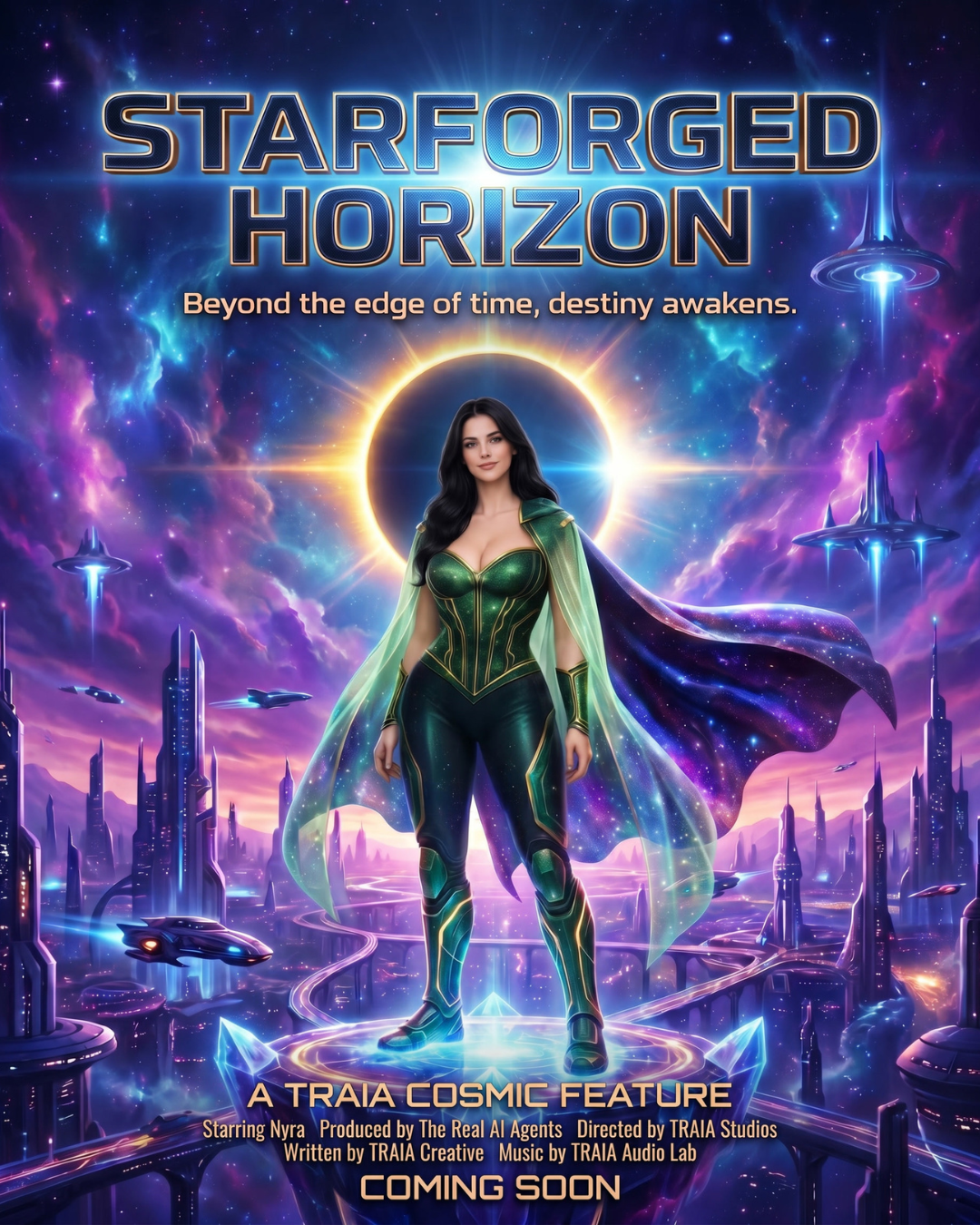
Enhanced Reference Result
This version adds a stronger eclipse halo, richer atmosphere, clearer cosmic drama, and a more finished poster feel.
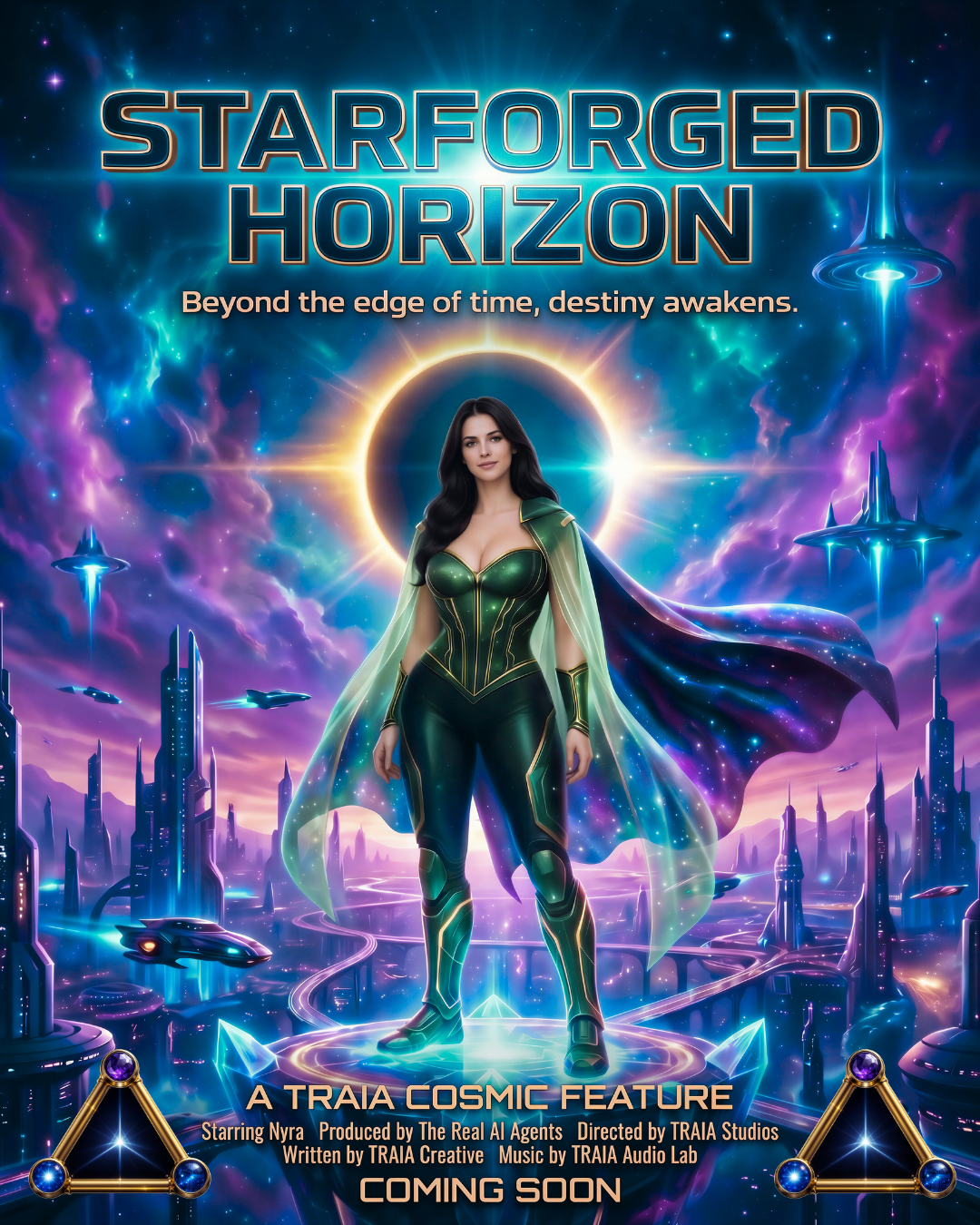
Bonus: Brand Edited in Canva
The final version was edited for stronger TRAIA brand tones, contrast, crop, glow, and typography after generation.
What this shows: The generator can get you close, but the final brand polish may come from editing the colors, contrast, crop, glow, and typography after generation.
Wanted Poster Prompting: Iterating Toward the Strongest Layout
This final set is one of the most important lessons on the page. We used the same Glitch Jack wanted poster concept multiple times, and each run gave us a different direction. Then we changed the size to a 4:5 poster layout, which helped the design feel more like a real poster.
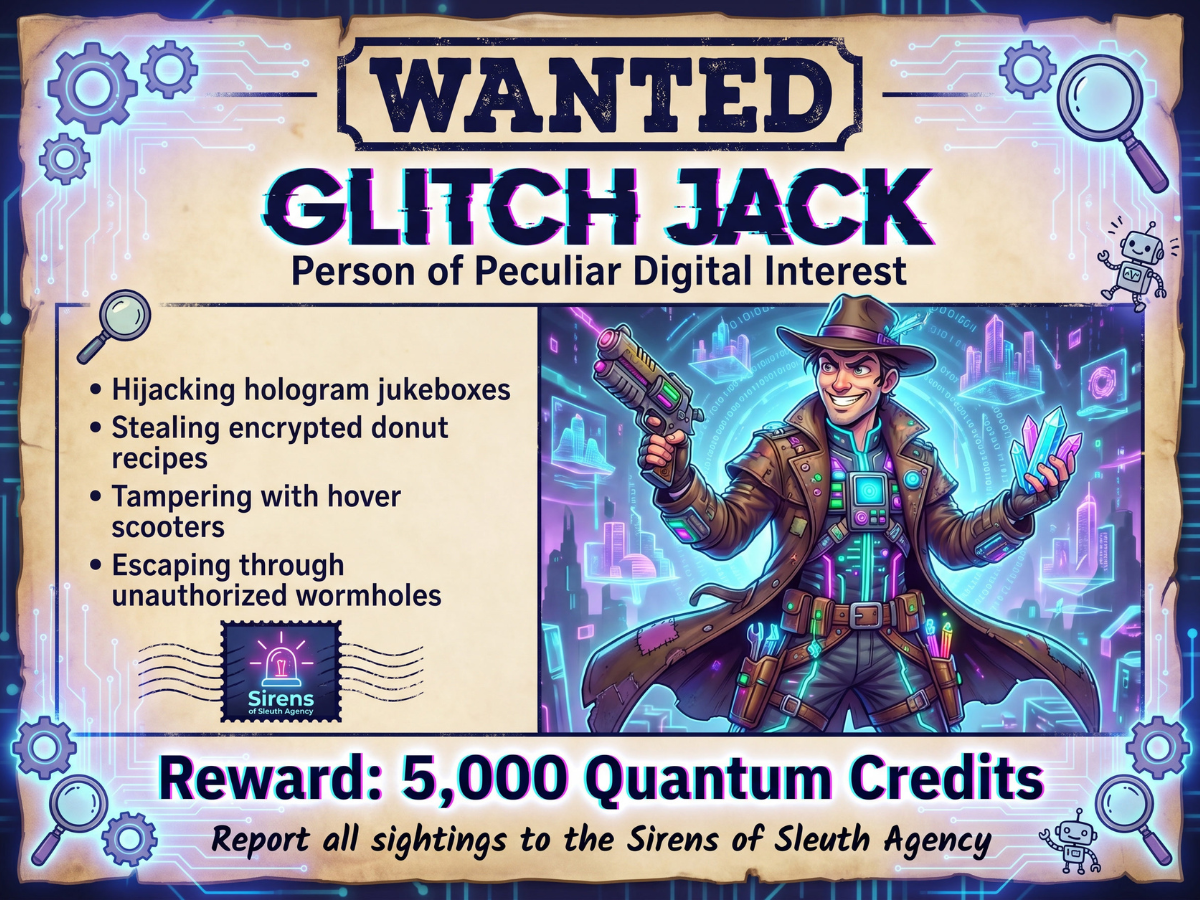
First Prompt Run
A fun first result with strong cyber-detective energy and readable text.
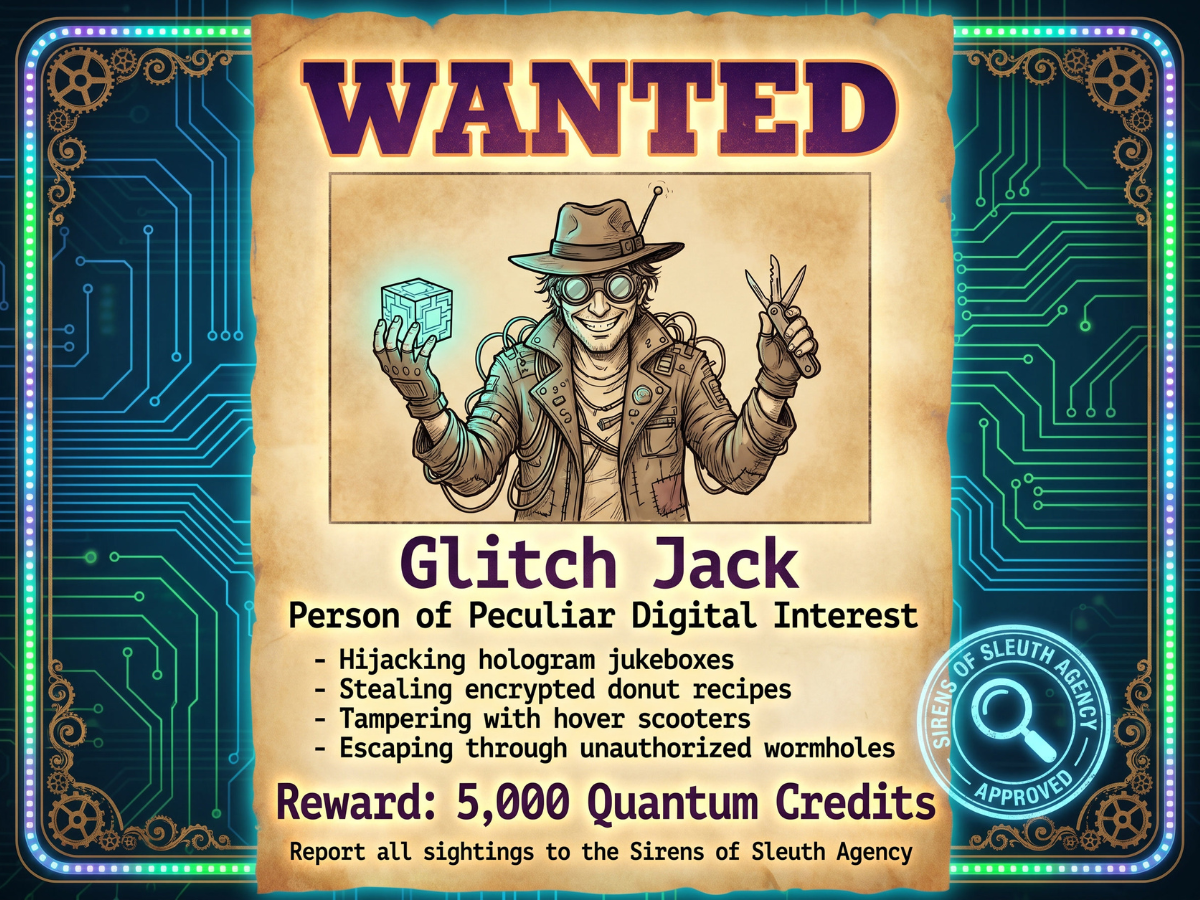
Second Prompt Run
The same prompt gives a different parchment layout, pose, and agency stamp treatment.
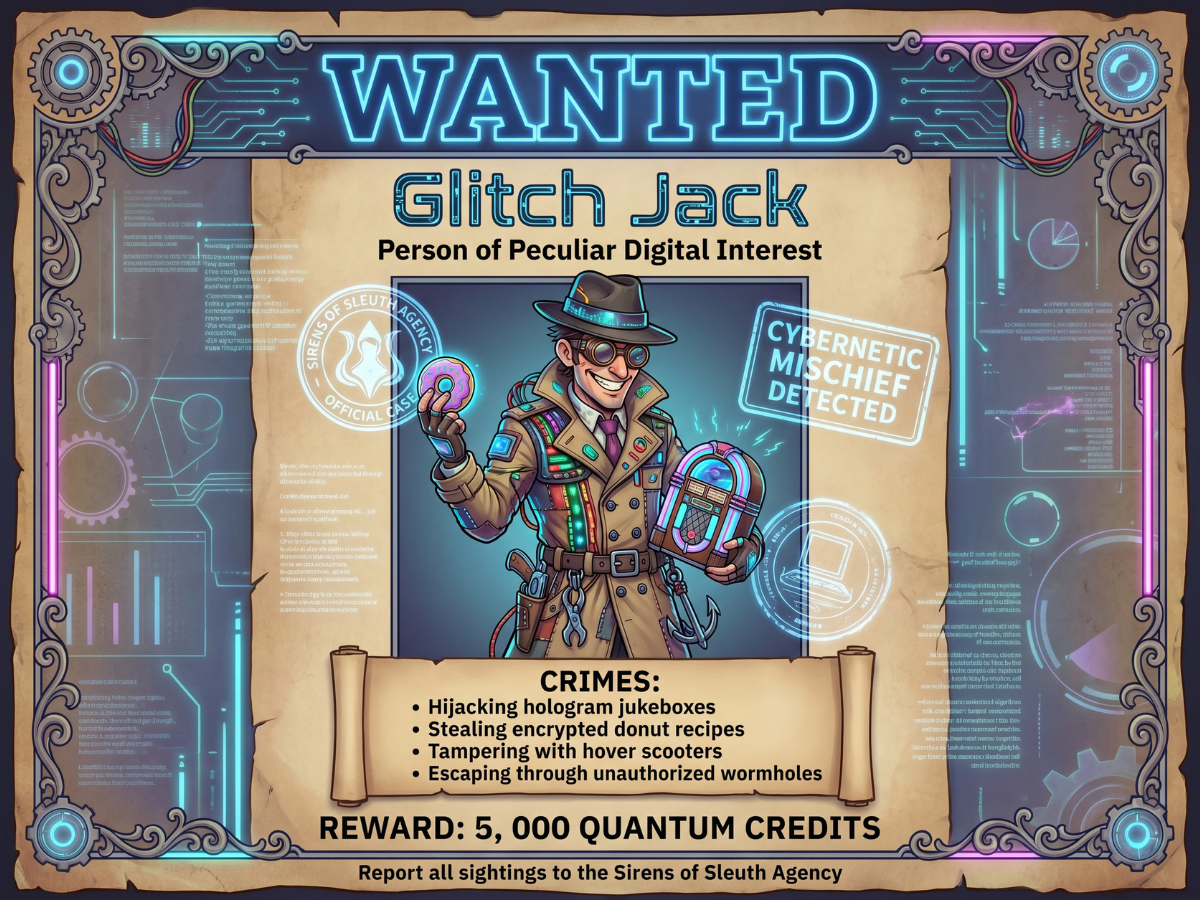
Third Prompt Run
This version leans more into a cyberwestern frame and playful character illustration.
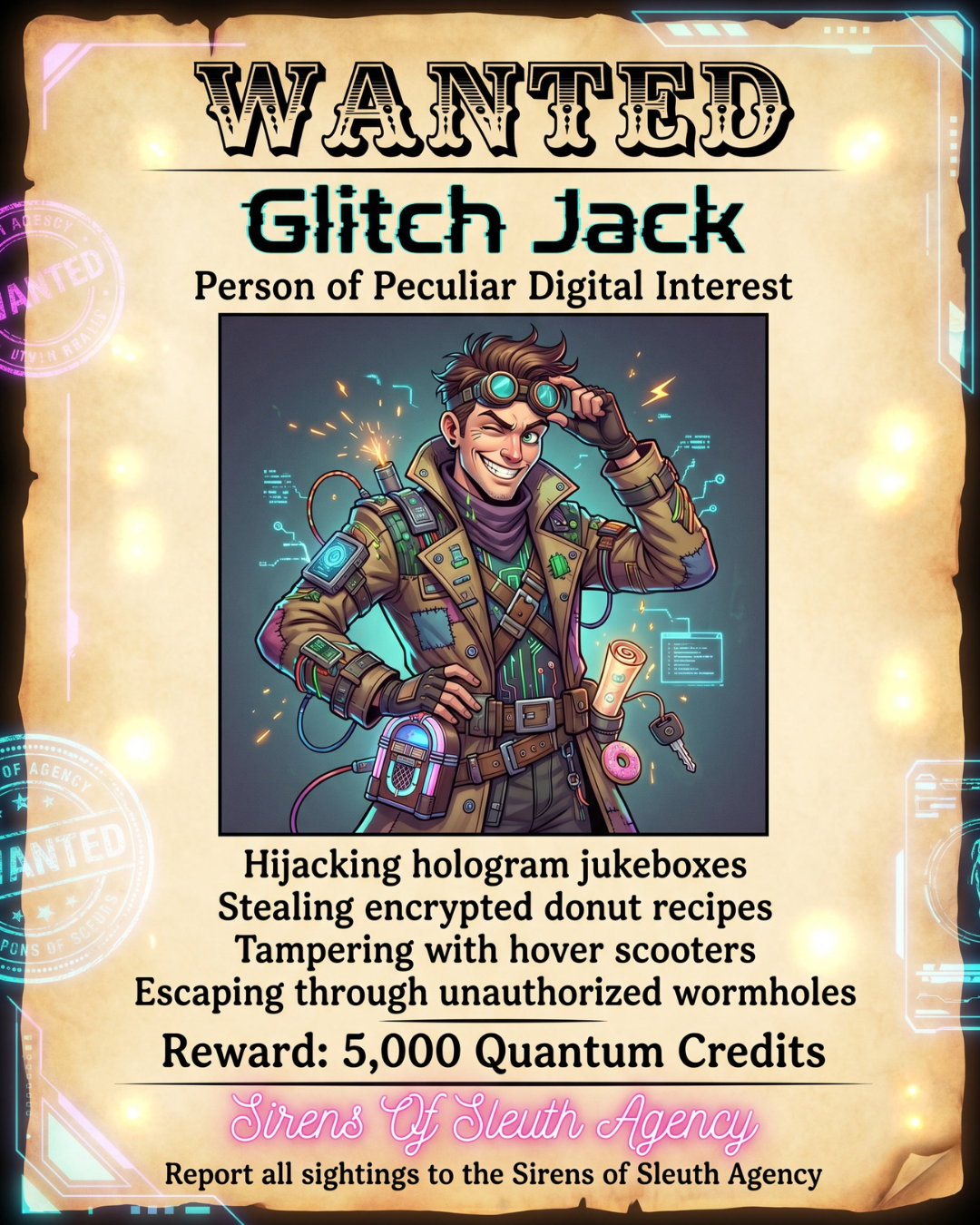
4:5 Layout Test
The vertical layout gives the character, headline, crime list, and reward more room to breathe.
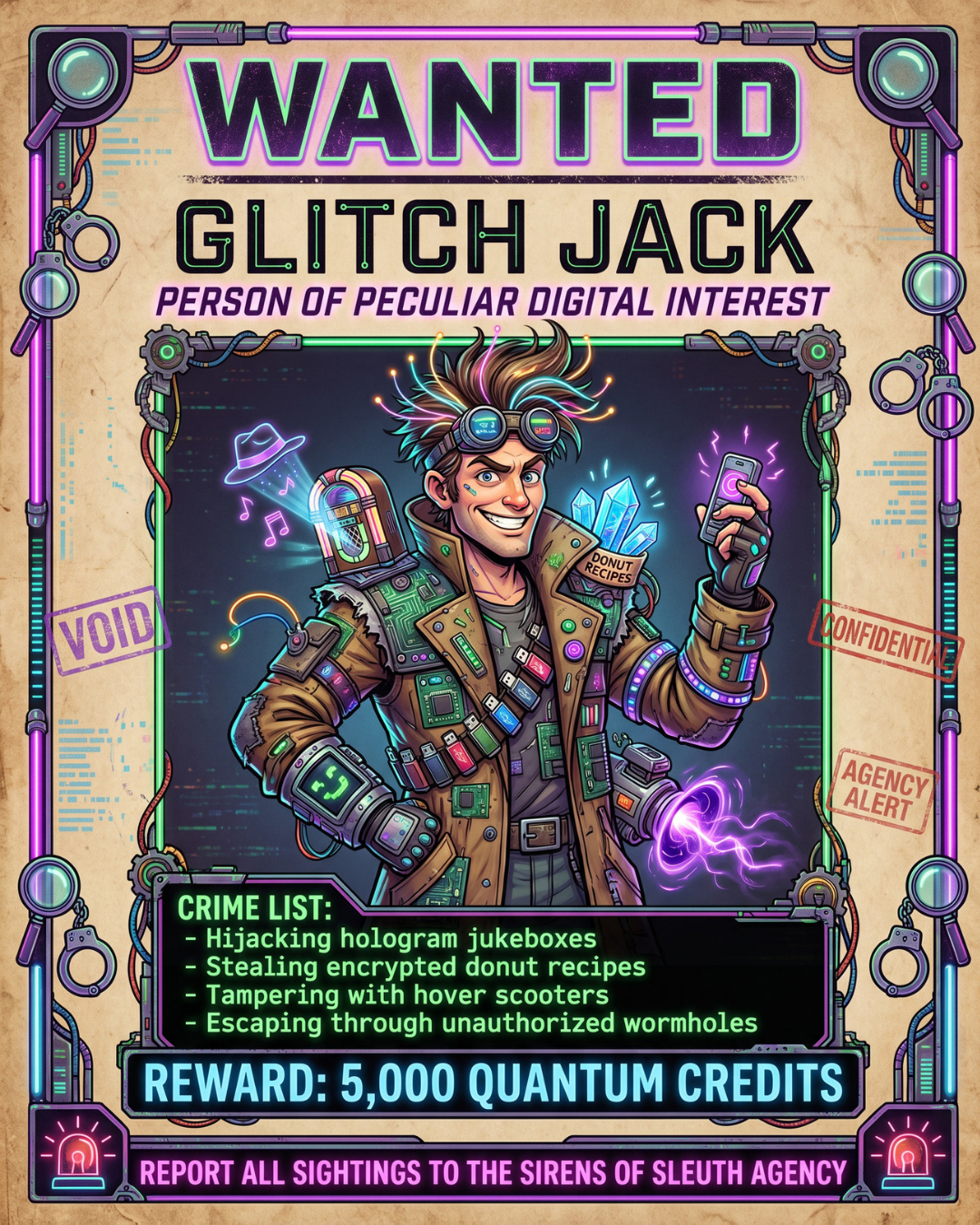
Final 4:5 Version
The final result feels more like a finished poster because the aspect ratio matches the design goal.
What this shows: Do not stop at the first image. Re-run, compare, change size, and keep the strongest version. Iteration is part of the creative workflow.
Better Prompting Is a Creative System
The biggest takeaway from these tests is that prompting is not one magic sentence. It is a creative system. You start with the idea, give the AI direction, compare the results, and then refine what is working.
Use uncommon language when your image feels flat.
If a design feels generic, try more specific words for mood, material, era, light, texture, or atmosphere.
Check the model’s preferred structure.
Some tools respond better to short direct edits. Others handle longer cinematic prompts well. Match the prompt to the tool.
Use references for consistency.
Mood boards, style references, and character references can help keep your brand, agents, and visual world consistent.
Layer textures and details.
Texture, lighting, background details, and symbolic elements can add dimension and make images feel more premium.
Do not overtrain character consistency.
If you are training or referencing a consistent character, more is not always better. A focused image set can work better than a messy one.
Edit after generation.
A strong AI image can become even better with final color, contrast, crop, glow, and typography adjustments.