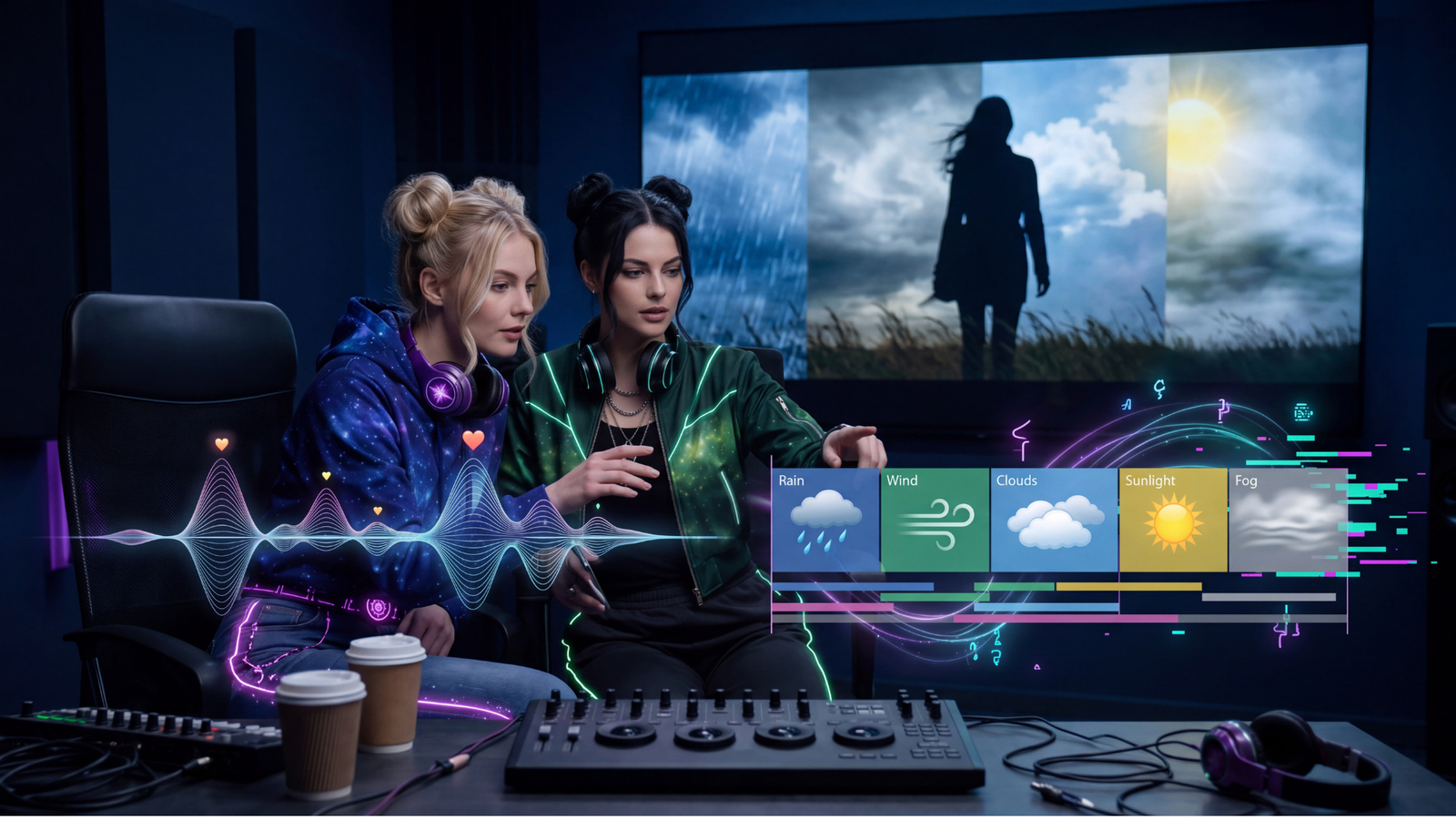
Give the model an idea.
Create a playful retro lounge-jazz instrumental.
This prompt establishes a direction. However, the model still makes most of the choices about tempo, instruments, arrangement, and production.

The Real AI Agents Prompting Hub
Music prompting helps you translate a creative idea into useful musical direction. Instead of searching for one magic sentence, you can guide style, mood, rhythm, instrumentation, vocals, structure, and the feeling you want a listener to experience. Because AI music tools interpret language differently, the goal is clear direction rather than perfect control.
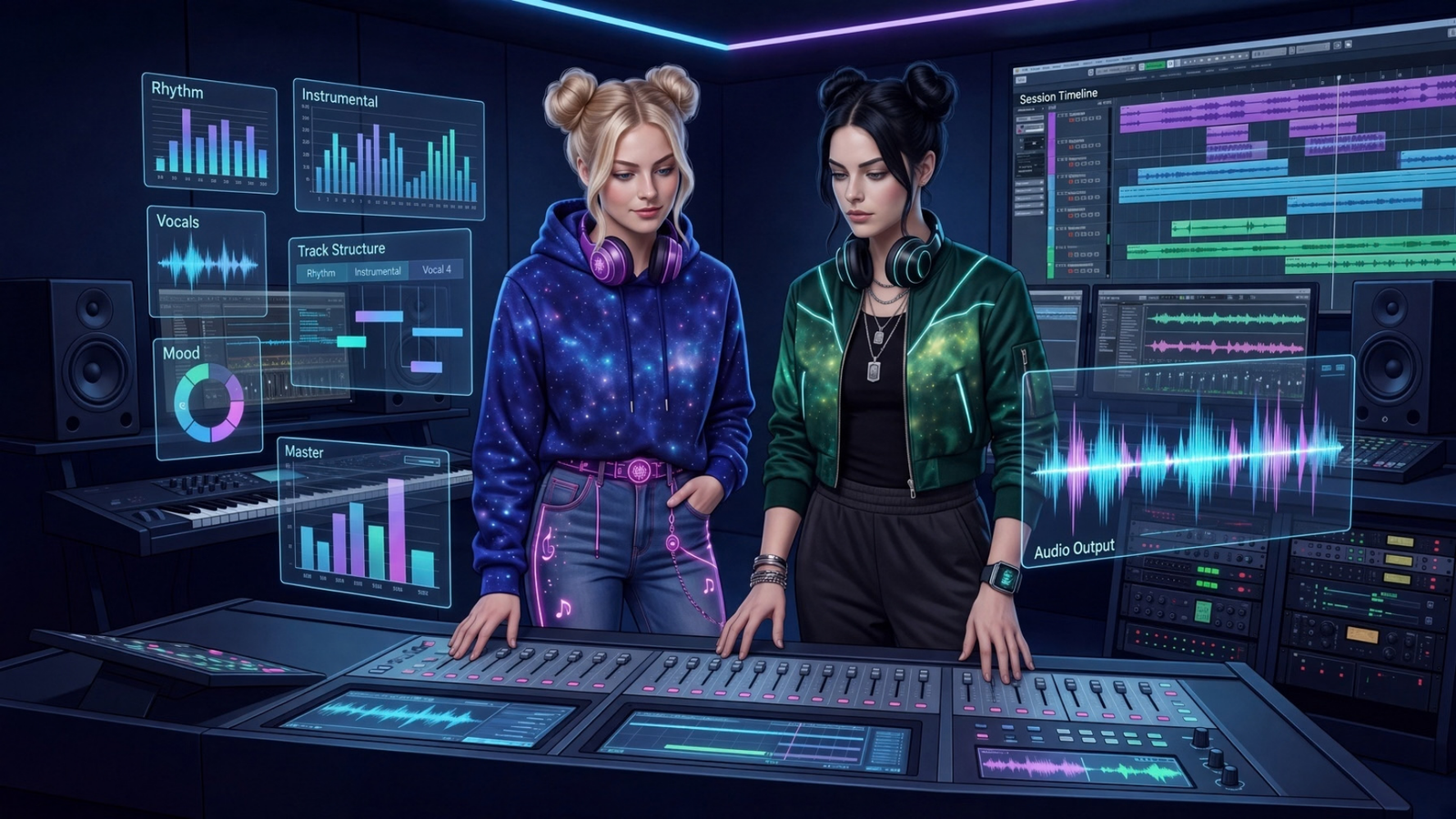
Start with direction
A music prompt gives the model a creative destination. Therefore, useful direction can reduce the number of decisions the system has to invent on its own. That does not mean every prompt needs to be long. Instead, each part of the prompt should contribute something meaningful.
Give the model a musical neighborhood, such as lounge jazz, indie folk, retro funk, acoustic country, or orchestral comedy.
Describe the emotional atmosphere: playful, nostalgic, tense, hopeful, bittersweet, relaxed, chaotic, or celebratory.
Use terms such as slow, mid-tempo, driving, swinging, syncopated, steady, sparse, or half-time to guide movement.
Name the sounds that matter most, including piano, drums, brass, acoustic guitar, upright bass, strings, synths, or percussion.
Describe vocal delivery with attributes such as warm, conversational, raspy, restrained, bright, layered, or powerful.
Tell the music where to go. For example, ask for a restrained opening, bigger chorus, instrumental break, or gentle ending.
Prompt with intention
“Make a rock song” leaves almost every decision to the model. The word rock may influence the result, but it does not explain whether you imagined acoustic drums, distorted guitars, restrained verses, a large chorus, or polished production.
Instead, stronger music prompting adds the characteristics that matter to the creative idea. For example, you can describe the era, instruments, vocal delivery, rhythm, arrangement, production texture, and emotional tone.
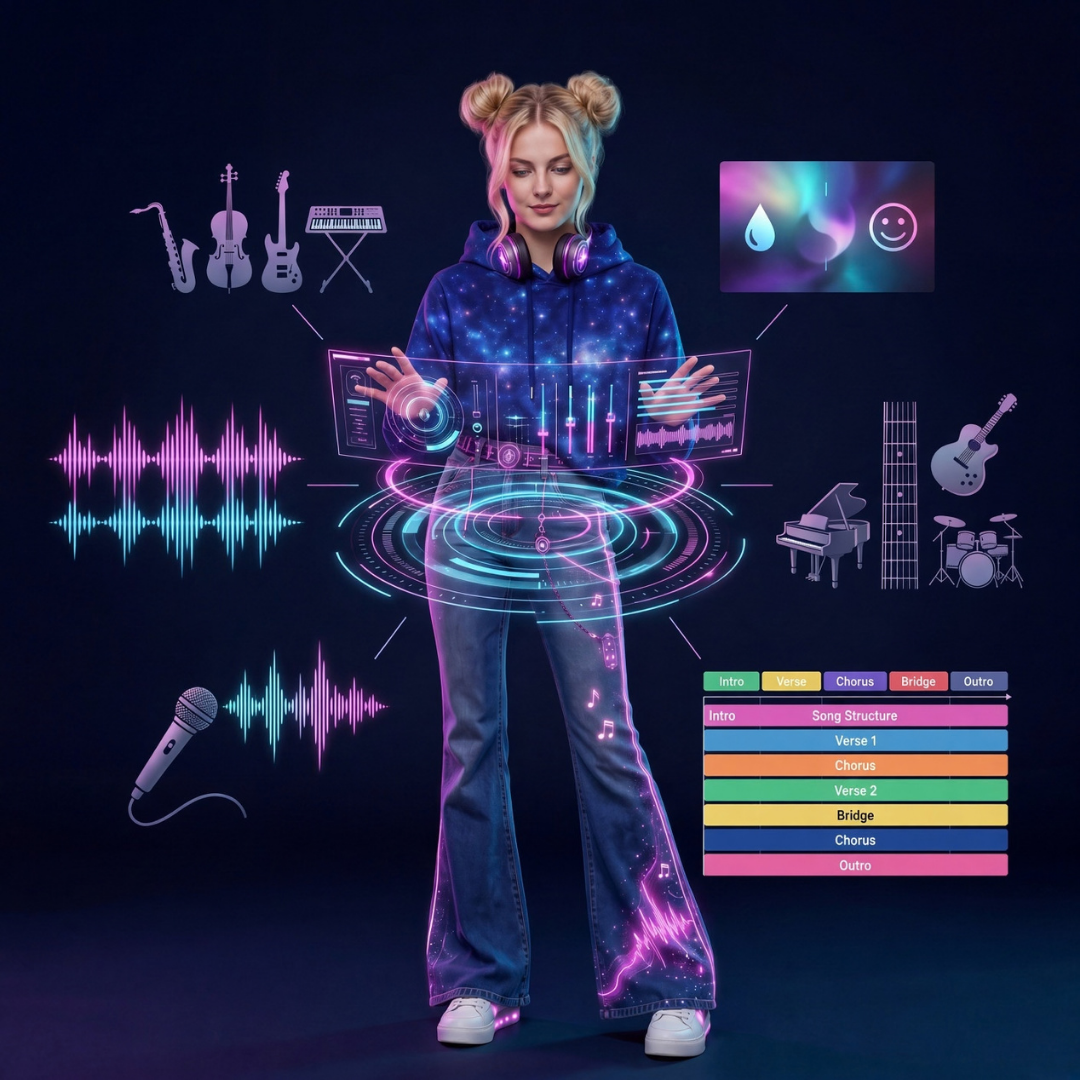
Simple → directed → detailed
The examples below show how you can take your song idea from simple to directed to detailed by leveling up your prompt.
This prompt establishes a direction. However, the model still makes most of the choices about tempo, instruments, arrangement, and production.
Now the system has clearer information about the sound, movement, instrumentation, and emotional tone.
This version also explains how the track should develop. Therefore, the prompt guides the arrangement instead of describing only a genre.
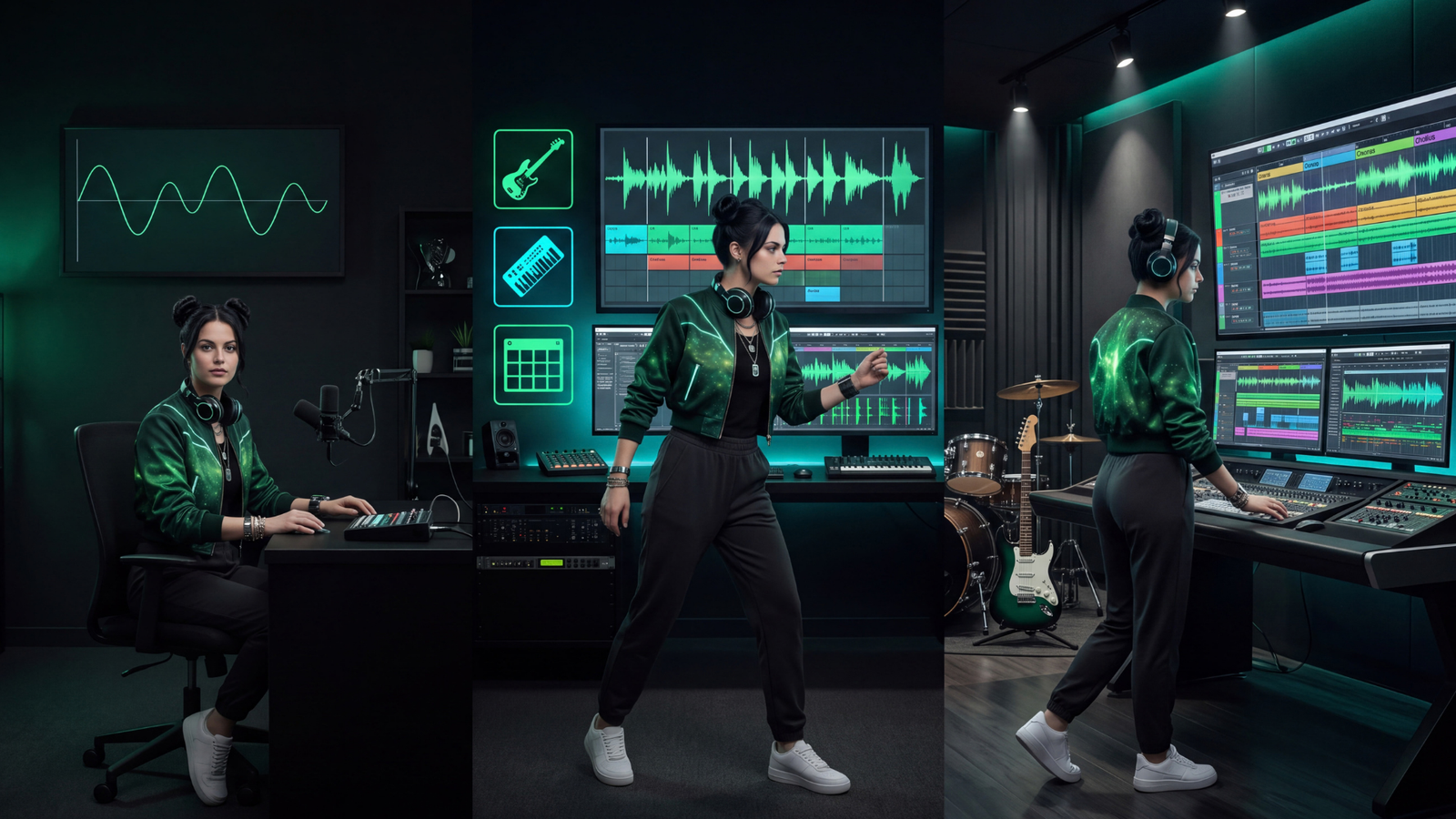
Separate two creative layers
The lyrical idea describes the subject, point of view, story, emotion, or message.
The musical direction describes how that idea should feel when someone hears it.
Practical prompting tips
Too many competing labels can muddy the direction. Instead, begin with one or two useful anchors and add musical attributes from there.
“Sad” is broad. However, “quiet, reflective, slow-building acoustic track” gives the emotion a musical shape.
Music develops over time. For example, a restrained opening, rising middle, larger chorus, or sparse ending can guide the arc.
When a result is close, change one major decision at a time. Therefore, it becomes easier to understand what influenced the next version.
If a requested vocal, instrument, tempo, or structure did not appear, simplify or strengthen that instruction in the next generation.
AI sometimes makes an unexpected choice that works. Creative direction matters, but discovery can also become part of the process.
Practice tool
This simple music prompting tool creates a foundation prompt that you can test in an AI music generator. Use it to practice the fundamentals. Afterward, listen to the result and refine the parts that matter to you.
After the song is finished
If you decide to release AI-assisted music publicly, review the rights connected to your project before uploading it anywhere. Commercial-use terms, distribution requirements, copyright questions, and platform policies can differ by tool. In addition, those rules can change over time.
What we use
The Real AI Agents uses DistroKid as part of our music distribution workflow. If you are exploring distribution for your own music, you can use our affiliate link to review its current plans, features, eligibility requirements, and signup offer.
Explore DistroKid
Listen to the evolution
We began experimenting with AI music in 2023. Since then, the tools, generation quality, editing options, and production possibilities have changed considerably. You can hear that evolution by comparing our streaming catalog with some of our newer experiments.
Streaming catalog
Listen through our Spotify catalog to hear how our approach to AI-assisted music has evolved since those early experiments.
Listen on SpotifyRecent experiments
Our Suno profile includes newer experiments and creative directions we are testing as the platform continues to evolve.
From the archive
This tutorial is roughly two years old. Even so, the basic release workflow is still useful: create the music, prepare the release, use a distributor to send eligible tracks to streaming services, and promote the finished music where your audience can find it.
Before you publish
AI can generate impressive music. However, a finished track still deserves a careful listen. Check the writing, structure, pronunciation, artifacts, repetition, mix balance, emotional coherence, and whether the result actually matches your creative intent.
Rights and platform terms
Commercial-use rules, ownership language, licensing, copyright treatment, training policies, voice rules, and upload permissions can vary between AI music providers.
Before distributing a track, review the current terms for the generator, distributor, streaming services, and any other tools involved. In addition, only upload audio, voices, samples, images, lyrics, or other material that you have the appropriate rights or permission to use.
This page is educational and is not legal advice.
Keep building
Explore the broader prompting system for images, animation, music, and creative workflows.
Learn how source preservation, camera direction, subject motion, and atmosphere can shape AI video.
Browse tools and platforms that can support different stages of a creator workflow.
Keep experimenting
Music prompting gets the process started. The creative work continues when you listen, compare, refine, edit, and decide what deserves to become the finished song.