
How Creators Can Use Suno to Turn Ideas Into Songs
Suno is easiest to understand as more than a prompt-to-song tool. It can anchor a practical Suno AI music creator workflow where creators move from an idea to a prompt, generate options, edit the strongest direction, review the result, and decide what belongs in a real project.
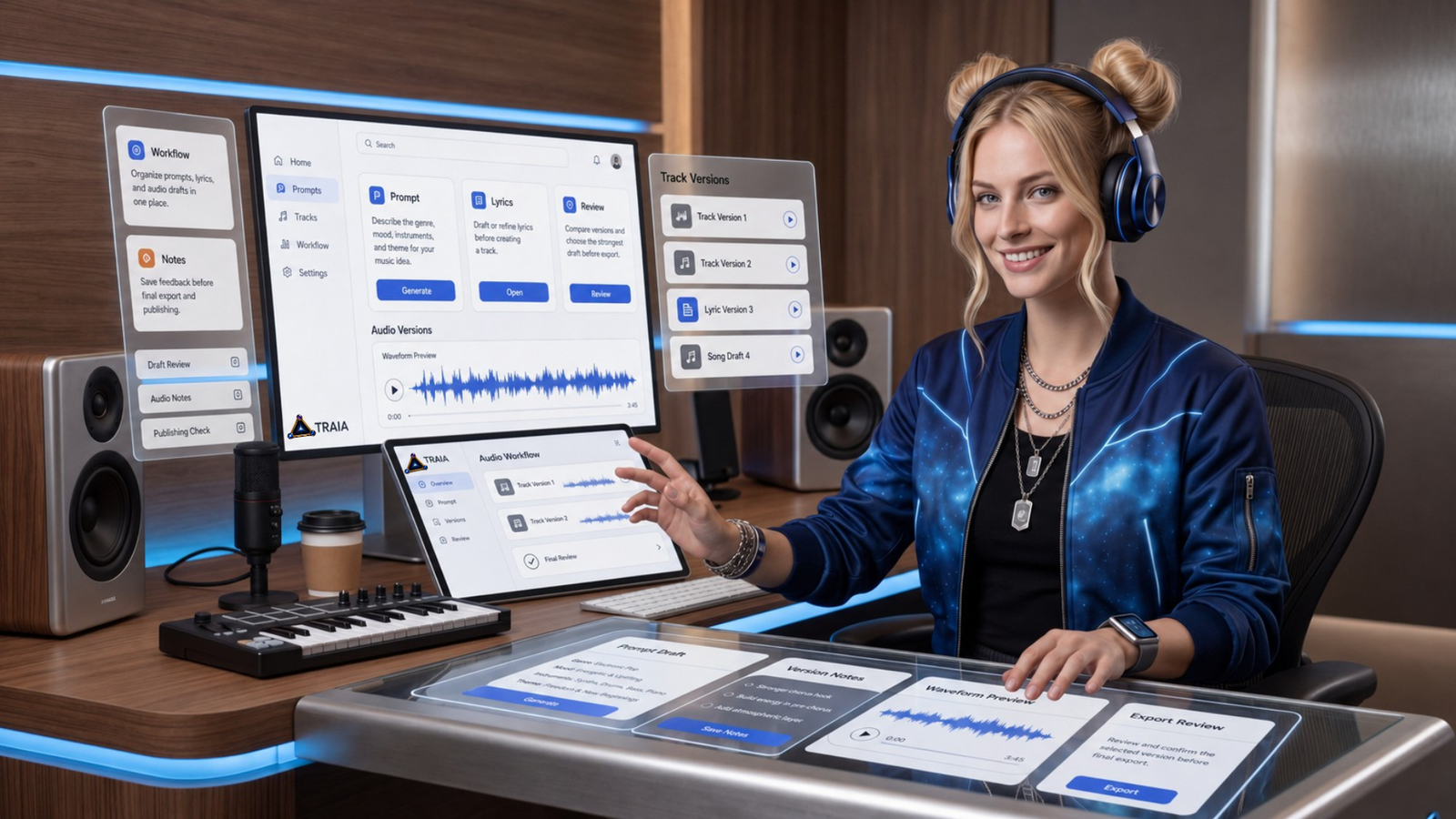
A creator workflow view of moving from music idea to draft song and review.
What Is Suno?
Suno is a music creation platform that can help people create music from ideas, prompts, lyrics, melodies, feelings, or source audio they have the rights to use. At the simple end, you can describe the kind of track you want and generate a song. At the more advanced end, you can work with lyrics, uploads, extensions, edits, stems, Studio workflows, voices, custom models, downloads, and sharing.
For creators, that makes Suno useful as a starting layer in a broader audio workflow. It can help you explore a direction before you spend more time producing, editing, publishing, or commissioning final music.
I would not look at Suno as one tool for one output. I would look at it as a possible layer inside a larger creator system.
Fast idea exploration
Start with a mood, lyric, melody, theme, or rough direction and quickly hear several possible versions.
Creator-led iteration
Compare options, revise prompts, adjust sections, organize versions, and keep moving toward a stronger result.
Review-aware publishing
Check quality, source material, plan status, sharing settings, rights, and intended use before publishing.
Feature, pricing, plan, credit, model, and rights details can change. Before making purchase or publishing decisions, check Suno's current pricing page and terms directly.
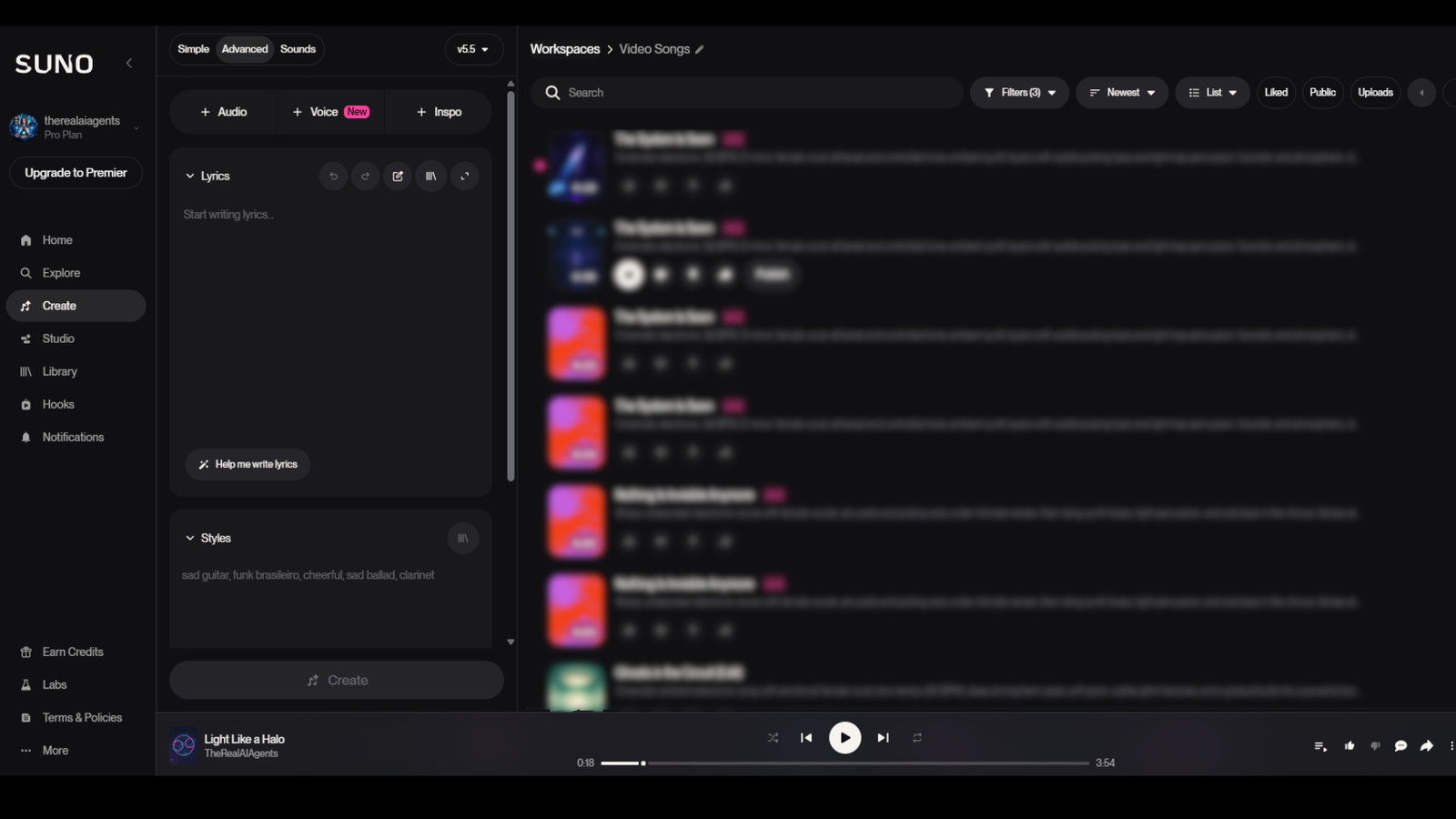
The Suno create flow gives readers a real product reference for prompt-based music generation.

Suno can support different creator audio ideas, from songs and instrumentals to social music concepts.
What Creators Can Make With Suno
Suno can support several kinds of creator audio work. The strongest way to think about these is not as isolated outputs, but as draft paths.
You might use Suno to explore a full song from a prompt. That could be useful for a theme song idea, a social post concept, a birthday song, a scene mood, or a draft chorus. You might generate an instrumental for a video bed, podcast intro, short-form transition, or ambient background. You might bring in original lyrics and hear how they work as a song before deciding whether they are strong enough to keep.
If you already have source material that belongs to you, upload-based workflows can help you build from an original sound, melody, loop, or recording. This is especially useful for musicians and producers who do not want to start from a blank prompt.
The Suno AI Music Creator Workflow
A useful Suno AI music creator workflow is simple: idea, prompt, generate, edit, review, and publish. That shape keeps the tool in the right place. Suno can help you explore quickly, but the creator still provides direction, taste, judgment, and responsibility.
Start With the Use Case
Start with the use case. Are you making a personal song for fun, a video intro, a podcast bed, a product clip, a draft chorus, a social post, a game sound, or a client-facing asset? The answer changes how careful you need to be with plan rights, source material, privacy, and final quality.
Then write the prompt. A useful prompt gives direction: genre, mood, theme, structure, instrumentation, vocal direction, and any original lyrics you want to test. Avoid using named artists, public figures, or another person's voice as a shortcut.
Generate multiple versions. Listen for emotional fit, lyric clarity, production quality, timing, and usefulness. The first result may be interesting, but it may not be the strongest direction.
Organize what you make. Keep notes on prompts, versions, lyrics, uploaded inputs, usage intent, plan status, and rights checks. Suno includes workspace-style organization, and you can also keep your own local project tracker.
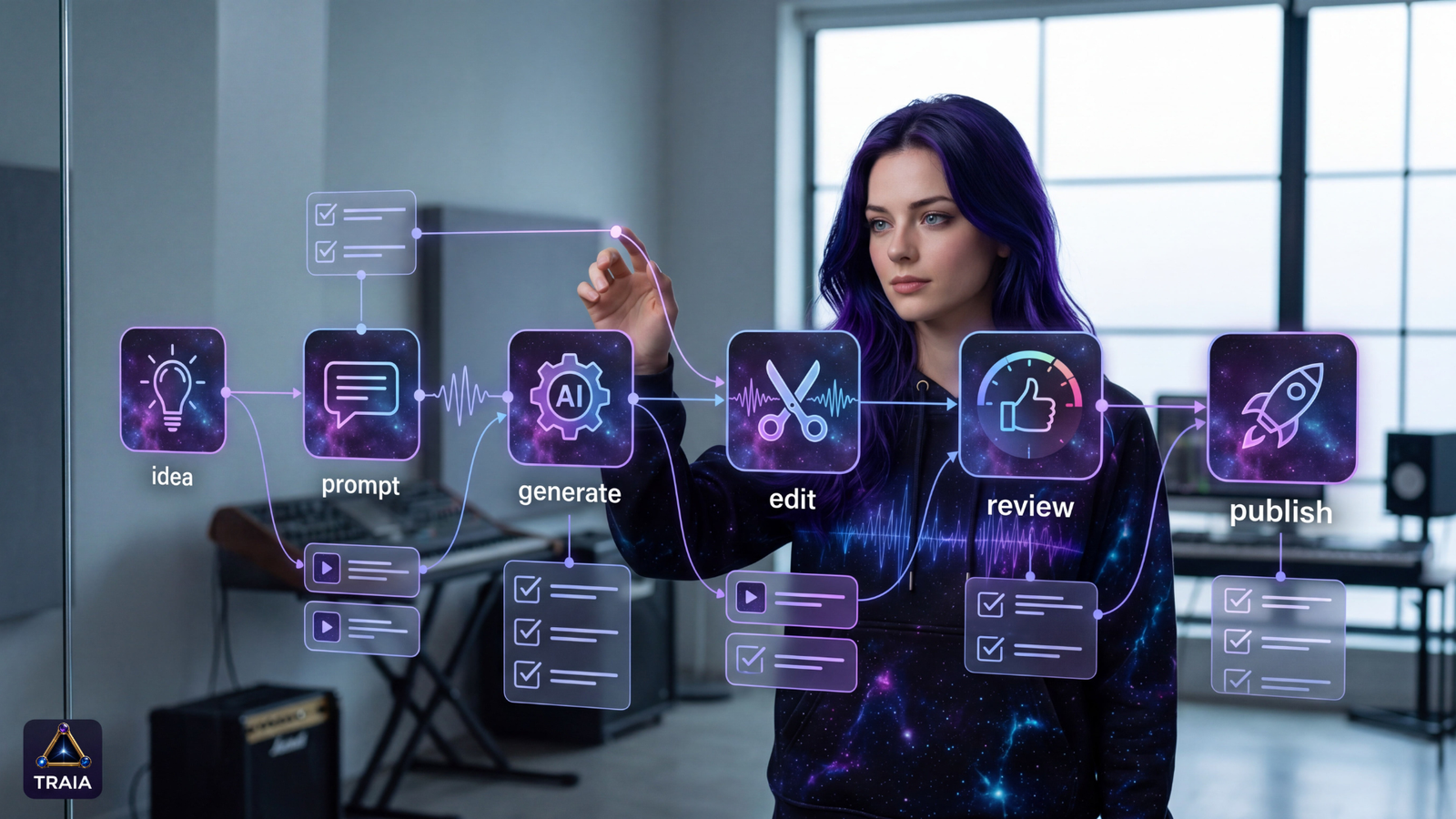
The useful workflow is not just prompt and publish. It is idea, prompt, generate, edit, review, and then decide.
Explore Suno as a music creation workspace.
Use Suno to test song ideas, prompts, lyrics, instrumentals, and audio directions, then review the current plan and rights details before using a track commercially.
TRAIA may receive Suno credits if you sign up through this link, at no additional cost to you.
A simple starting project
Choose one real use case, create three prompt variations, compare the results, save your notes, and review the strongest track before deciding where it belongs.
Core Suno Features That Matter for Creators
The features become easier to understand when you connect each one to a real creative decision.
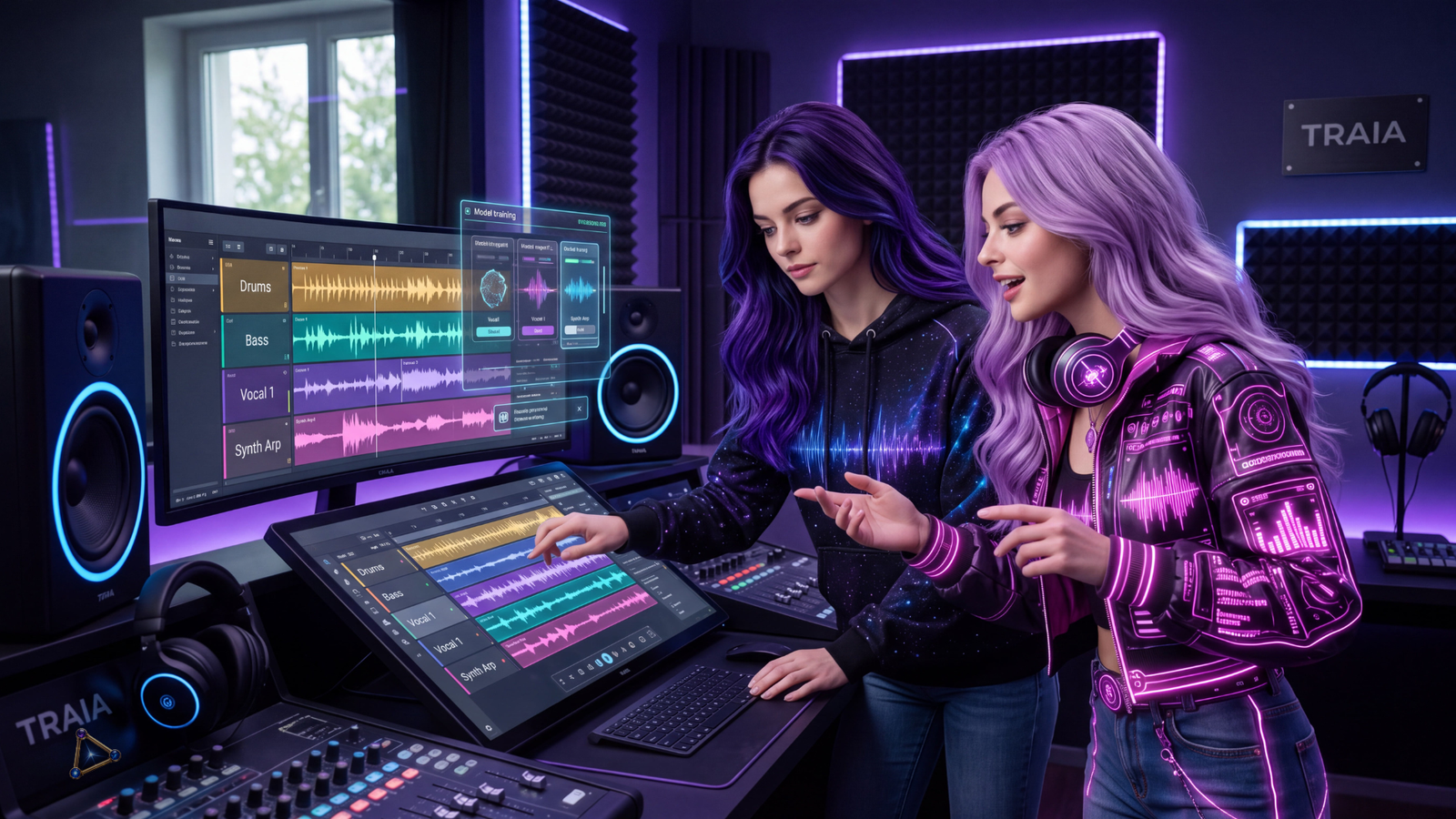
Advanced audio tools can help creators shape a track after the first generation.
Suno Studio, Stems, Voices, and Custom Models
Advanced audio features are where Suno starts to feel less like one prompt and more like a production workflow.
Suno Studio is the deeper workspace direction. According to Suno's official help documentation, Studio is framed as a Premier-plan feature. For creators, the value is not just more controls. It is having more ways to arrange, edit, and develop a track after the first generation.
Stems are separated parts of a song, such as vocals, drums, bass, synth, or other layers. This matters because creators do not always need one finished song file. Sometimes they need the vocal apart from the instrumental, a cleaner layer for editing, or separate pieces that can be reviewed inside a production workflow.
Voices should be treated as an own-voice workflow. Suno's official materials describe voice verification and rights confirmation, and Suno's terms prohibit creating or attempting to create a voice model of another person.
Custom Models are for Pro and Premier users using their own songs where they control the rights. That can be useful for creators with an original catalog or a consistent sound they want to explore.
A New Suno Feature I'm Excited to Try: Songs in iMessage
Not every AI workflow has to be serious. Sometimes the best use of a new creative tool is sending someone an unnecessarily dramatic musical response to a perfectly normal text.
Suno announced iMessage Keyboard Integration on July 15, 2026. According to Suno's release notes, the feature is available through Suno's iMessage extension on iOS and requires the latest Suno app version.
Users can type lyrics or record with their voice, choose a style, generate a song, and send it through iMessage. Recipients can listen directly in iMessage and reply with a song of their own.
That is the kind of feature I would use for birthday messages, inside jokes, family group chats, and dramatic replies to ordinary messages.
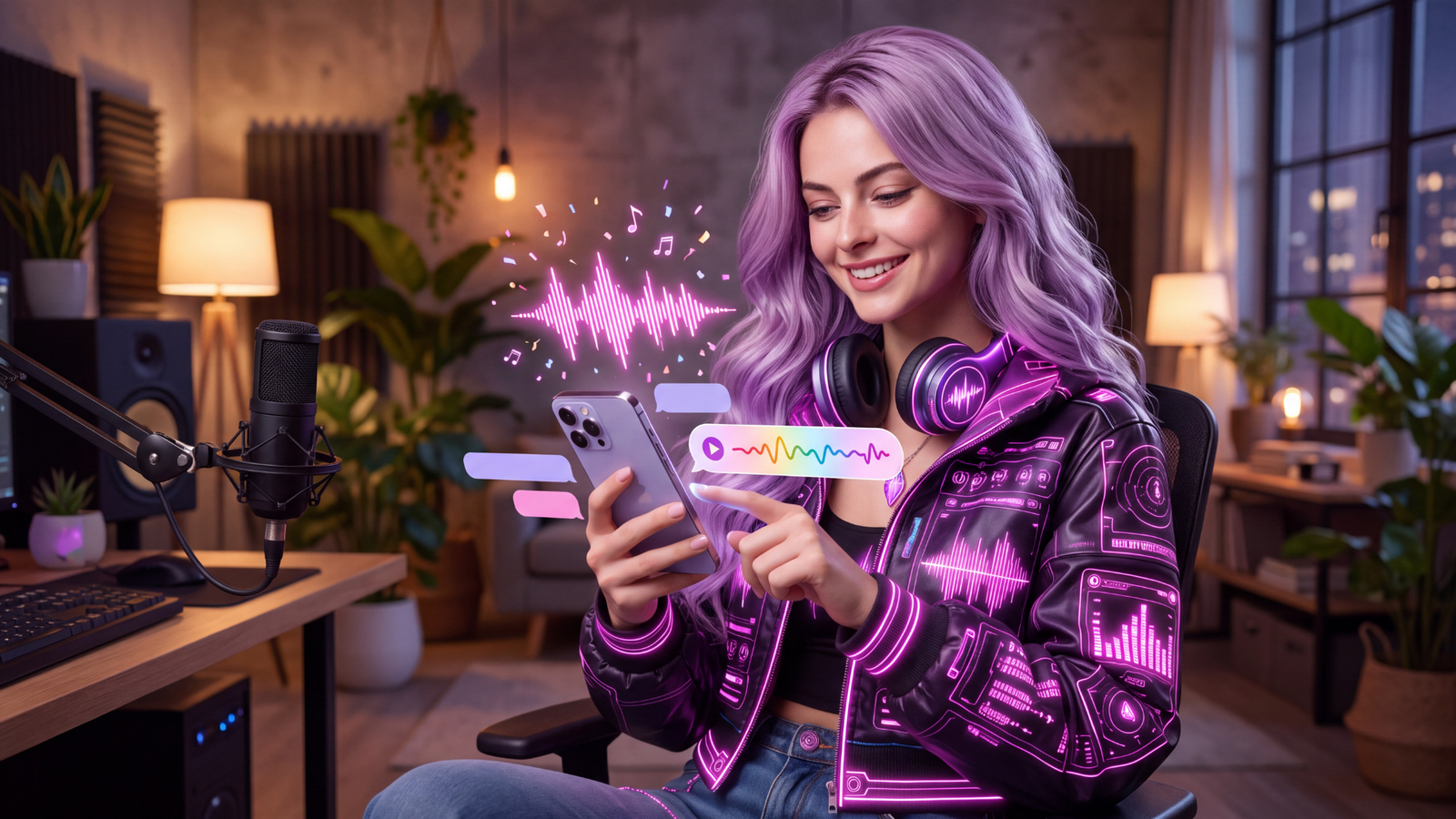
The iMessage feature adds a playful everyday use case for song replies.
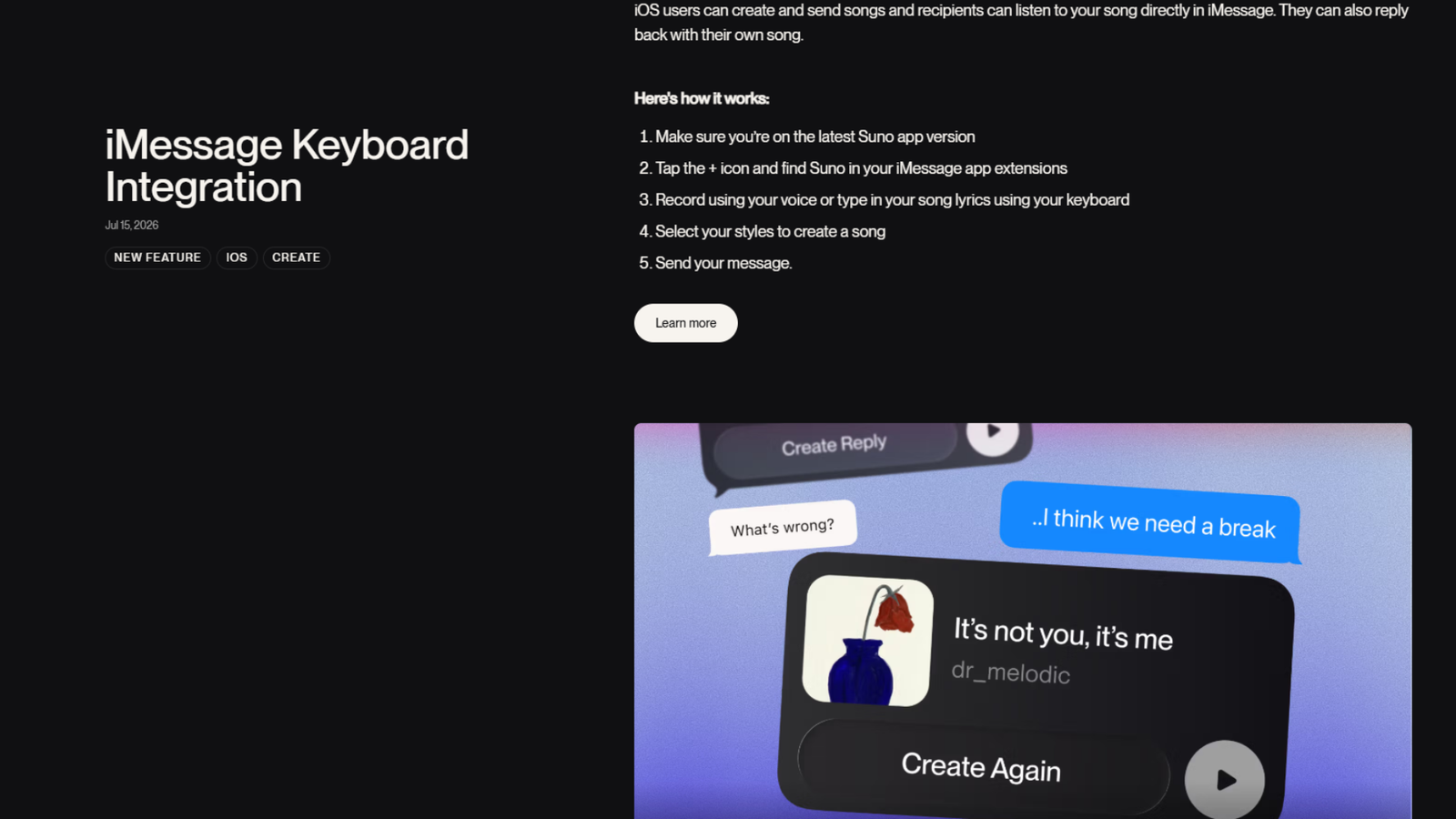
Suno's release notes document the July 15, 2026 iMessage Keyboard Integration.
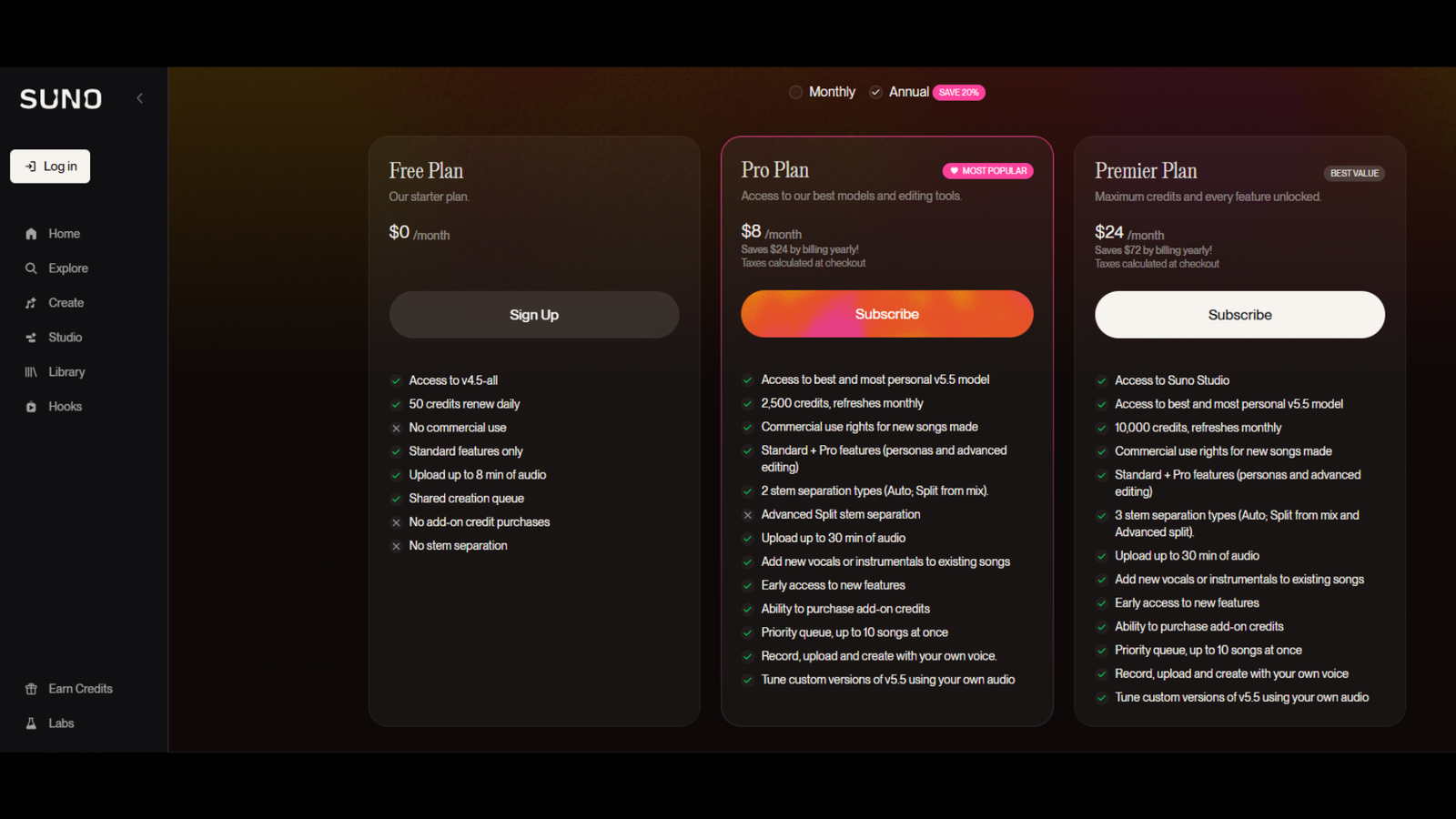
Use Suno's current pricing page as the live reference for plans, features, and limits.
Free vs Paid Plans: What Creators Should Understand
Plan details matter because Suno's commercial-use rules are tied to plan status.
According to Suno's current pricing page and free-plan rights guidance, the Free plan is for personal, non-commercial use. That can be helpful for testing ideas, learning the workflow, and sharing personal experiments through allowed paths.
According to Suno's current pricing page and paid-plan rights guidance, paid Pro and Premier plans may include commercial-use rights for new songs made while subscribed, subject to Suno's terms and the user's compliance.
Paid plans also include more advanced features, credits, upload capacity, queues, editing options, voices, and custom-model workflows. Premier is the plan connected to Studio in Suno's official help documentation.
Exact pricing, credits, model access, upload limits, stem access, and included features should be verified live before publication because pricing pages and feature availability can change.
Commercial Use, Ownership, and Copyright Are Not the Same Thing
This is one of the most important distinctions in the whole article. Commercial-use rights and copyright protection are not the same thing.
Commercial use
Free-plan songs are intended for personal, non-commercial use. Paid Pro and Premier songs made while subscribed may receive commercial-use rights, subject to terms and compliance.
Copyright protection
Suno's copyright guidance separates commercial-use permission from copyright eligibility. Protection can depend on jurisdiction, human contribution, source material, and other factors.
Distribution
Platforms, distributors, ad networks, clients, and other partners may have their own requirements even when a track can be used commercially.
Responsible-Use Guidance
Responsible use matters because AI music still begins with creator choices.
Rights, Consent, and Sharing
Use only lyrics, recordings, samples, songs, stems, and uploaded audio you own or have permission to use. Do not prompt for named artists, well-known people, public figures, or another person's voice as a publishing strategy. Do not create or attempt to create someone else's voice model.
Use Voices as an own-voice workflow with verification and consent boundaries. Covers and Suno Sounds are evolving tools that may require review and iteration. Once a Link Only URL leaves your control, anyone with the link may be able to access it.
Suno's terms also note that outputs may not be unique across users. Similar outputs may be generated for other people. That does not make the tool unusable, but it means creators should avoid treating one generation as a fully controlled, fully exclusive asset without review.
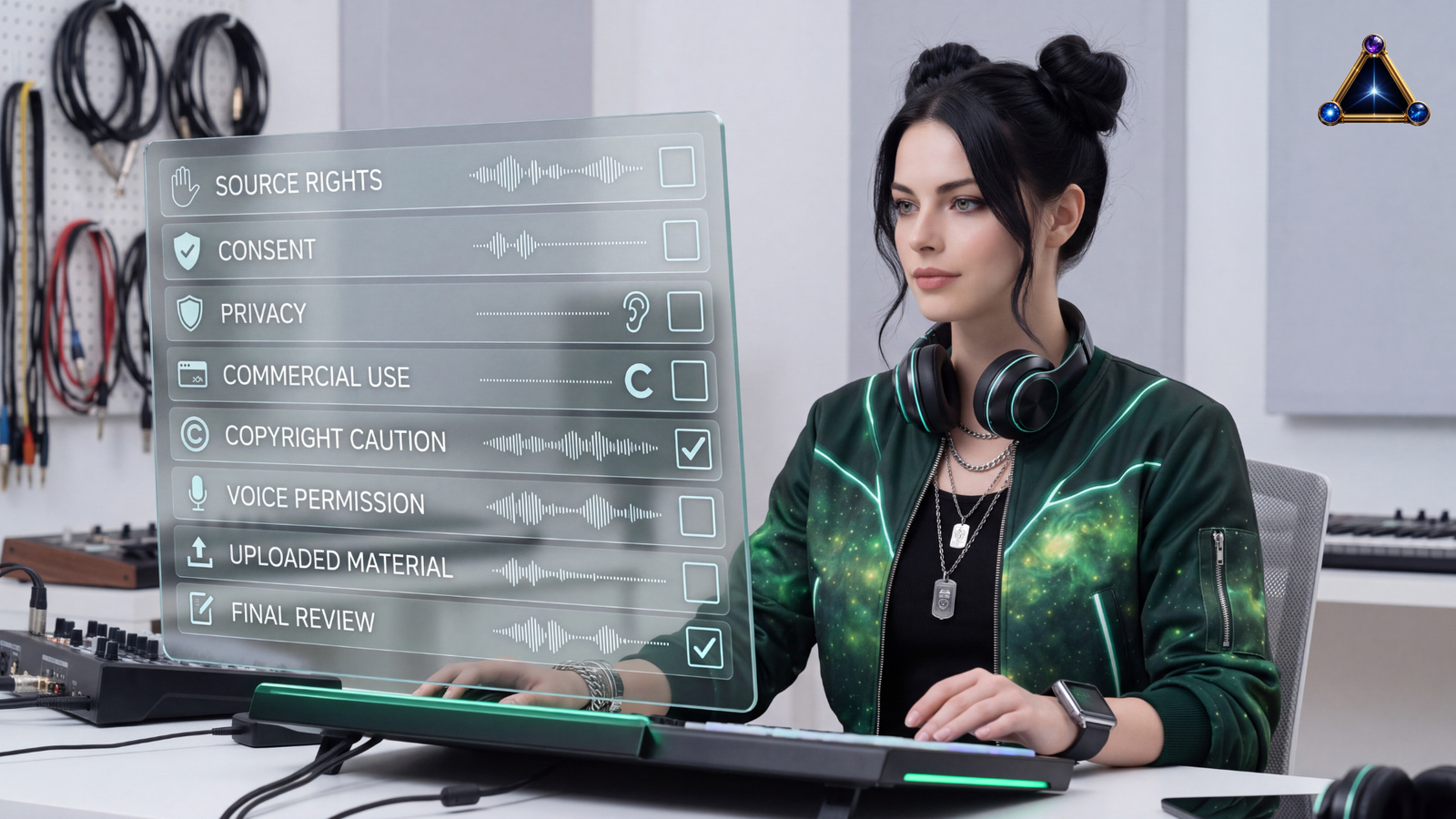
Responsible use matters before a generated track becomes public or commercial.
What to Check Before You Publish
Before publishing, I would ask:
- Did I write or control the lyrics?
- Do I have rights to anything I uploaded?
- Am I avoiding named artist, public figure, or voice imitation?
- Does my plan support the way I want to use this?
- Have I checked Suno's current terms?
- Is the song public, private, or link-only?
- Does the audio quality fit the project?
- If this is commercial or high-stakes, does it need legal or client review?
AI music can be exciting, but the creator is still responsible for the source material, prompt, edits, and final use.
Best Use Cases for Creators
Suno is strongest when the project benefits from fast audio exploration and still leaves room for judgment.
Who Suno May Not Be Right For
Suno may not be the right fit if you need guaranteed copyright protection, fully cleared commercial assets with no review, guaranteed distributor acceptance, or professional final production without editing.
It is also not the right path for people trying to imitate named artists, public figures, another person's voice, or source material they do not control. If your team cannot verify rights in uploaded audio, lyrics, samples, or recordings, slow down before generating around that material.
Guaranteed legal certainty
AI generation does not remove copyright, ownership, plan, contract, platform, or distribution questions.
Unapproved imitation
Named artists, public figures, private individuals, and third-party voices should not be treated as prompt shortcuts.
No-review publishing
Client-facing, brand-sensitive, paid, or high-stakes projects still need quality, rights, and source-material review.
Hear What We've Been Creating With Suno
Suno has been part of TRAIA's own creative experiments for the last few years. We have used it to explore different sounds, song concepts, characters, moods, lyrics, and creative directions. Sometimes those experiments sit inside larger content workflows. Sometimes they are simply part of creative exploration.
You can visit the public TRAIA Suno profile to hear selected Suno-generated music, follow The Real AI Agents on Suno, see how our music experiments continue to evolve, and explore work created during different stages of Suno's development.
Our profile includes creative experiments developed across different stages of Suno's evolution. Each track reflects the tools, models, and workflow available when it was created.
Jessica's Final Perspective
Suno is worth understanding because it is not only a novelty generator. It can be a useful creative workflow tool when you treat it with the right amount of direction and review.
The strongest Suno AI music creator workflow is not built around one-click publishing. It is built around faster exploration, better drafts, clearer iteration, and a more organized path from idea to reviewed audio asset. Sometimes that asset is serious. Sometimes it is a playful iMessage song. Both can belong in a creator's life, as long as the use case is honest.
Suno can be useful as a starting point, not the whole strategy. Start with the idea, write a better prompt, generate options, edit the strongest direction, review the rights, and only then decide whether the track belongs in a public or commercial project.
Explore Suno's current plans and see which workflow fits your project.
Use Suno to test song ideas, generate drafts, explore lyrics or instrumentals, and build creator audio workflows. Before using generated music commercially, check Suno's current pricing, terms, plan details, and rights guidance.
For more TRAIA workflow resources, visit the Prompting Hub or explore the TRAIA Creator Network.
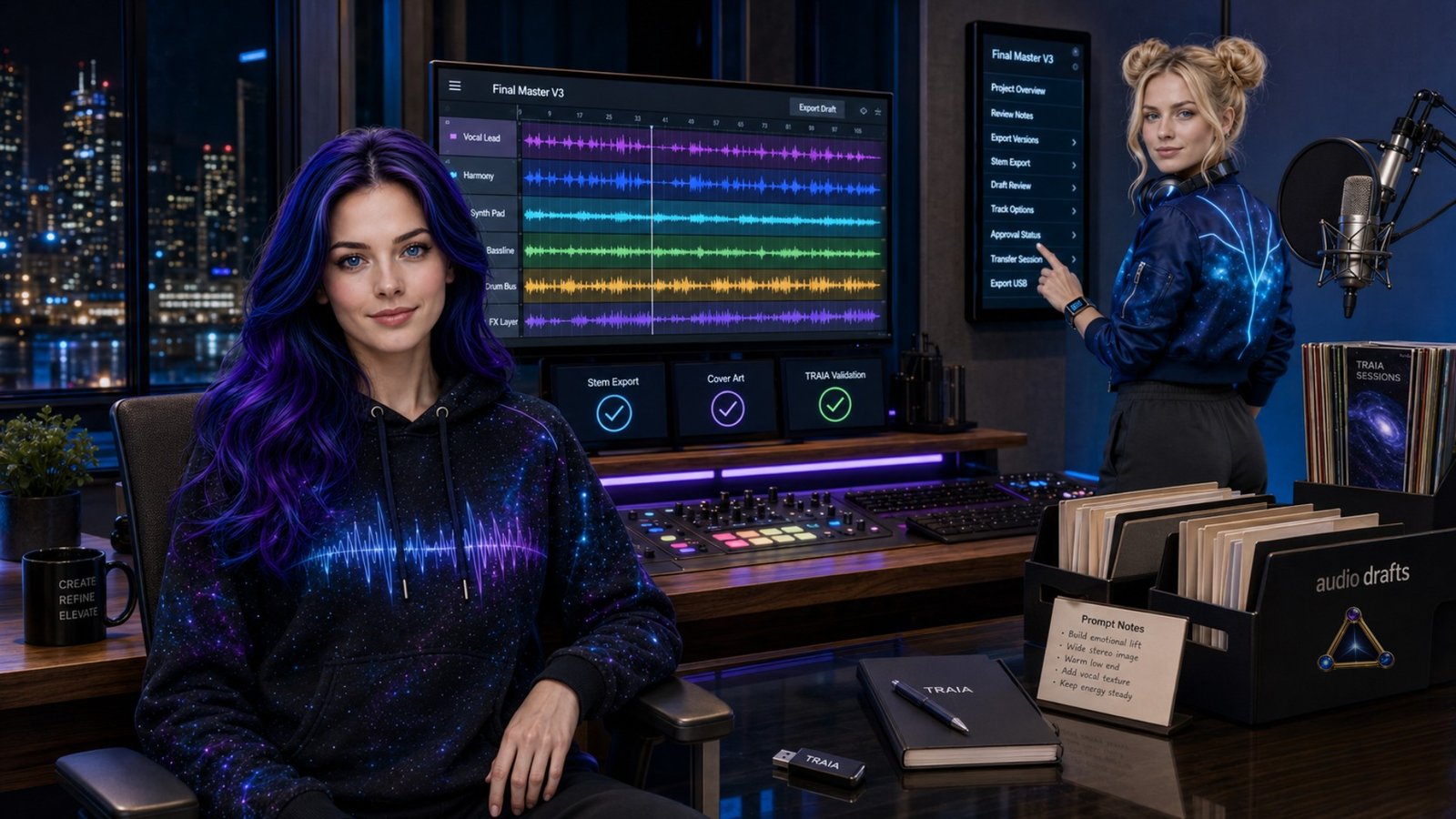
Use Suno as a creative starting point, then review the track before publishing.
Frequently Asked Questions
What is Suno?
Can creators use Suno for videos or social media?
Can I use Suno songs commercially?
Do I own the copyright to Suno songs?
Can I upload my own audio to Suno?
What are Suno Studio and stems?
What is Suno's iMessage feature?
Source-aware note: Suno's pricing, credits, models, upload limits, feature access, terms, and rights guidance can change. Recheck the official Suno pages immediately before publication and before relying on generated music for public, commercial, client-facing, or high-stakes use.