
AI Creative Workflows: Turn Individual Tools Into Repeatable Creative Systems
AI becomes more useful when the tools stop living in isolation. First, define what you want to create. Then connect prompts, generative tools, human review, editing, organization, and publishing into a repeatable system for images, video, music, voice, content, and creative operations.
Break the Process Out of the Abstract
Workflows make the most sense when you can see them inside a real project. For example, one project may connect image generation, music, voice, editing, and review. These featured paths show how those pieces can work together.
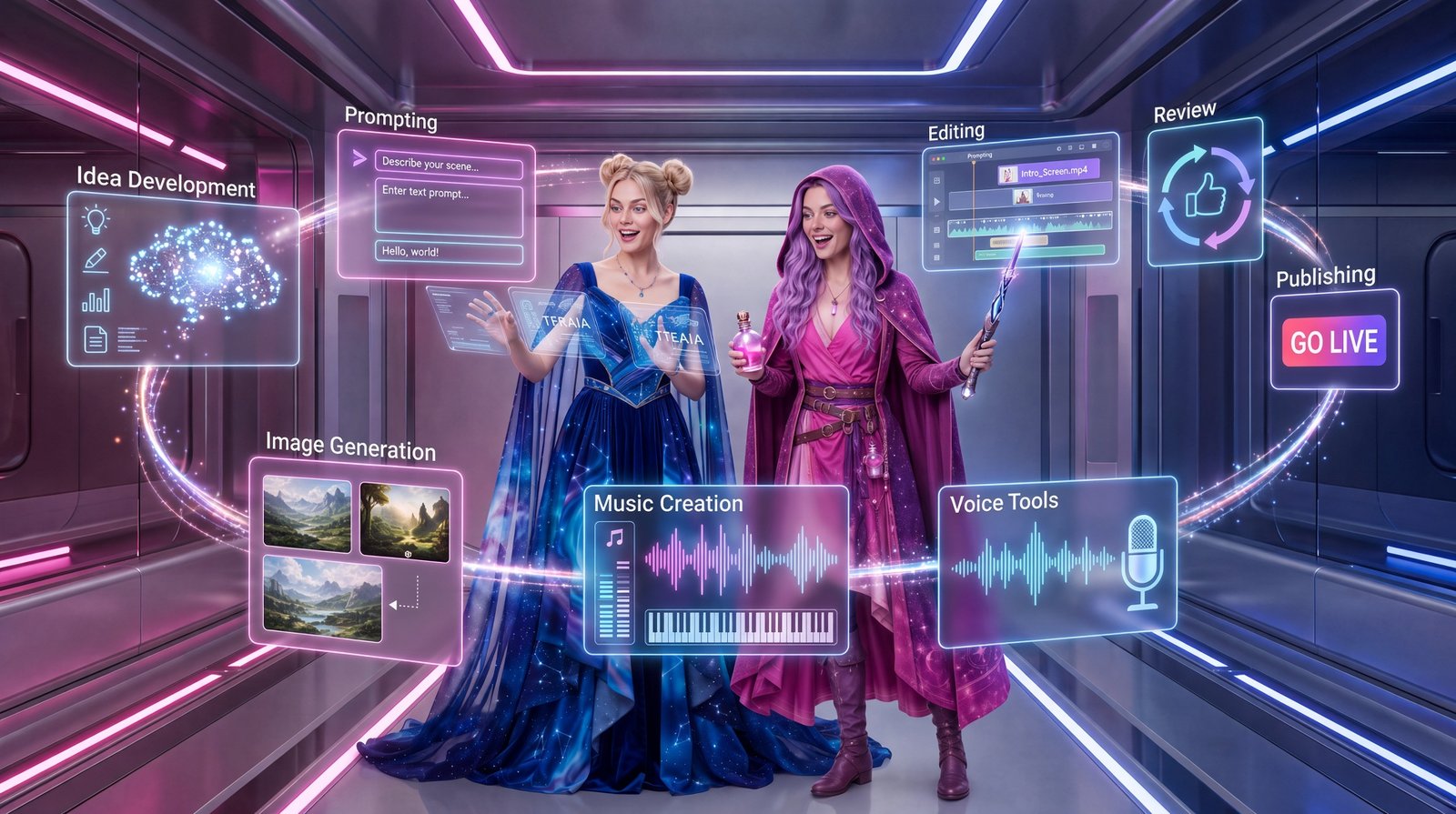
Cinematic AI Music Video Workflow
First comes the concept. Next come image generation, motion, music, editing, and review. Together, those stages form one creator-led system.
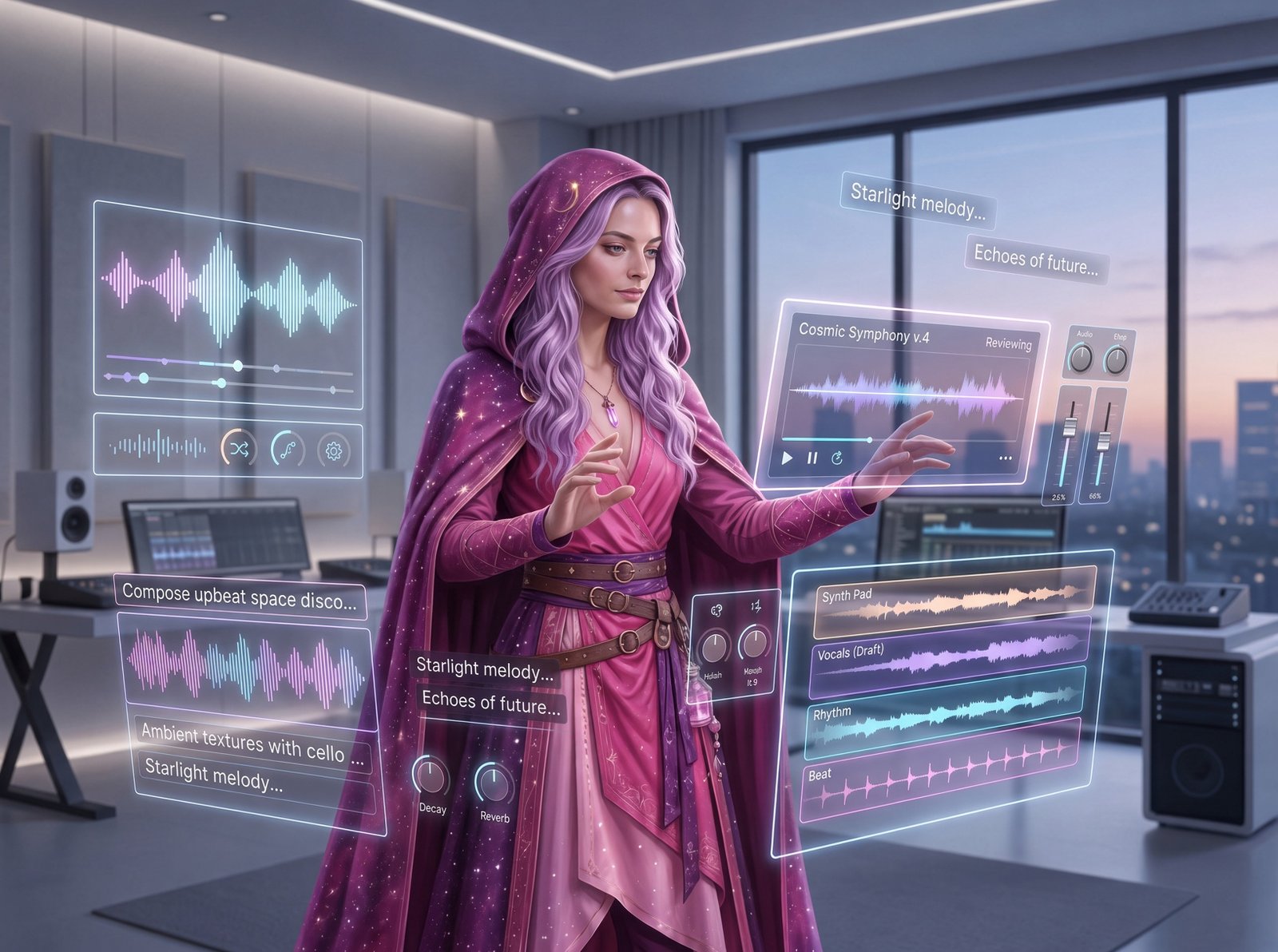
Suno Creator Workflow
Start with an idea and prompt. Then generate, edit, review, and publish inside one repeatable music workflow.
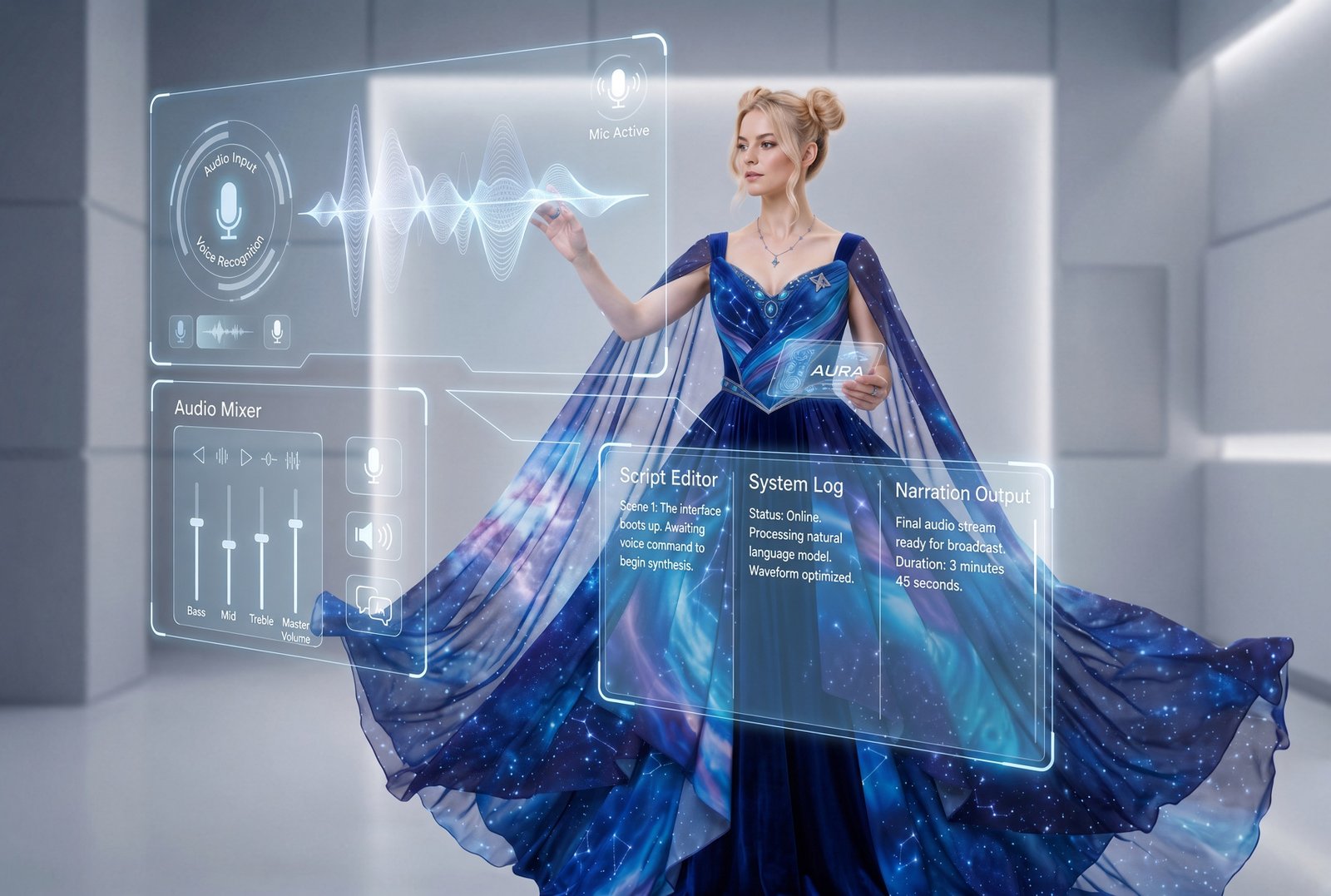
ElevenLabs Creative Workflows
Voice, narration, sound, and dubbing can work together. In addition, AI-assisted audio production can become one stage inside a larger creator system.
What Is an AI Creative Workflow?
An AI creative workflow is the repeatable path that takes a project from an idea to a reviewed output. First, it defines what you are trying to make and which tools belong in the process. Then it shows how outputs move between steps. Finally, it identifies where a human reviews the work and what should be saved for the next project.
Direction
First, define the goal, audience, source material, creative intent, and constraints. As a result, generation starts with clearer direction.
Production
Next, use the right combination of AI tools, prompts, references, editing software, databases, and production steps.
Review
Finally, check accuracy, quality, consistency, rights, consent, brand fit, privacy, and final usefulness.
From Idea to Approved Output
A strong workflow does not need to be complicated. Instead, it needs to make the important decisions visible. For example, this eight-stage framework can support a social post, a music track, a video, a character system, a client asset, or a larger production pipeline.
One good generation gives you an asset. However, a documented process gives you something more valuable: a system you can repeat, improve, teach, or automate carefully. Over time, that system can also connect to more advanced AI tools.
Build Around What You Actually Create
There is no universal AI stack. Instead, start with the type of work you need to produce. Then choose the smallest useful combination of tools and review steps that can support it.
AI Image Workflows
Start with concept and reference material. Then move into image generation, targeted edits, consistency checks, brand integration, and reusable visual assets.
See a Visual Workflow →AI Video Workflows
First, build the source images and motion direction. Next, add camera language, generated clips, audio layers, editing, and final platform-ready video.
Explore AI Video Workflow →AI Music Workflows
Start with the use case and emotional direction. Then develop prompts and lyrics, compare generations, edit the strongest track, and review rights before use.
Explore the Suno Workflow →Voice & Narration Workflows
Begin with the script and narration goal. Then connect transcription, sound effects, music, dubbing, localization, long-form audio, and approved voice systems into a broader process.
Explore ElevenLabs Workflows →Content Production Workflows
Start with one idea. Next, move through research, structured writing, supporting visuals, audio or video assets, human review, publication, and repurposed content.
See Generative AI in Practice →Creative Operations Workflows
First, organize prompts, assets, approvals, calendars, training images, file names, and production status. As a result, important creative decisions are easier to find and reuse.
Build With Airtable →Inside The Real AI Agents Production Library
The best way to understand a workflow is to see where each tool fits in a real project. Therefore, these guides focus on actual stages of the creative system. They move from ideation and prompting through generation, organization, editing, review, and publishing.
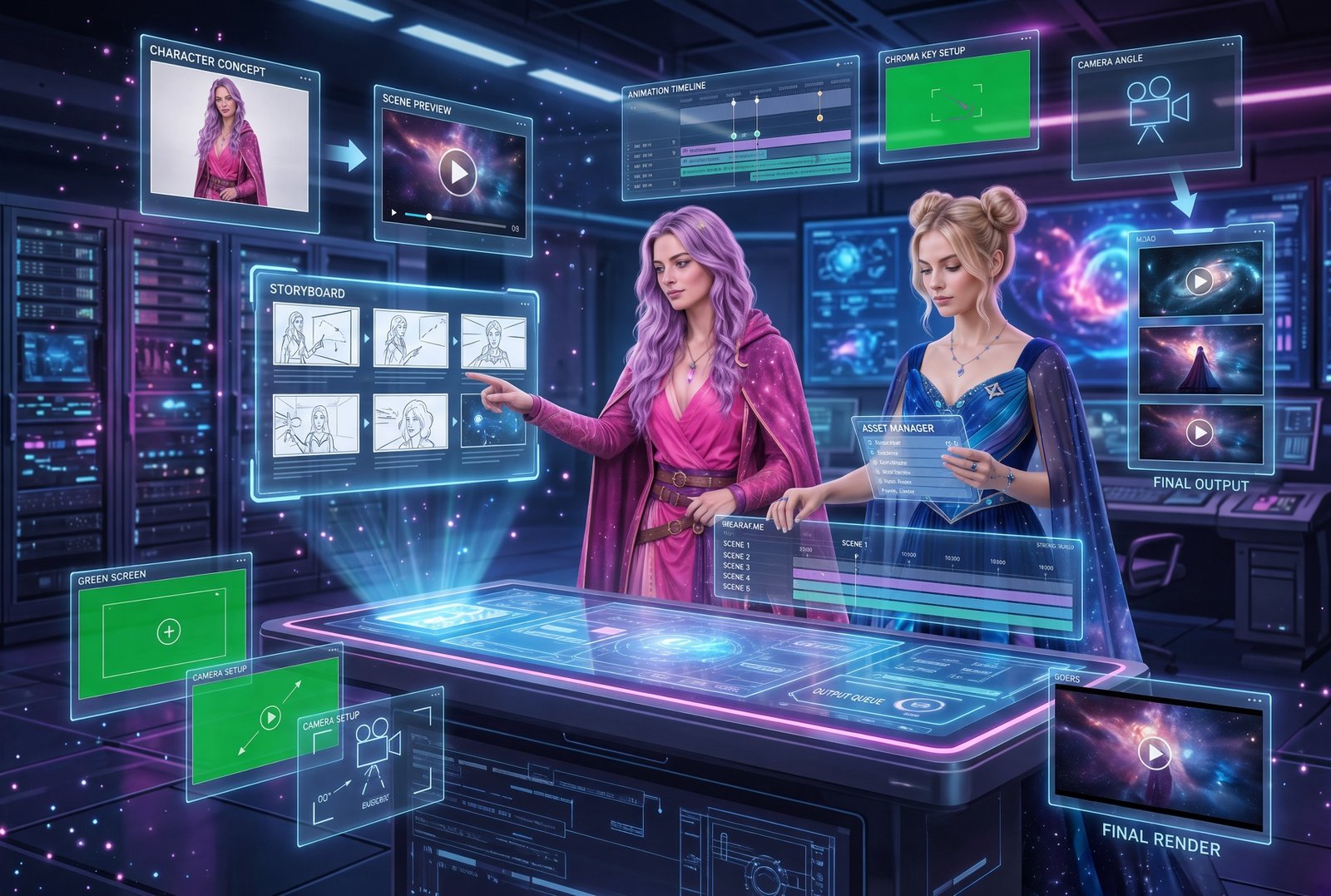
Cinematic AI Music Video
See how music, image direction, shot planning, animation, pacing, editing, and visual identity connect. Together, they form one production pipeline.
Open the Workflow →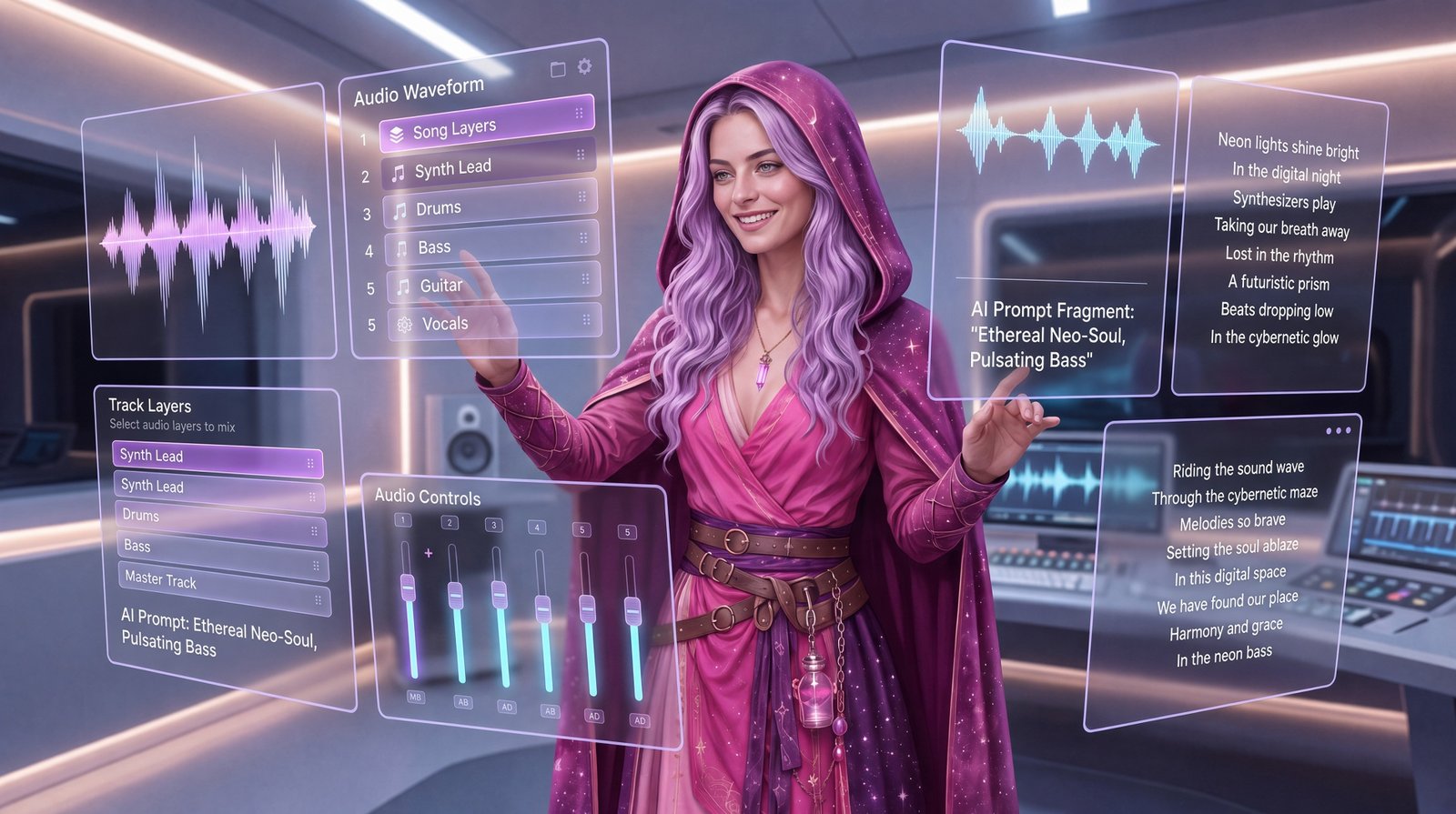
Suno Creator Workflow
Move from idea to prompt, generation, editing, review, and publishing. At the same time, keep creator direction and rights review inside the process.
Read the Guide →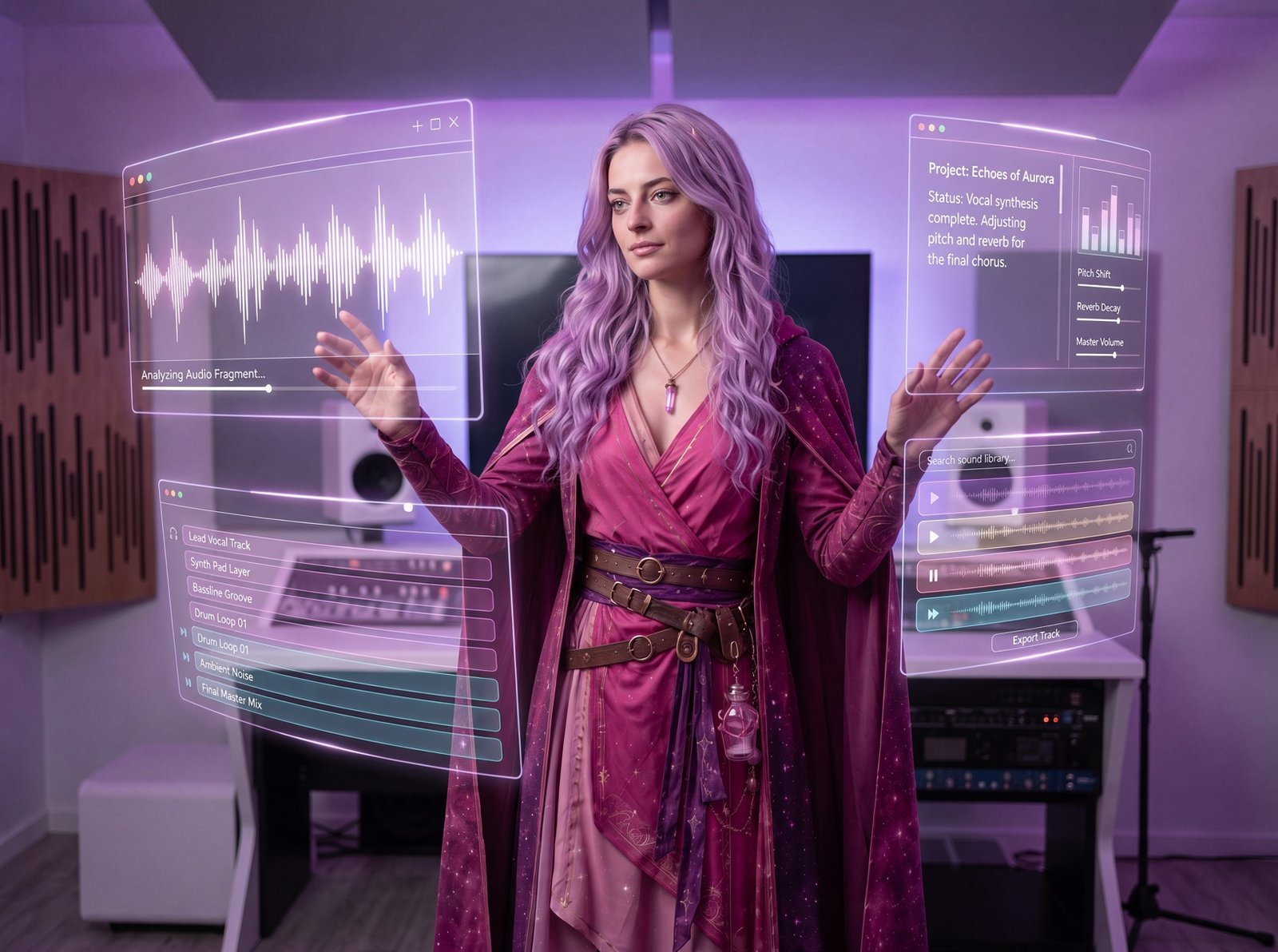
ElevenLabs Creative Workflows
Explore voice, sound, music, dubbing, visual production, Flows, Agents, and API-connected possibilities. Then consider where each one fits inside a larger creator system.
Read the Guide →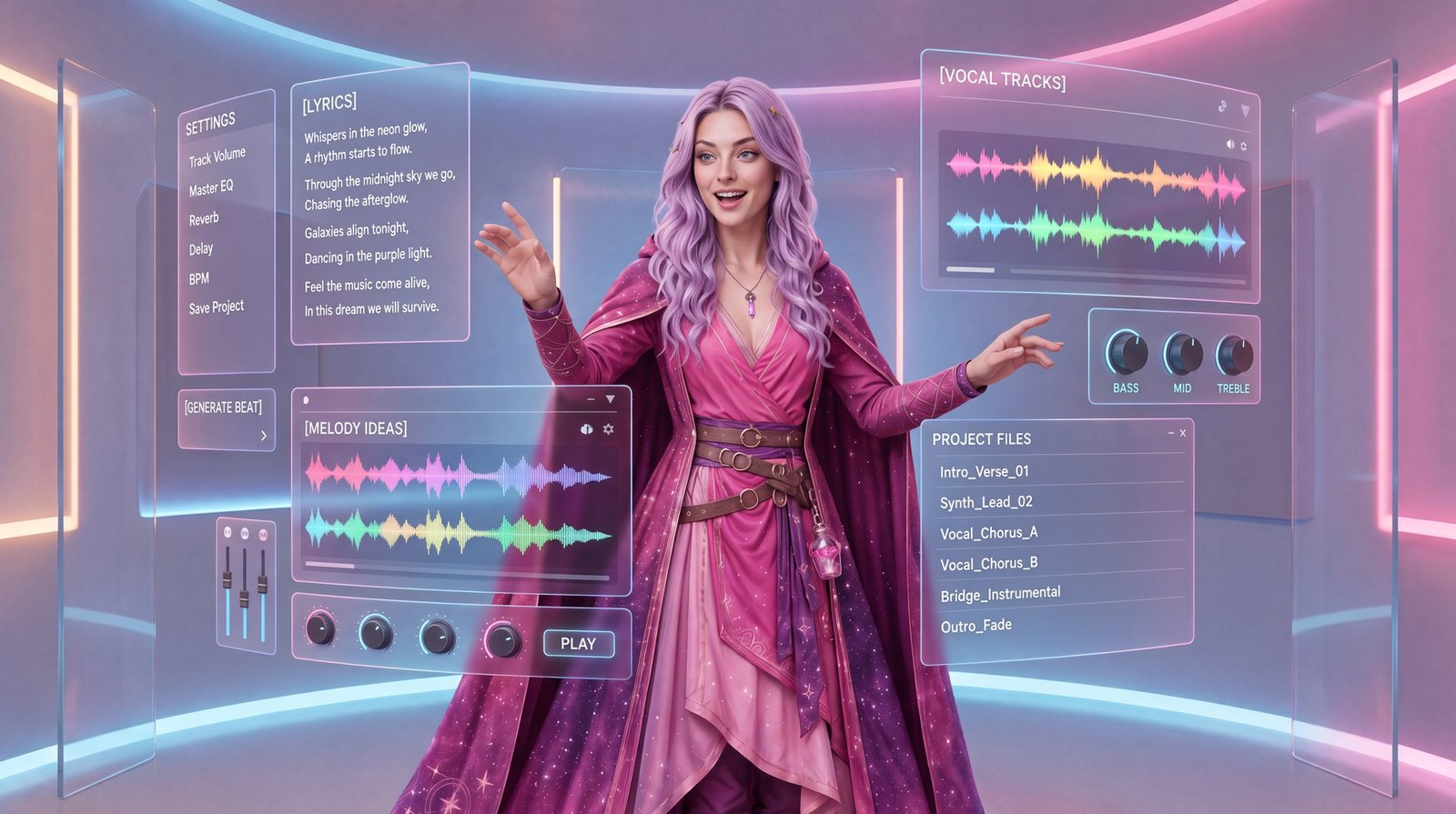
Airtable for AI Workflows
Organize prompts, assets, character references, training images, approvals, calendars, and metadata. As a result, repeatable production decisions become easier to manage.
Read the Guide →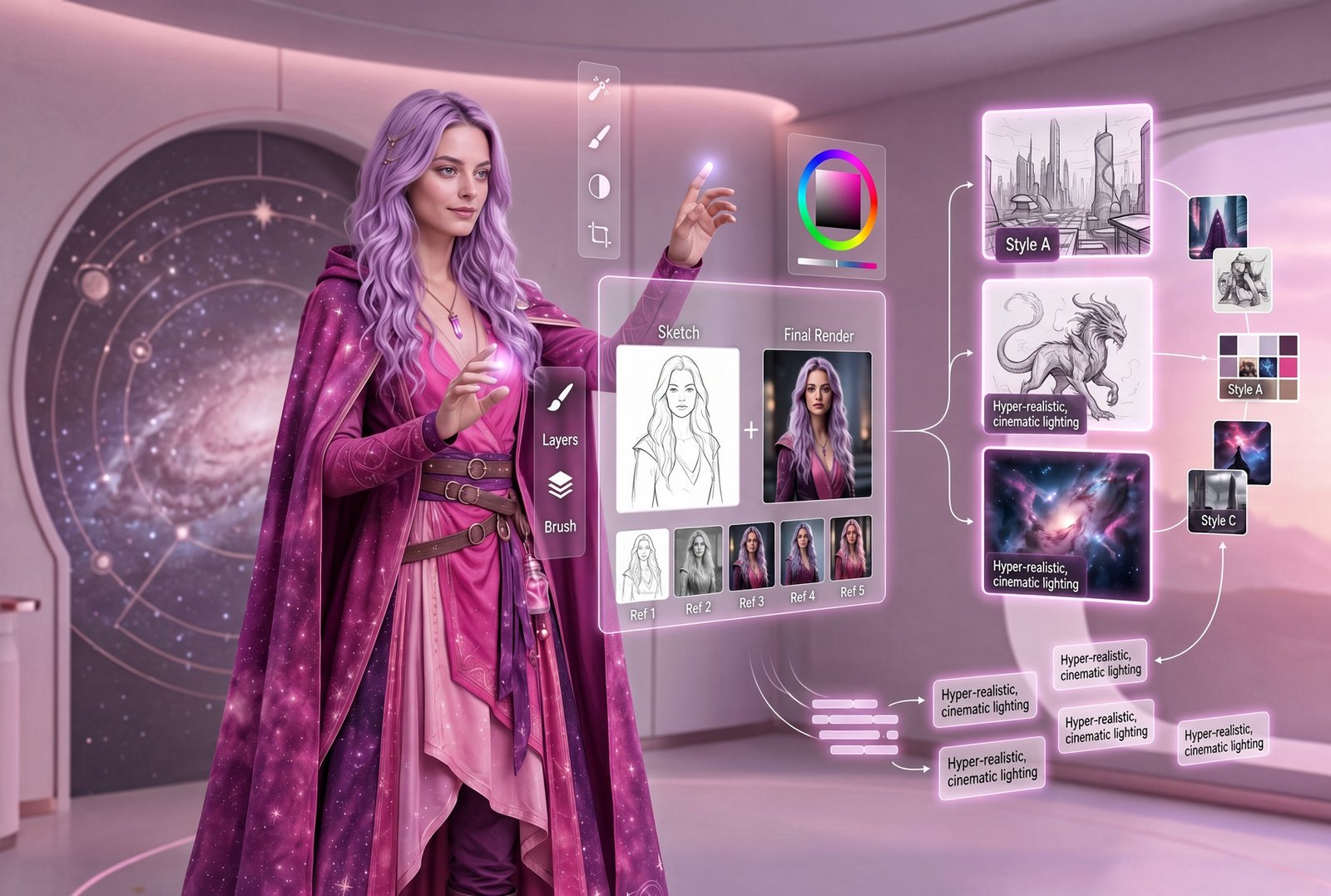
AI Image Generation & Refinement
Start with references and sketches. Next, move through style direction, generation, comparison, and refinement inside a repeatable visual workflow.
Explore Visual Generation →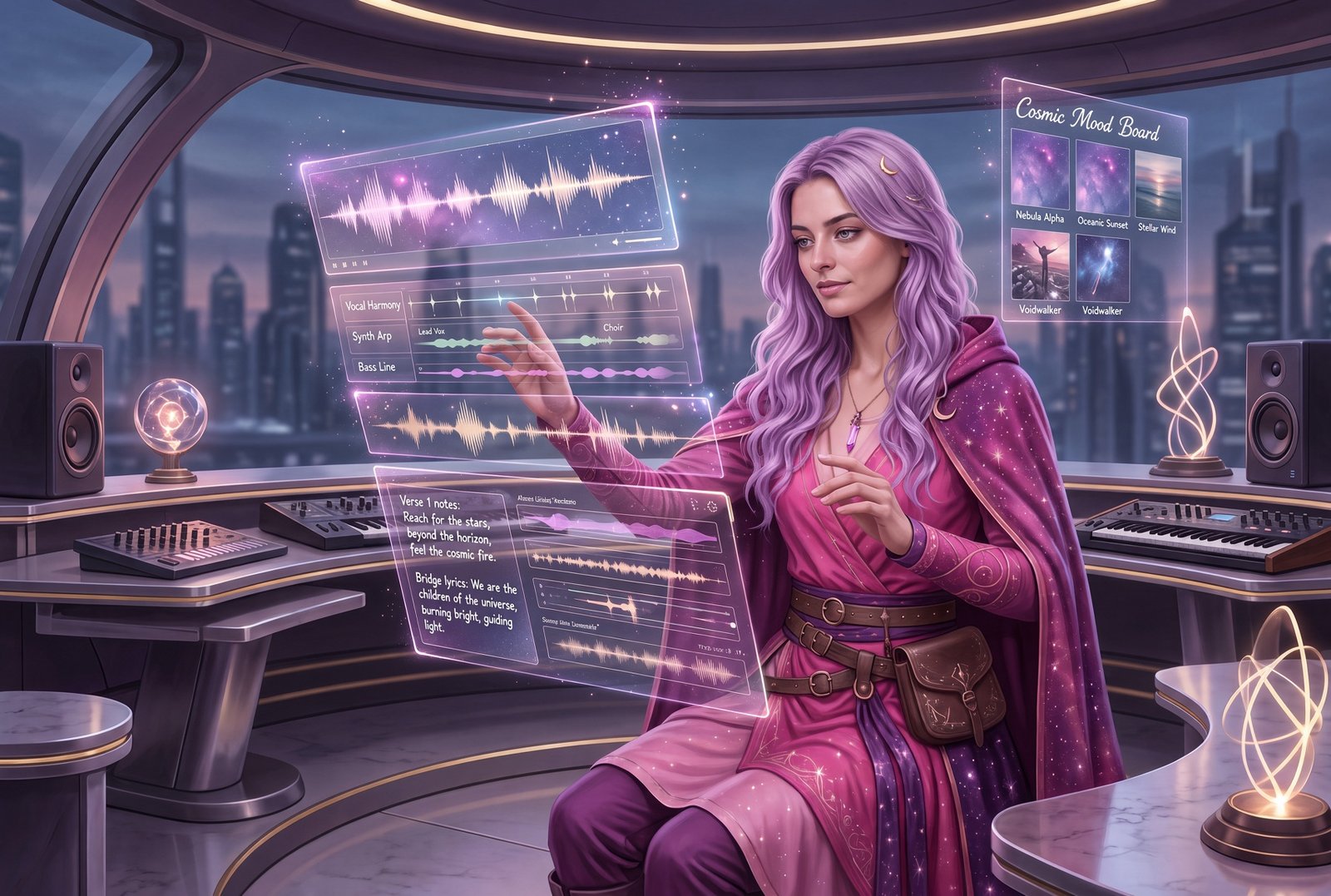
Generative AI for Creators
Understand how creative direction, prompts, media generation, review, and iteration connect. As a result, isolated AI outputs become part of a larger creative system.
Read the Guide →From One AI Tool to an Intelligent Creative System
More advanced does not automatically mean better. Instead, the right level is the simplest system that reliably supports the work. However, understanding the progression helps creators see where workflows, automation, and AI agents fit together.
Single Tool
At first, one platform may handle one task, such as writing, image generation, music, or voice.
Tool Stack
Next, several tools may be used in sequence. However, the process still depends largely on memory and manual handoffs.
Documented Workflow
Then the steps, inputs, review points, outputs, file structure, and decision rules are intentionally defined.
Automation
After that, repeatable low-risk steps can move automatically while important decisions remain visible and reviewable.
Agentic System
Finally, more advanced AI systems can use tools, maintain context, perform multiple steps, and work toward defined outcomes within boundaries.
Next, The Real AI Agents knowledge system will explore AI agents and agentic systems in more depth.
Design the Checkpoints Before You Automate the Work
A useful workflow should make human responsibility clearer, not hide it. For example, projects involving customers, public information, intellectual property, personal data, identity, or business decisions need stronger review. Therefore, build those checkpoints before you automate more of the work.
- Accuracy: verify facts, names, claims, calculations, captions, translations, and source-dependent information.
- Rights: confirm permission for source material, music, images, uploaded files, voices, and commercial use.
- Consent: keep voice, likeness, identity, and personal-data workflows permission-based.
- Brand fit: review tone, visual identity, messaging, quality, and whether the output actually fits the intended audience.
- Privacy and security: consider what information is being uploaded, stored, shared, connected, or exposed to third-party platforms.
- Final approval: give a responsible human a clear point to approve, reject, edit, or stop the output before publication or action.
Start Small, Then Save What Works
You do not need a giant automation system to begin. Instead, choose one real project and build a clean path around it.
Choose the output
First, choose one thing you genuinely need to create: a short video, a song, a voiceover, a visual campaign, a blog article, or a recurring content asset.
Choose the smallest useful tool stack
Next, use the AI Tools Hub to select only the tools that solve real steps in the project. Avoid collecting platforms you may never use.
Explore the AI Tools Hub →Improve the instructions
Then use the Prompting Hub to define the goal, subject, context, style, constraints, format, and evaluation criteria the tool needs.
Visit the Prompting Hub →Document the decisions
Finally, save prompts, settings, source files, versions, approvals, and lessons. As a result, you can understand what happened and repeat the useful parts.
AI Tool & Workflow Advisory
If you are choosing between platforms, simplifying a tool stack, mapping a creator workflow, or deciding where automation may help, The Real AI Agents offers educational AI Tool & Workflow Advisory through Barton Media Agency LLC.
The goal is not to force more software into your process. Instead, the goal is clarity. We help you understand what you are building, which tools may fit, what can stay manual, where review belongs, and what the next practical version of the workflow could look like.
Ask About AI Tool & Workflow AdvisoryAdvisory services are educational and strategic. Results depend on implementation, platform changes, budget, skill, technical environment, and other project-specific factors.
AI Creative Workflow Questions
Getting Started
What is an AI creative workflow?
An AI creative workflow is a repeatable process that connects project goals, source material, prompts, AI tools, editing, organization, review, and publishing. In other words, it shows how work moves from idea to approved output instead of treating each generation as an isolated event.
Do I need a lot of paid AI tools to build a workflow?
No. A strong workflow can be very small. First, define the outcome you need. Then choose the fewest tools that can support the necessary steps. Otherwise, extra platforms can add cost, overlap, and complexity without improving the result.
Designing the Workflow
What is the difference between an AI workflow and automation?
A workflow describes the steps, inputs, outputs, decisions, and review points. Automation handles selected steps automatically. Therefore, you can have a strong workflow with no automation. In fact, it is often better to document the process before deciding what should be automated.
Where does prompting fit inside the workflow?
Prompting is the direction layer. It translates the goal, context, style, constraints, source material, and desired output into instructions a model can use. However, prompting is only one part of the larger creative system.
Human Direction
Can AI creative workflows replace the creator?
The Real AI Agents approach is built around human direction and review. AI can accelerate ideation, generation, organization, editing support, and repetitive steps. However, the creator still defines the purpose, judges the output, handles important permissions, and decides what is ready to use.
Turn Experiments Into Systems
Explore the tools, improve the prompts, and build a repeatable workflow. Most importantly, keep the decisions that matter in human hands. The Real AI Agents is documenting what happens when isolated AI generators become part of a connected production ecosystem.